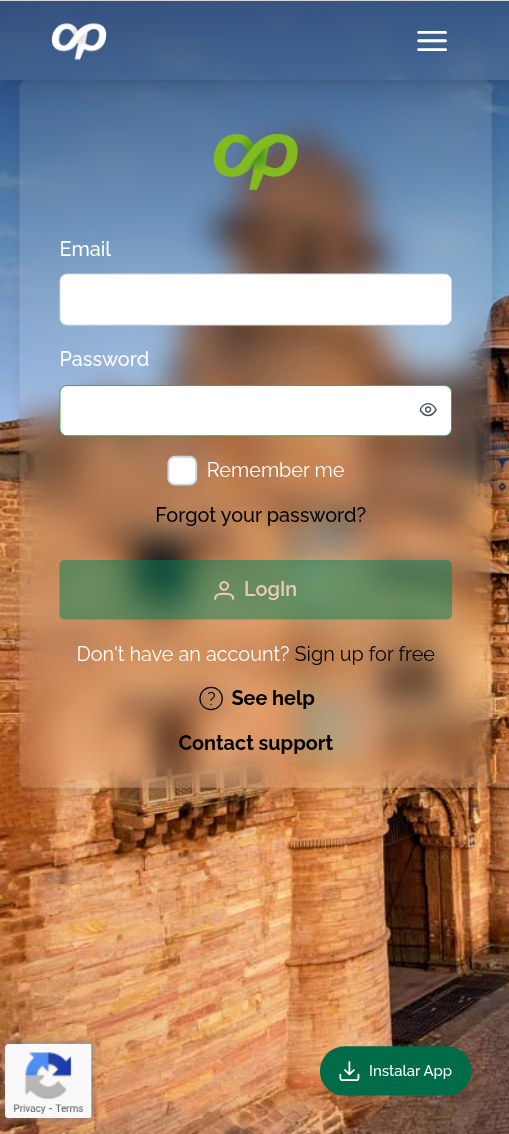
Mapaprop is a progressive web app (PWA). PWAs are web applications that combine the best of websites and native apps, letting you install them on your device to use them like a traditional app, even without an internet connection.
You can easily install Mapaprop on your desktop computer or mobile device using Google Chrome or any Chromium-based browser.
Installing on Desktop
On your computer, open Mapaprop in Chrome. Look for the install icon (+) in the address bar (top right corner), or go to the Chrome menu (three vertical dots) and select "Install Mapaprop" or "Install app".
Installing on Mobile
On your mobile device, open Mapaprop in Chrome. Tap the menu (three vertical dots on Android or the share icon on iOS) and select "Add to Home screen" or "Install app".
Additionally, at the bottom of the webapp you'll find a button with detailed instructions to make the installation process easier.