
This help article will teach you how to manage your company's data
Manage contact details, addresses, branches, users, and connections
Attention!
When editing any data (names, phone numbers, addresses, emails, etc.) in Menu > My real estate agency > My Company, Branches, or Users, you may need to log out of Mapaprop and log back in for the changes to be reflected in Share by email or the Public printable sheet. If you have a Mapaprop Website, you will need to close the website if it is open in any browser tab and then restart the browser. When you open it again, you will see the changes reflected on your website.
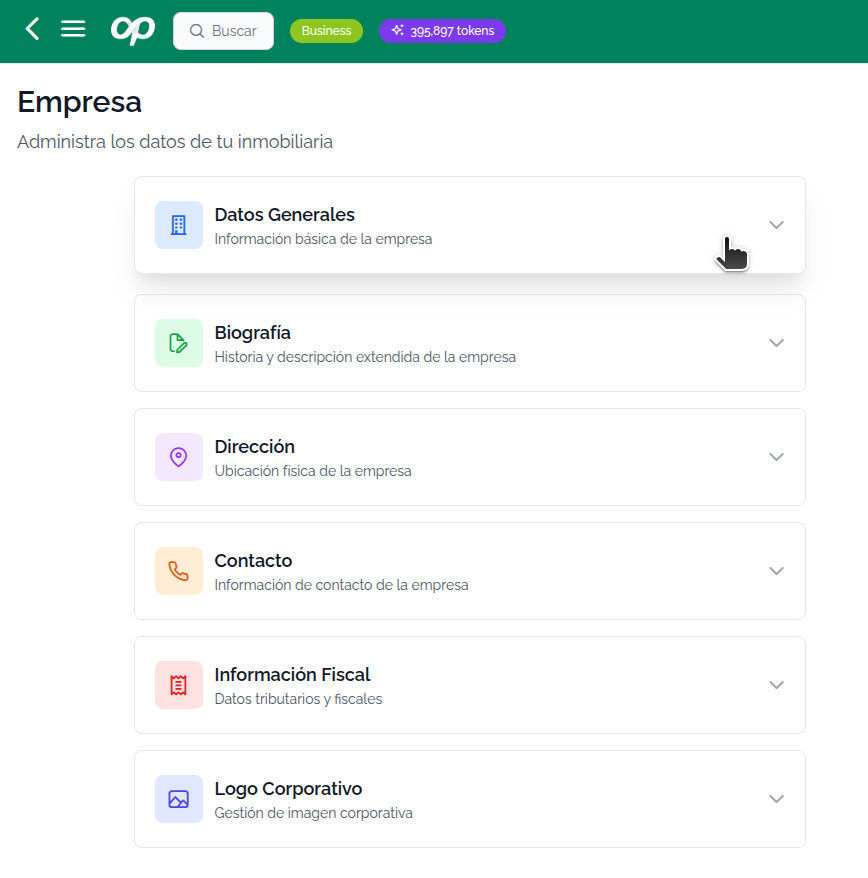
Within the My real estate agency option, you can access:
- My Company
- Branches (advanced)
- Users (advanced)
- Connect Accounts
- Settings