
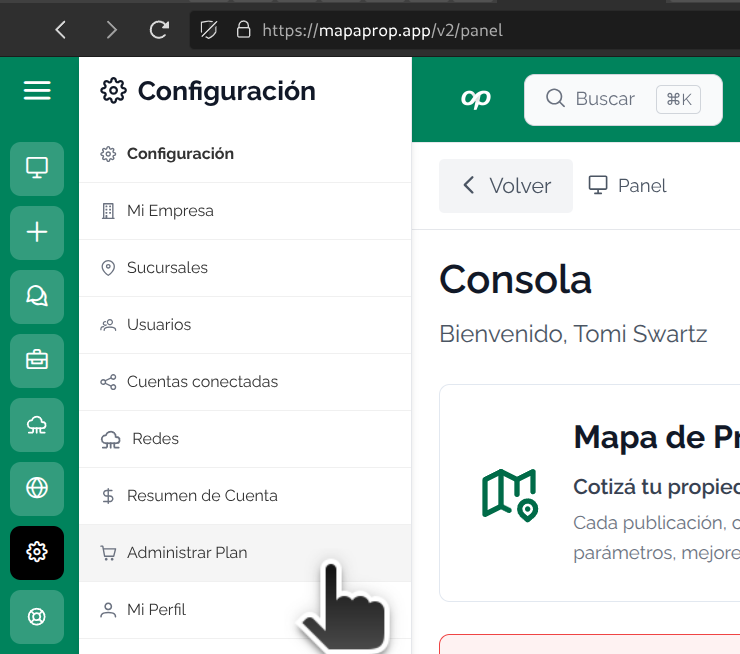
This guide will teach you how to use the Services screen, accessible from Menu > User > Services
Manage plan: subscribe, manage and cancel a Subscription plan
The Manage plan screen serves to administer contracted services, communicate other available services and also provides the option to completely close the Mapaprop account
The screen displays the official plans and provides options to upgrade or downgrade your plan
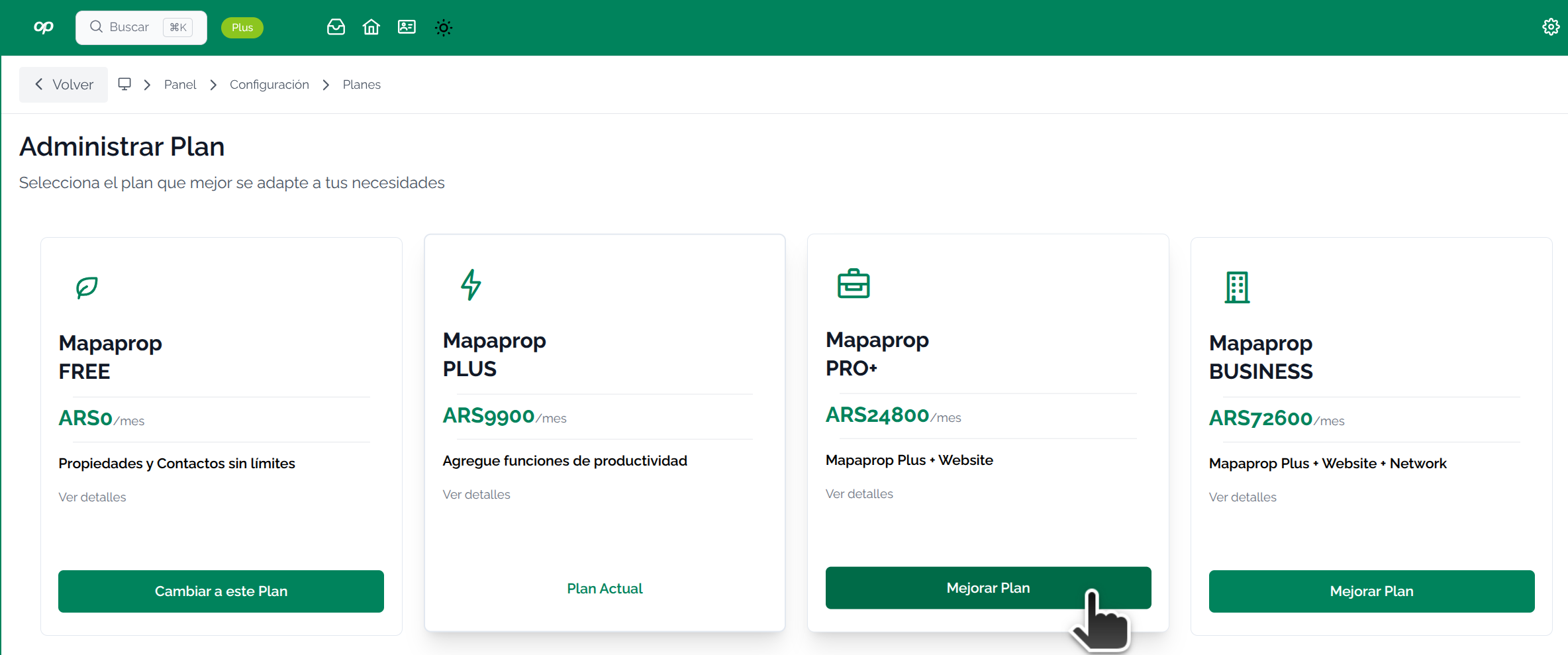
Additionally, the screen provides information about each plan by clicking on the links for each plan.
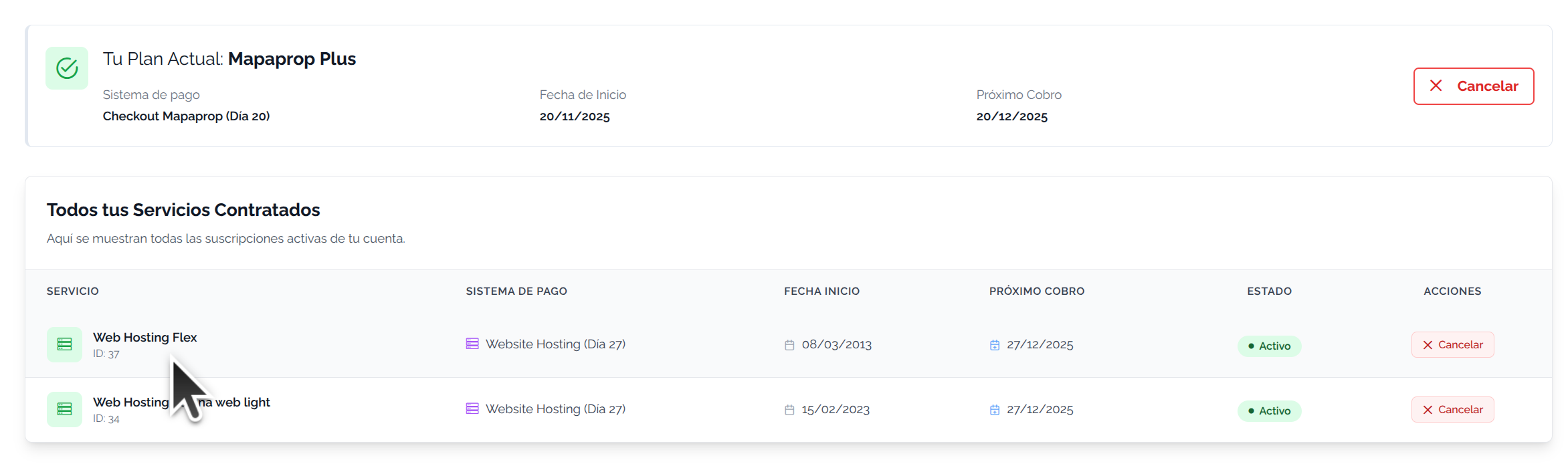
Below you can see other services linked to Mapaprop, such as some legacy Website services or those contracted independently outside of a plan
View plan / service details
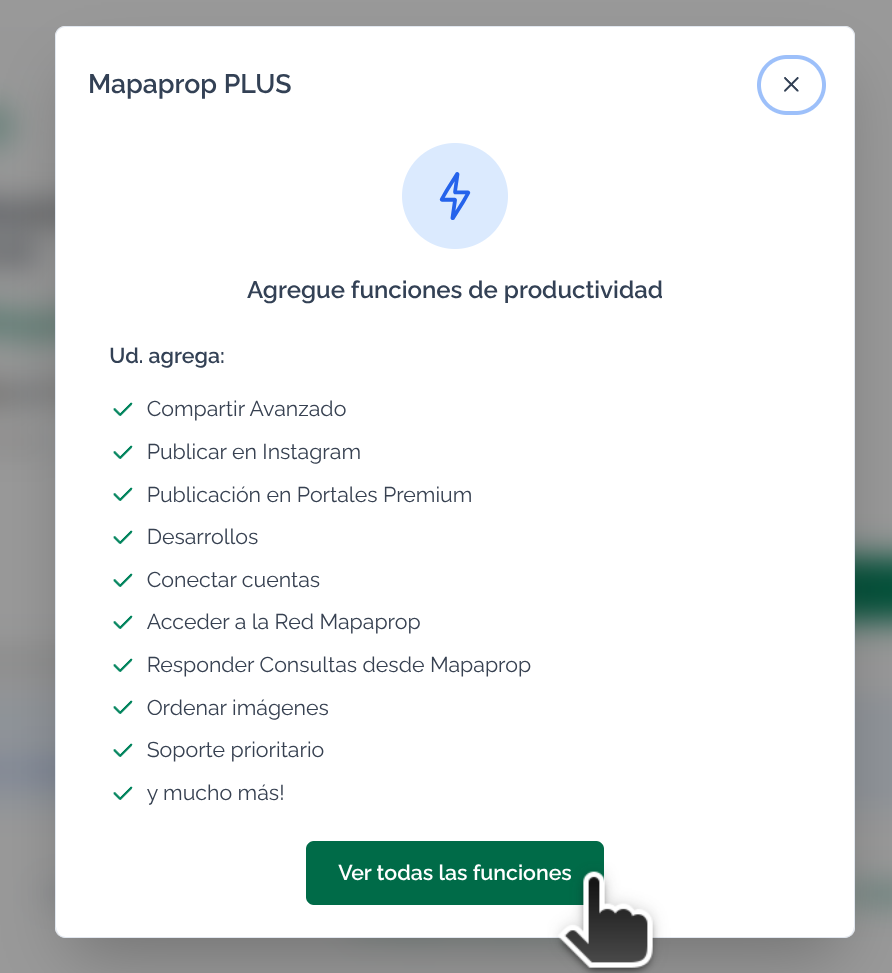
To view the details of Subscription plans, click on the link.
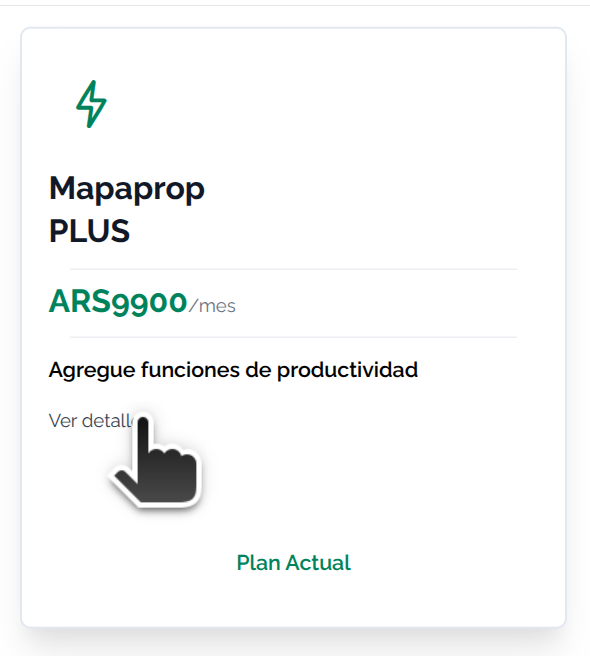
The links open a pop-up window that provides details and additional links to view more information
Change plan
It is also possible to Change or cancel your plan with just a couple of clicks
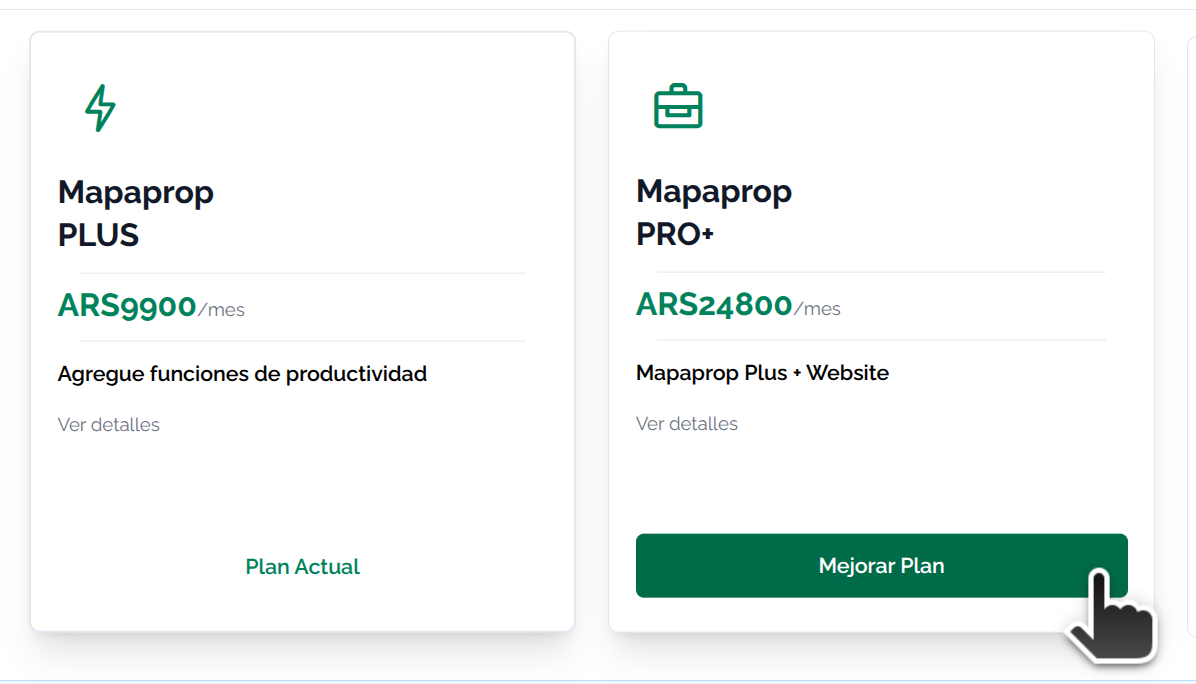
You can Cancel Subscription whenever you wish. Services remain active until the end of the paid period. Read more in Subscription System Rules
Cancel Mapaprop Account
On the same screen you can cancel the complete account. This must be done after previously canceling the associated plans.

To cancel the Mapaprop account you must meet the following requirements:
- Have no outstanding debt on the account
- Have no pending payments
- Have no active services
It will only be possible to request account closure if all three requirements are met.