
Note: You can click on any image at any time to view it in an enlarged format
You can also Change or cancel your plan with just a couple of clicks
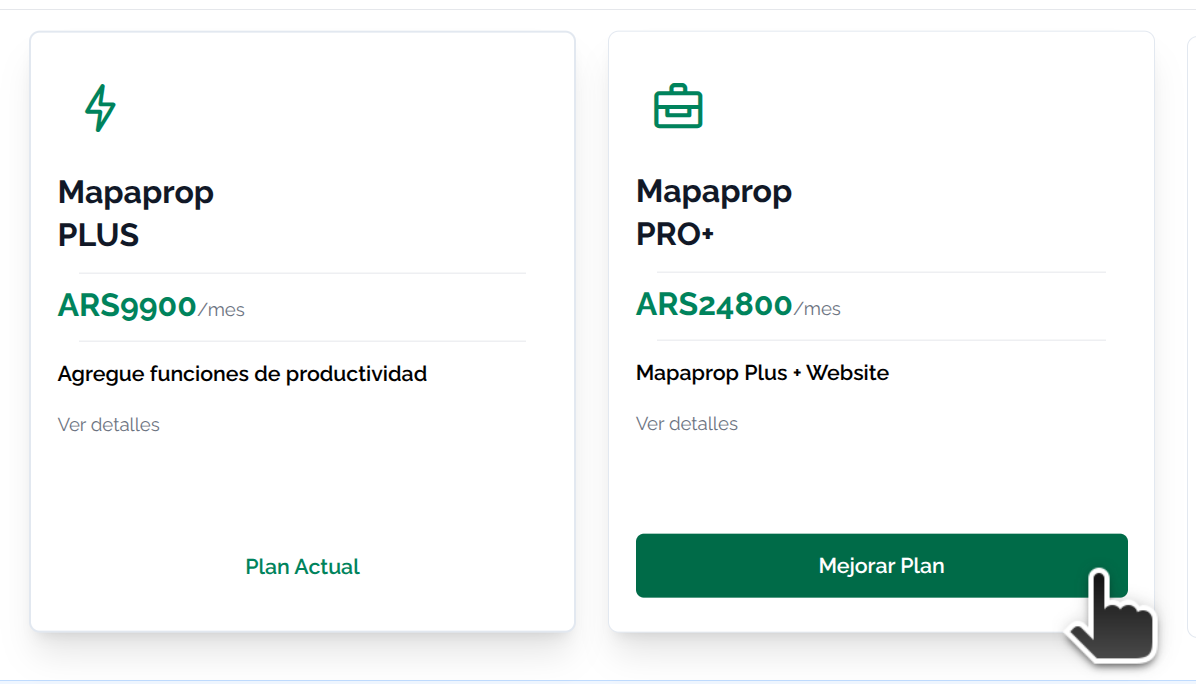
The plan change screen allows you to confirm the change
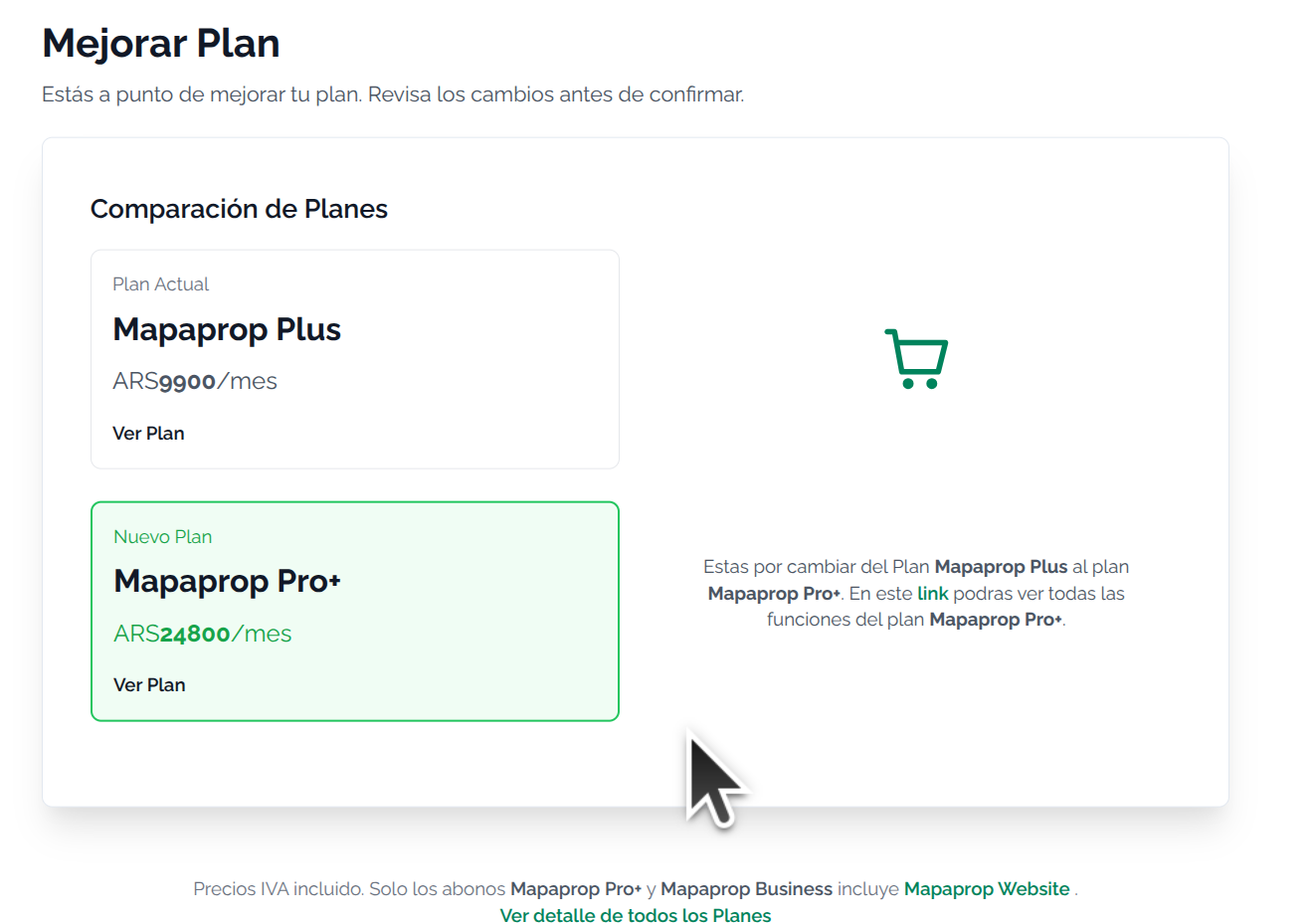
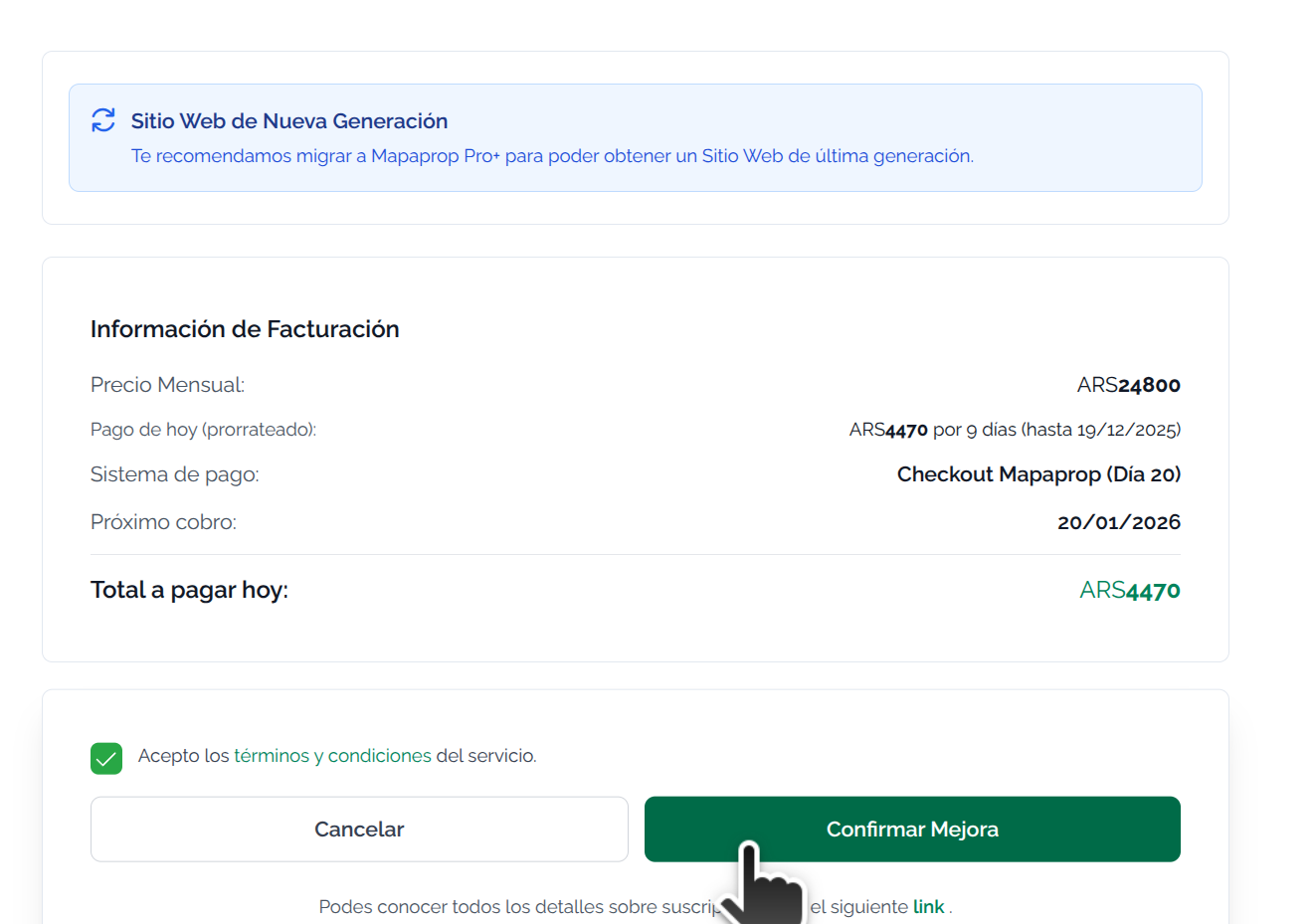
The system is transparent and always communicates the charges. We always recommend reading Subscription System Rules
Cancel a Plan
Canceling is also very simple. You can do it from Manage Plan

When you click, you will see more than one confirmation screen
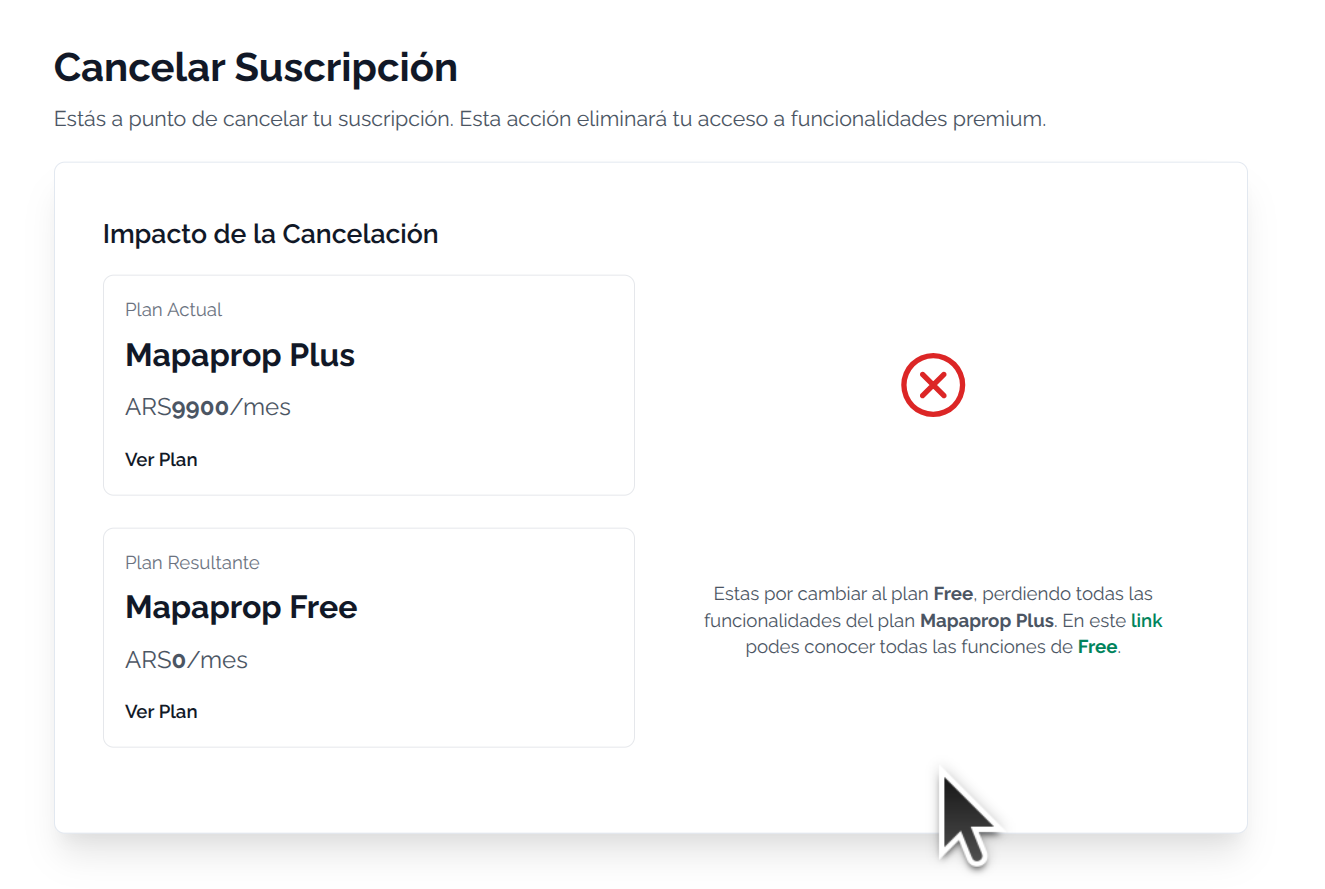
The screen always communicates important information
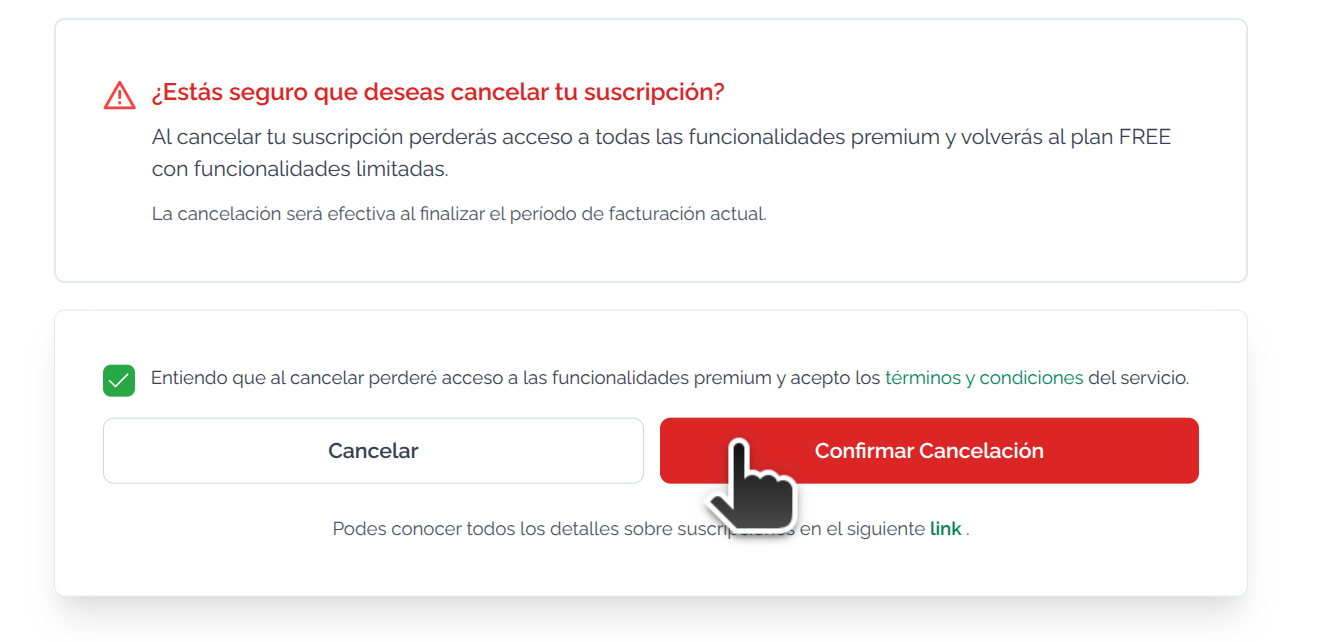
The final alert explains which data will be deleted. This is irreversible.
Always read the Subscription System Rules
Data deletion will occur on the cancellation date.
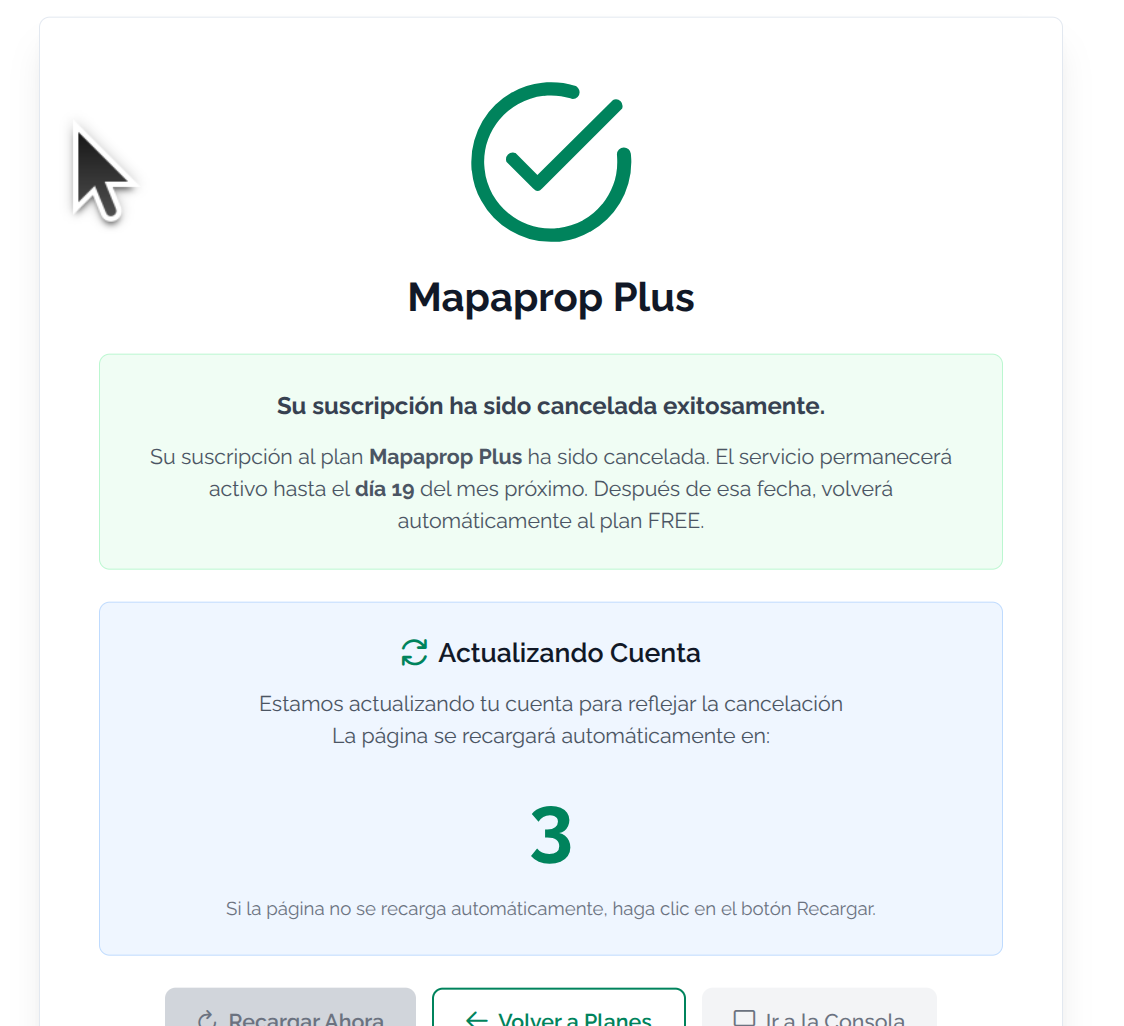
Reverse Cancellation
You can reverse the cancellation before the deadline

Keep in Mind
If you have difficulties with this help article, you can report an issue by clicking here