
Note: You can click on the images at any time to view them enlarged
Change your password
To change your password, go to Menu > User > Profile > Change Password button
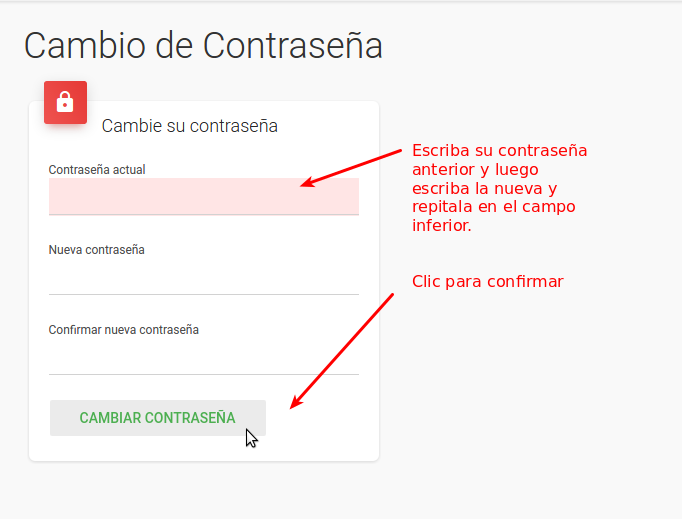
Enter your current password, then type the new password twice. Finally, click "Change Password"
Support
⚠ If you have difficulties with this help article, you can report a problem by clicking here
Mapaprop.com | All rights reserved | Follow us on Twitter