
Note: You can click on any image at any time to view it enlarged
Add contacts to the system
Adding a new client to the system is very simple. From any link that includes the Add Contact option, the following screen will appear
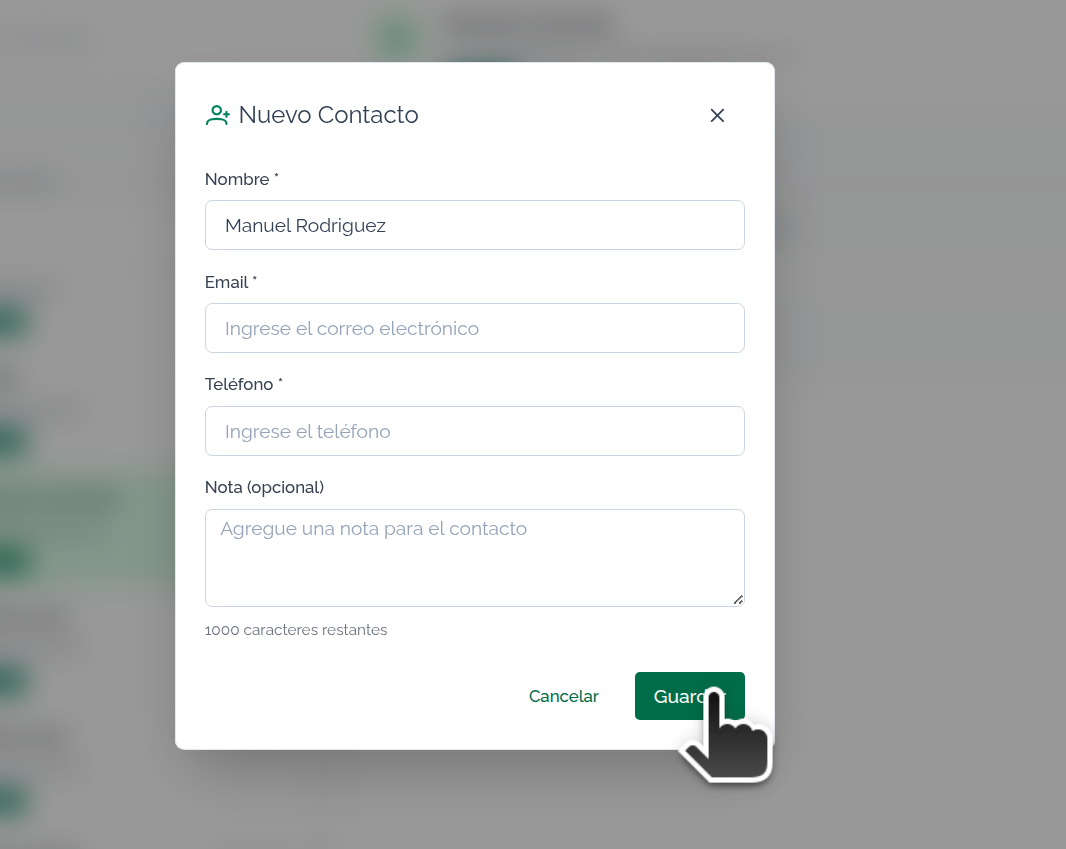
Simply fill in the minimum required fields to add the contact. Press Save to complete the operation and finally view the Contact to operate or continue editing.