
Attention: You can click on the images at any time to view them enlarged
In several system functions you need to search for contacts, so a specialized search tool appears.
In the search box, type complete words or numbers (or part of them) to see search results with the search button.
The results will be those containing those characters in the fields:
- Name
- Phone numbers.
Results are instant and are always shown in alphabetical order.
When you search, a list of results appears, always sorted alphabetically. You can click on a contact to view it or select it (depending on the case)
From the New Contact button, you can Add Contact. From the Cancel button, you can return to the previous screen
Results are shown in groups of 30. If you want to keep seeing more results, click the "load more results" button
On the contacts screen there is a filters section where you can click to expand the filters.
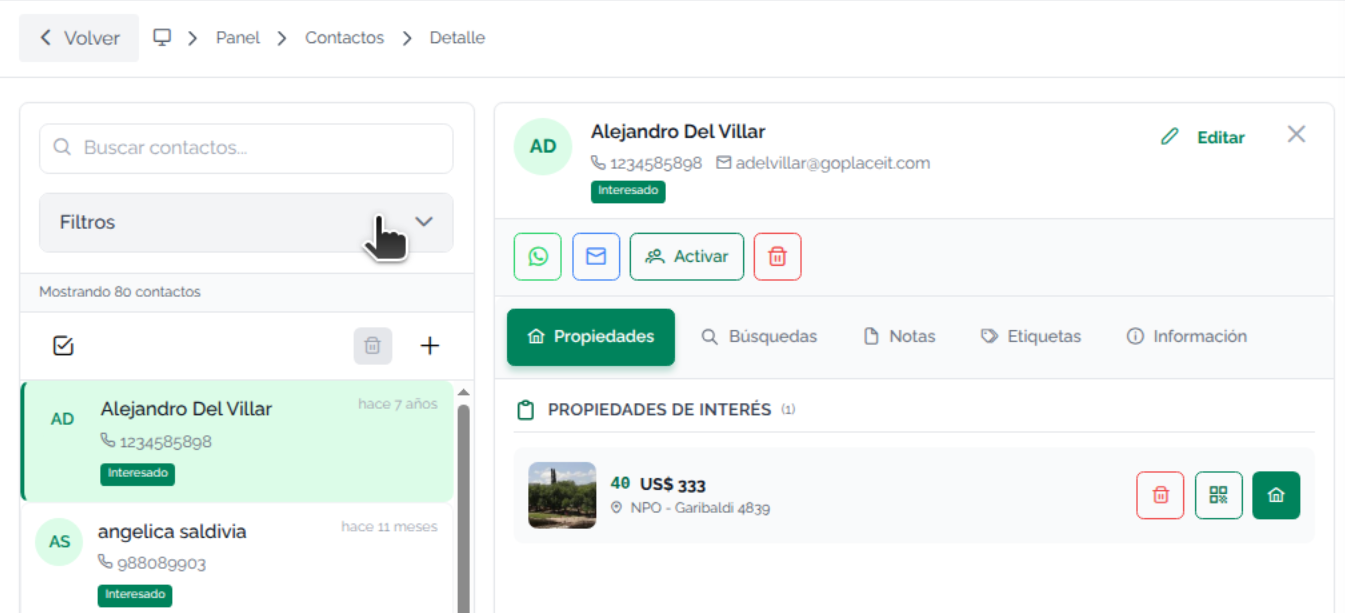
The filters are categories, contact groups. Click on a category to view the expanded list.
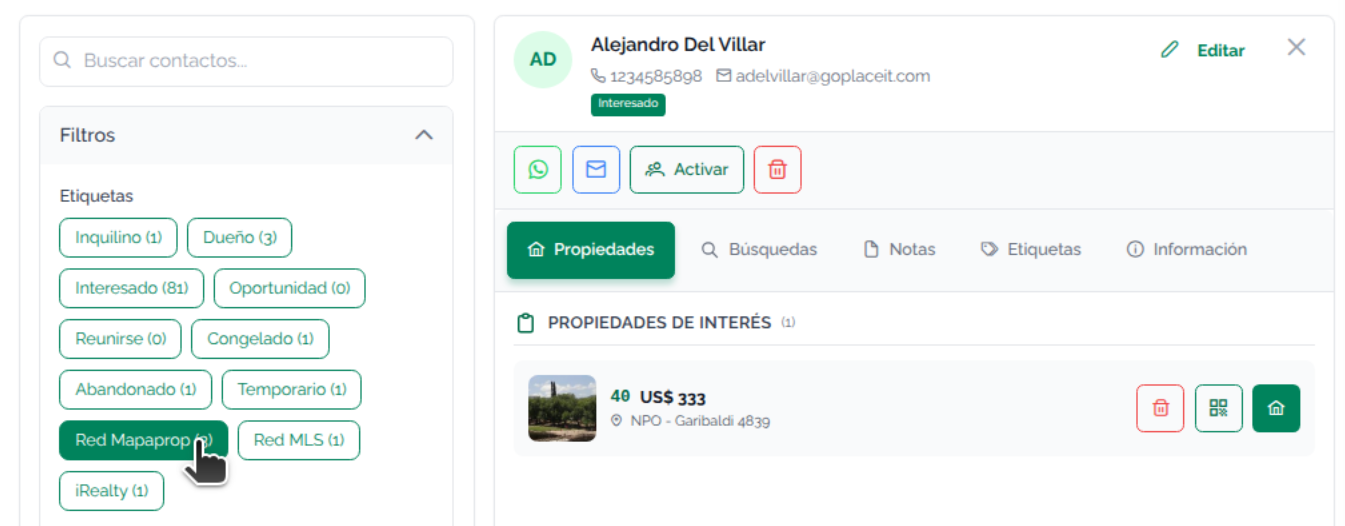
Now you can browse the contacts in the chosen category.
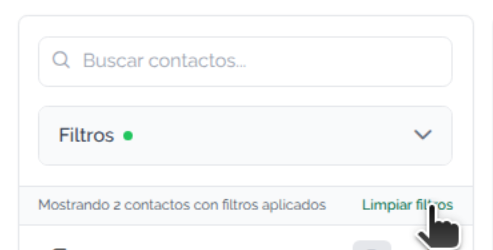
Click on a contact to view the Contact