
Note: You can click on the images at any time to see them enlarged
Contact Card
The contact card is your information hub for each of your clients. This screen can be accessed from various modules of the system, such as Message Inbox / Leads, Property Contacts, or CRM / Clients
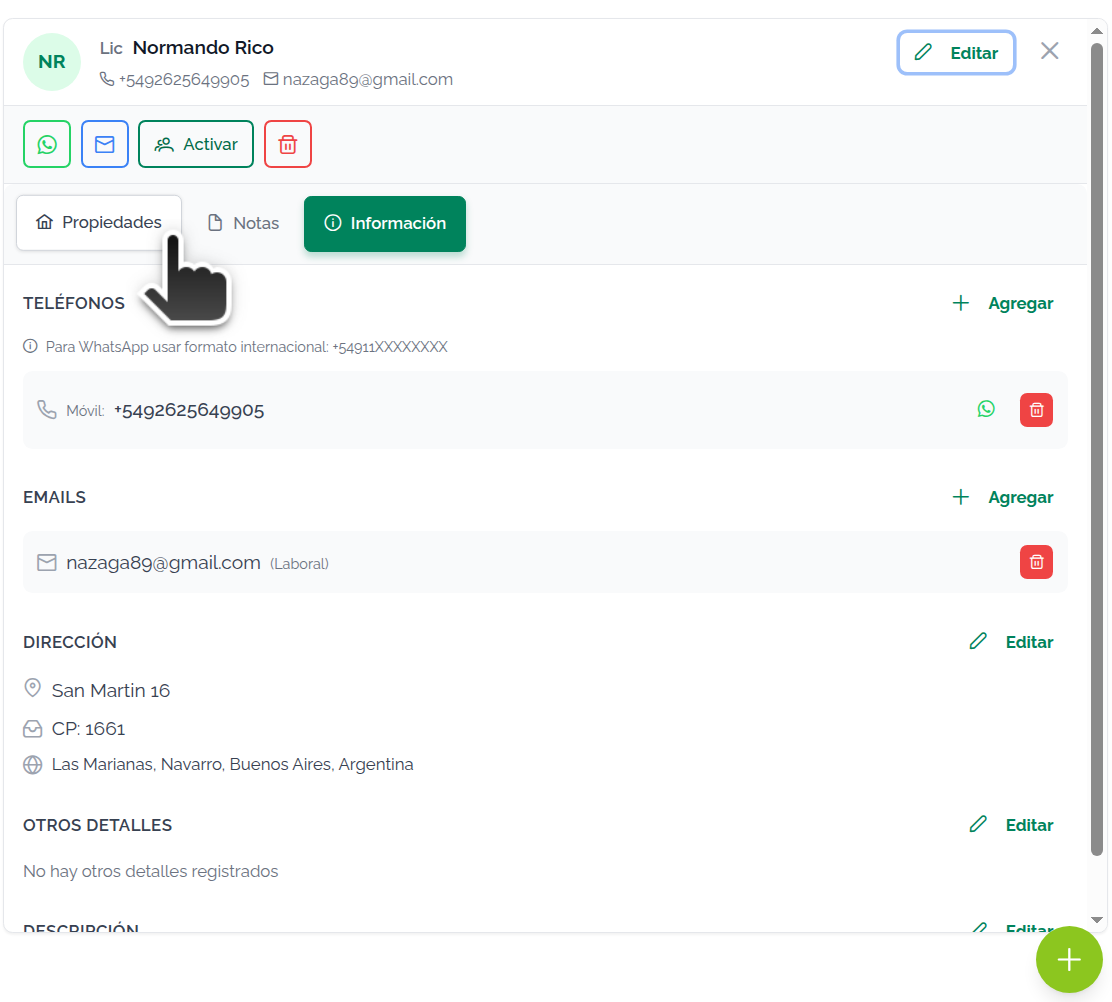
The card has a large number of options. Use the different buttons to Edit contact. You can:
- Edit name, company, etc.
- Add and remove phone numbers
- Add and remove emails
- Edit address
- Edit details (birthday, ID numbers, tax registration)
- Edit Description
- Add and remove Tags / Categories / Groups
- Add and remove unlimited notes
- View linked Properties, access them, or unlink them
- Activate Contact
For full details on these features, see Edit contact
This screen also lets you Add Contact!WARNING If you have trouble with this help article, you can report a problem by clicking here