
Attention: You can click on the images at any time to view them enlarged
Pay your charges via Paypal

Go to your account summary from Menu > User > Account summary. Once in your account summary, click the Pay button
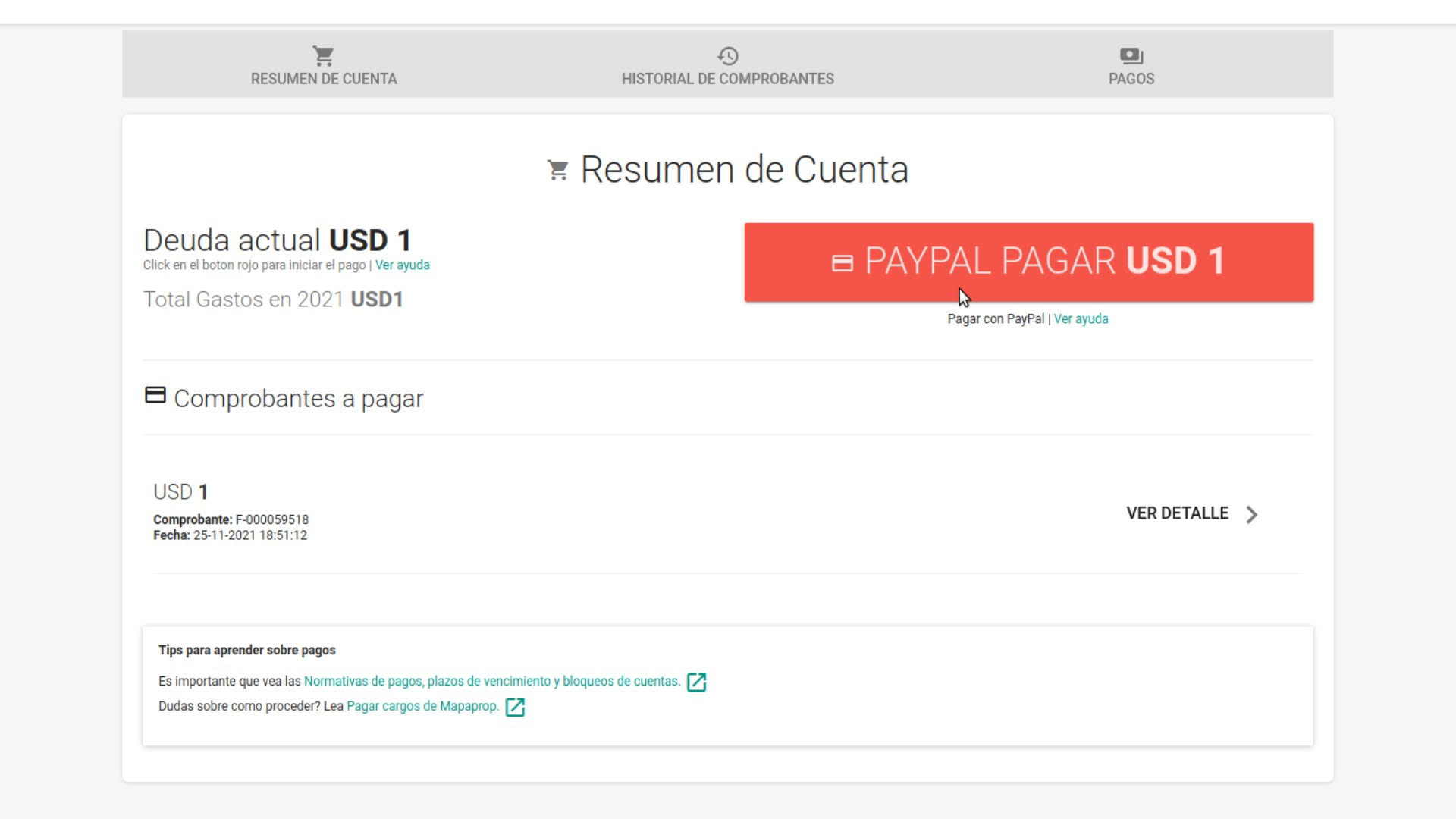
The system will redirect you to Paypal, which is the only way to pay on Mapaprop. You should not interrupt the payment session once it has started.
Choose to use your Paypal account or create a new account
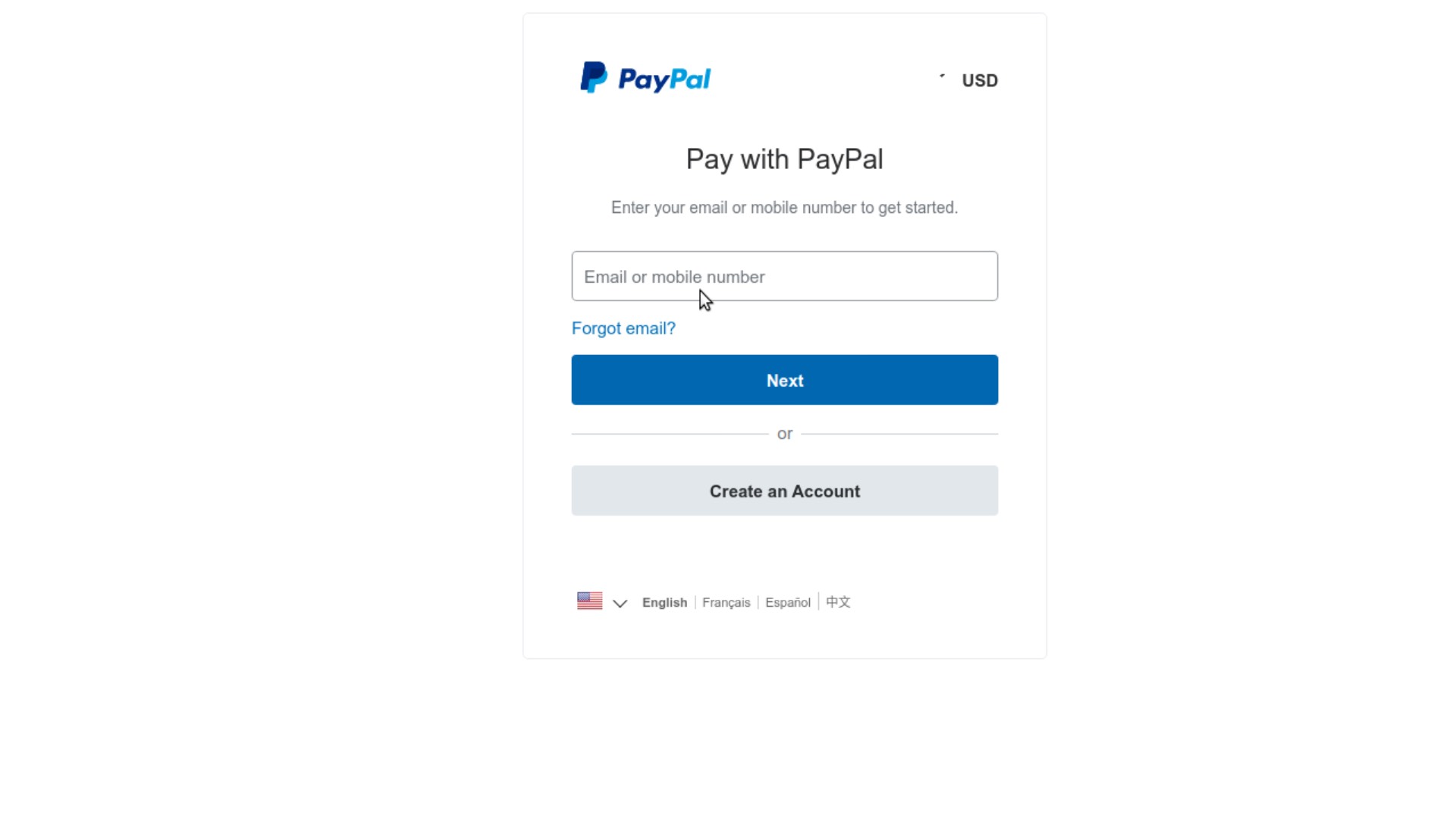
From this point on, the help article describes two different situations:
- Pay with Paypal for the first time (New account)
- Pay with an existing Paypal account.
Pay with Paypal for the first time
If you're using Paypal for the first time, fill out the form with your payment details.
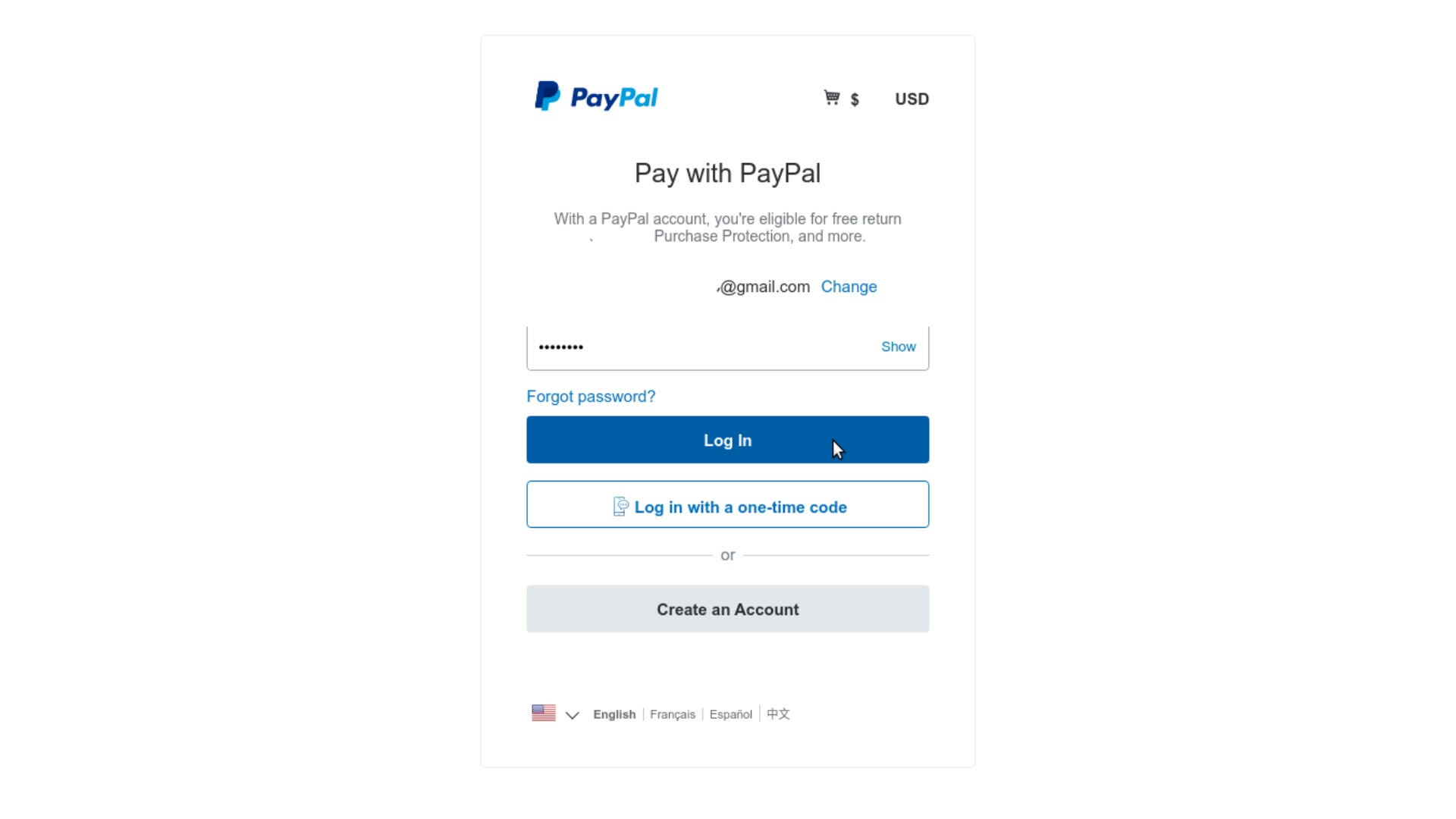
Please note that your email and password will be needed the next time you use Paypal's payment service, so save them.
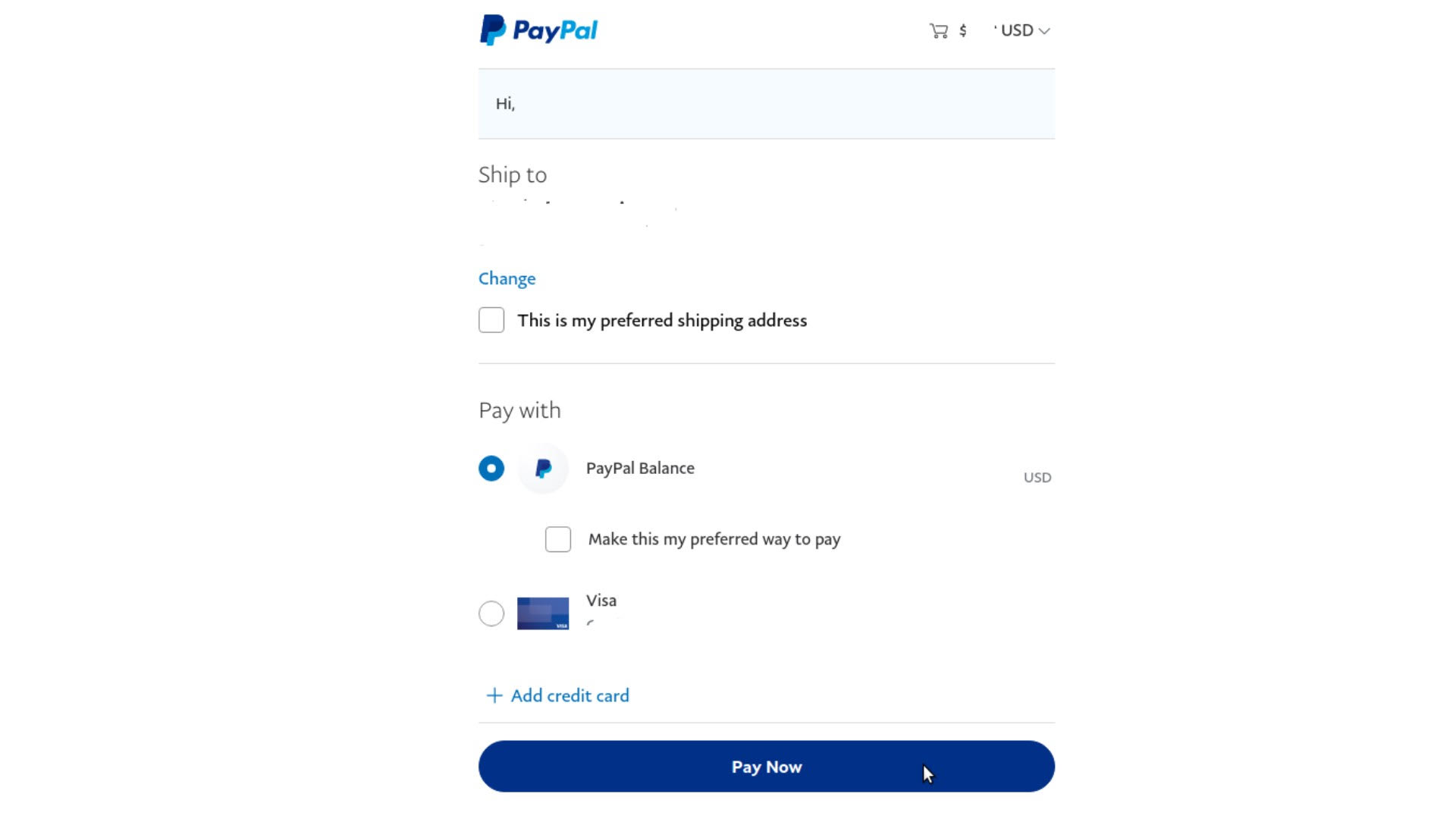
Once you click the Pay button, a confirmation message will be shown.
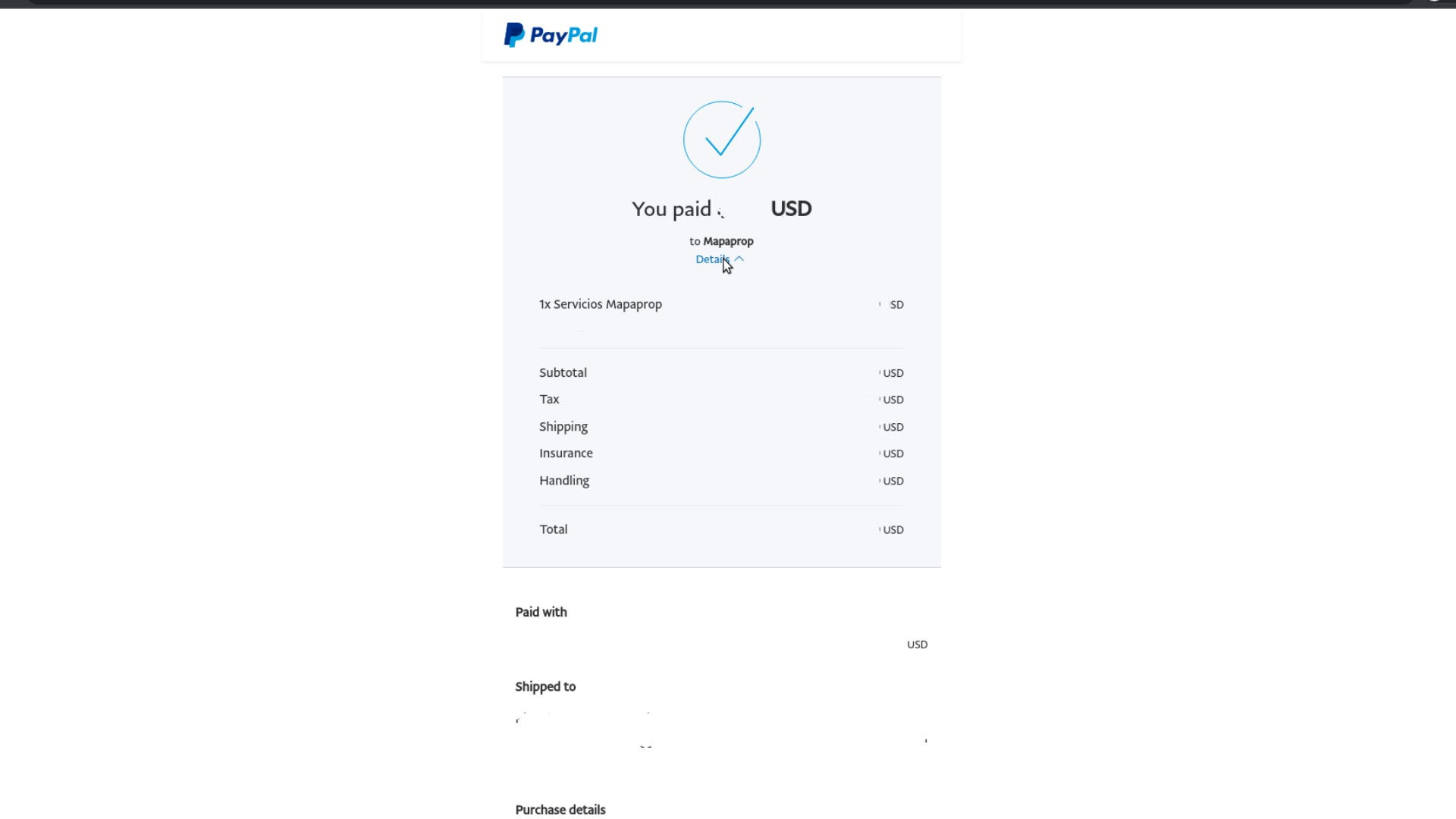
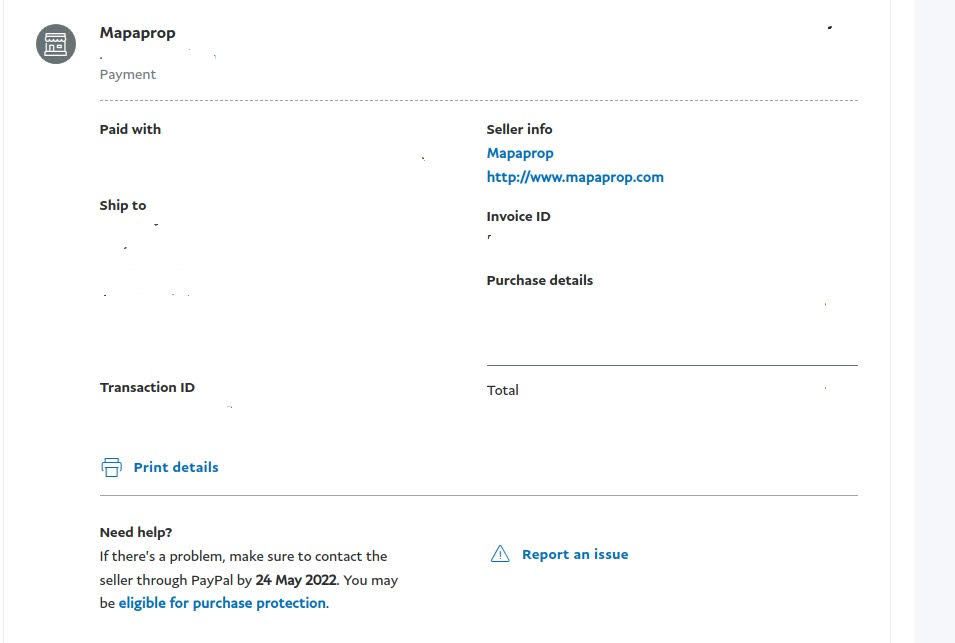
Paypal's system will automatically redirect you back to Mapaprop.
Back on Mapaprop, a message will let you know that the Payment was accepted.

You've completed your payment. In Account Summary > Pending Payments tab, your payment is registered until it's credited, which is usually instant. Once credited, the system will send you an email.
You'll be able to see the payment in the Charge History and Payment History tabs.
The Mapaprop system sends you payment confirmation emails. In parallel, Paypal sends you confirmation emails once your payment has been credited.
If your payment shows as pending, or if any other problem occurs, click "View help" on the Pending Payments tab