
Checkout Classic
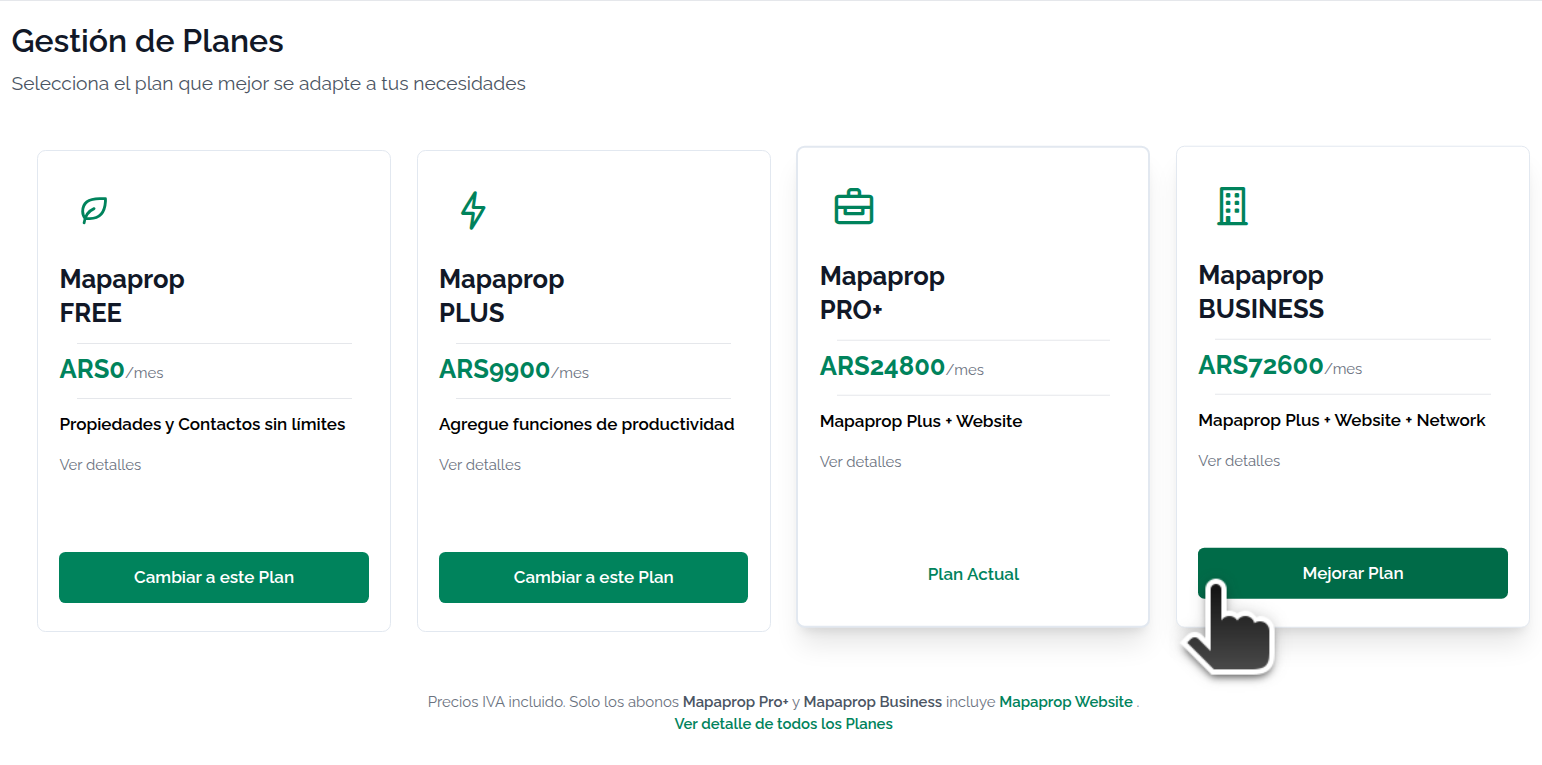
Checkout Classic lets you start a subscription to a given service through a system that doesn't use automatic debit, and which, in addition to activating the service, activates a system that generates charges for usage directly to your Mapaprop account. These charges must be paid by accessing your Mapaprop account.
The Checkout Classic system involves:
- You access a signup screen
- You accept the service's terms and conditions
- You confirm the signup.
- A charge is generated in advance right away, which you must pay to use the service. Read the Subscription System Rules
- Charges lock your account 24 hours after being generated; you must pay in order to use the service.
Usage example
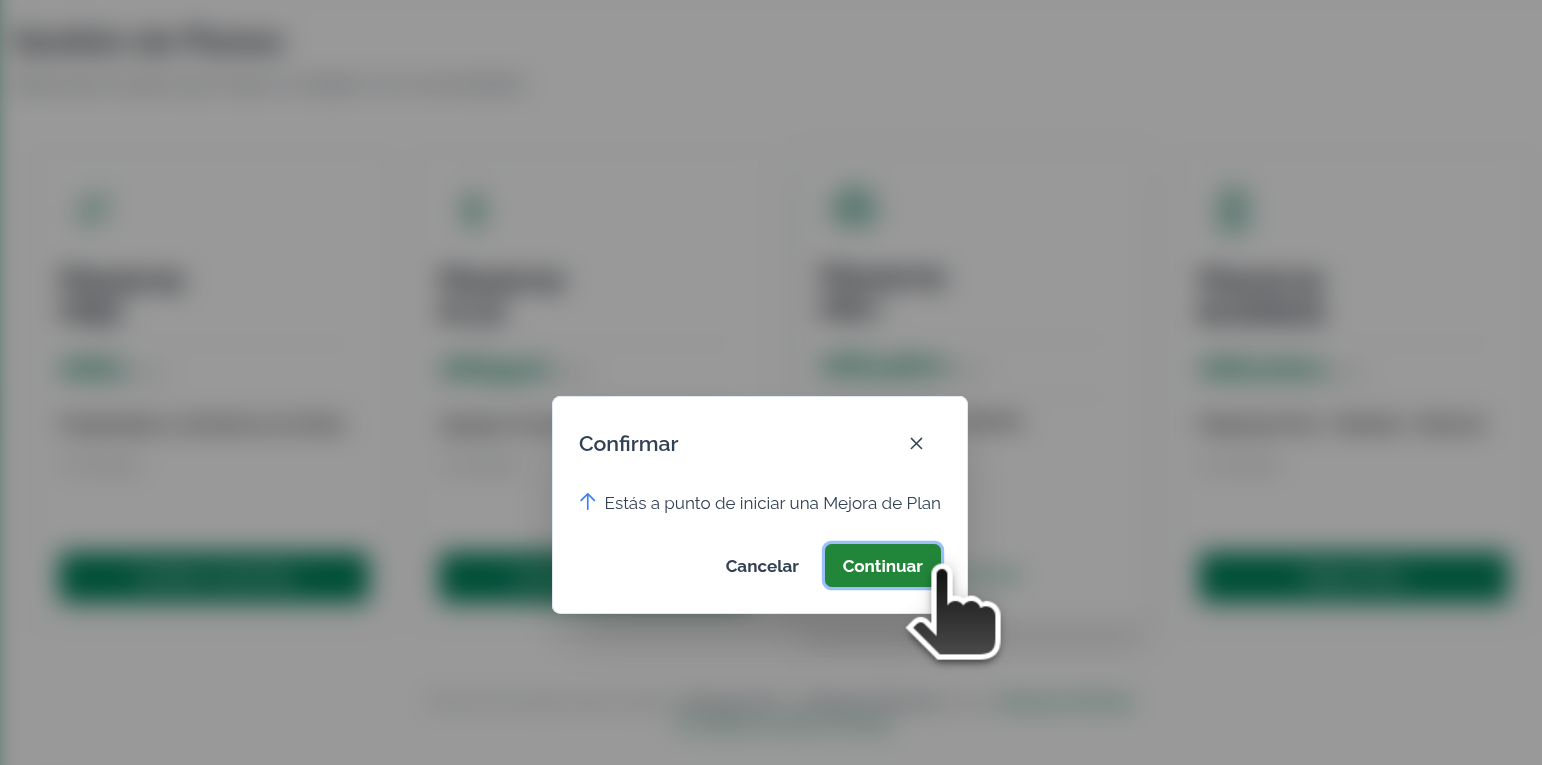
When you click activate or upgrade, this message appears
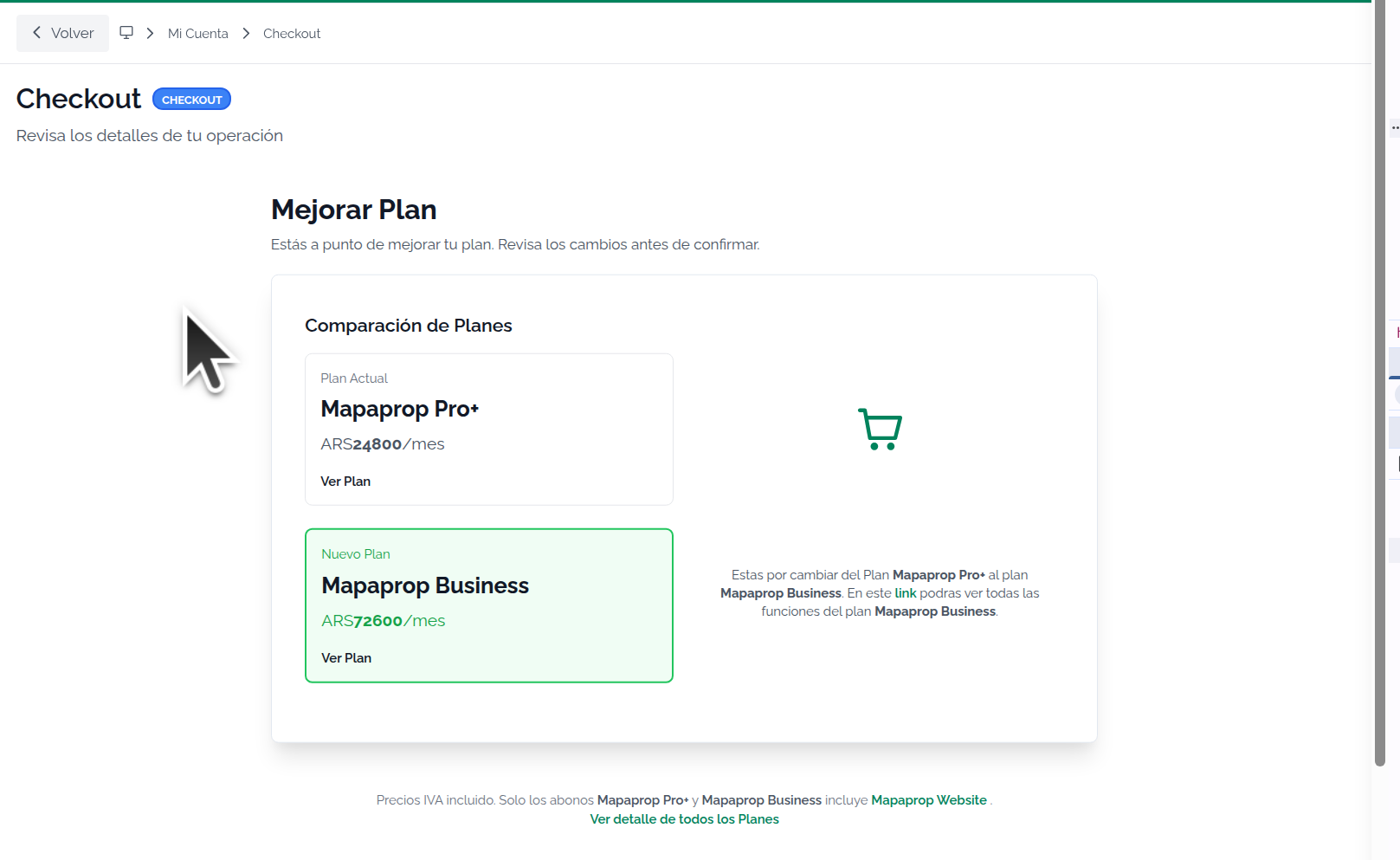
The system shows you the details on a screen
You must accept to activate the service
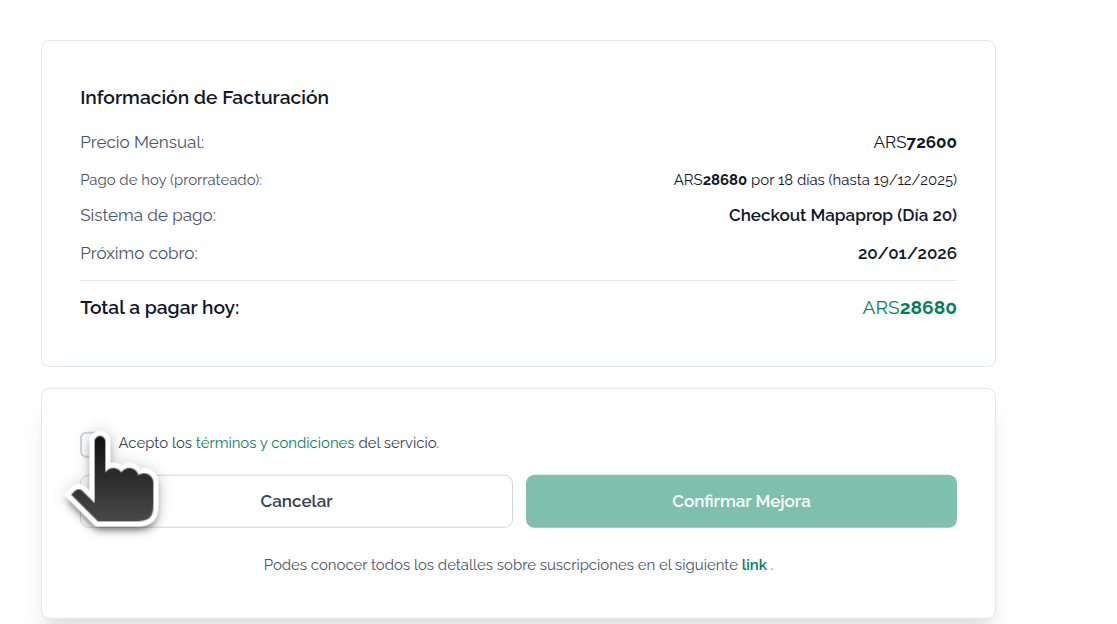
Accept and confirm
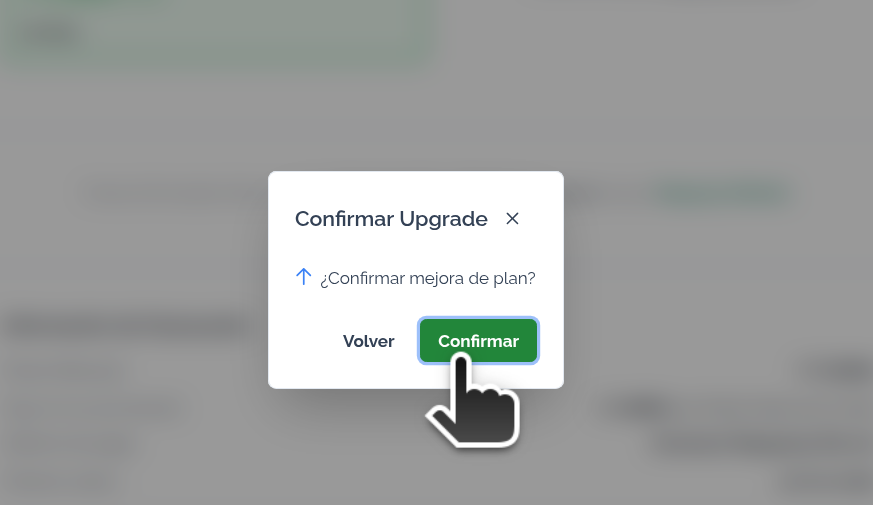
Once you sign up, you'll see a screen with the following messages
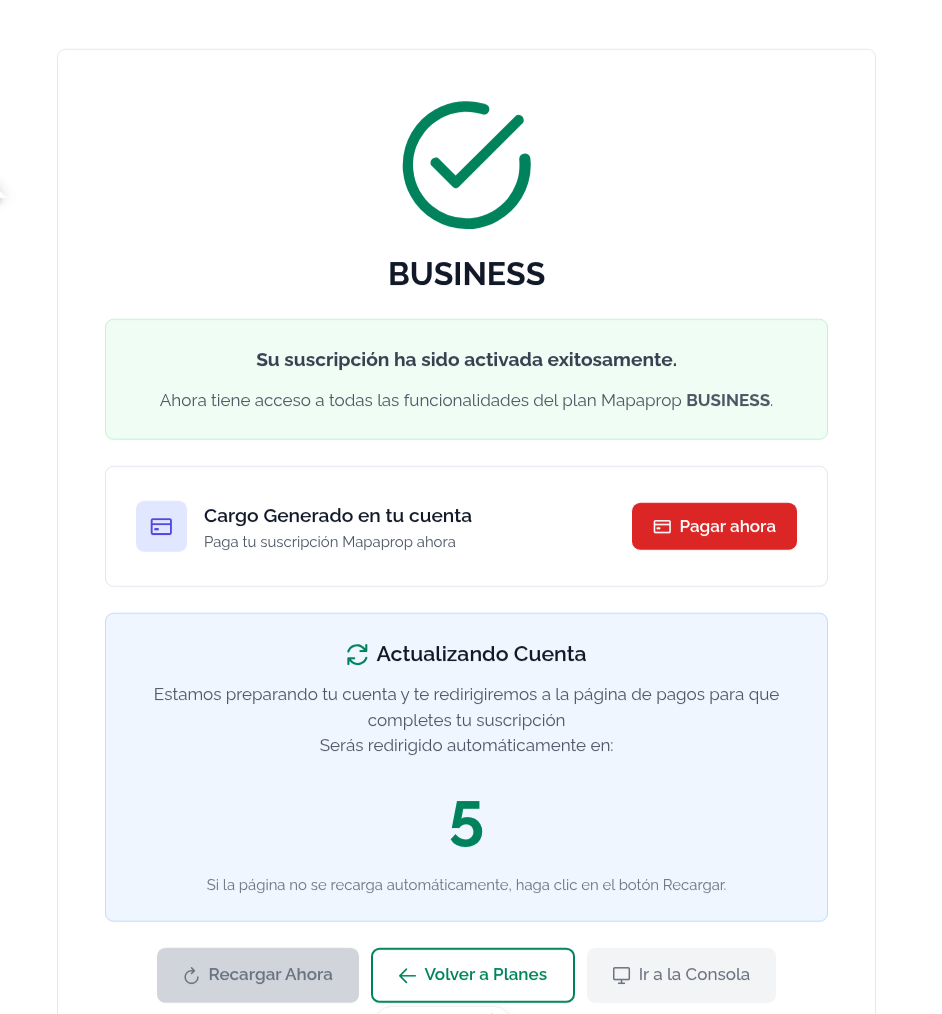
You can then go to Account summary to Pay the charges.
Keep in mind that you must pay the charges to continue. You can do so from Account summary. All the detailed info is in Payment, due date, and cancellation rules, in the section iRealty Cowork Inmobiliario (classic checkout)