
Subscribing with a credit/debit card to Mapaprop plans
Only for Mapaprop accounts in Argentina
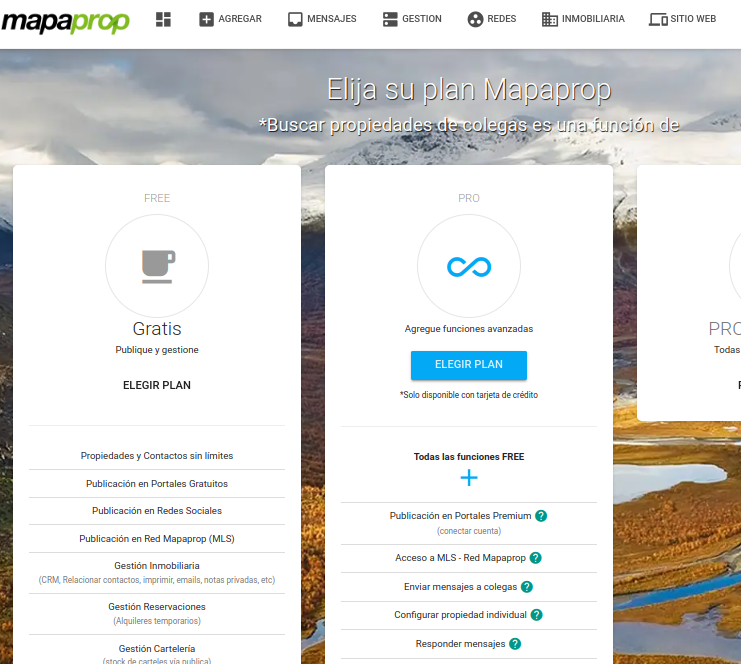
When choosing a plan, enter your Mercadopago email. If you don't have a Mercadopago account, enter an email anyway.
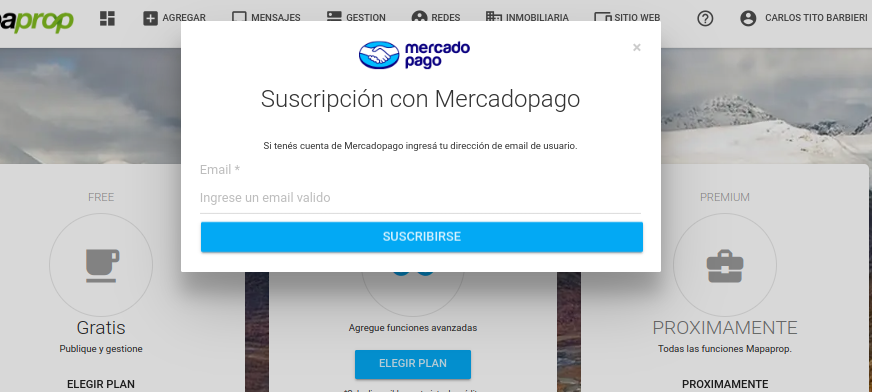
By clicking, you'll be guided to the screen to enter your credit/debit card. The subscription system for Argentina is managed by Mercadopago, with the security guarantee that this implies. For subscriptions from other countries, see the help article Subscription with Paypal
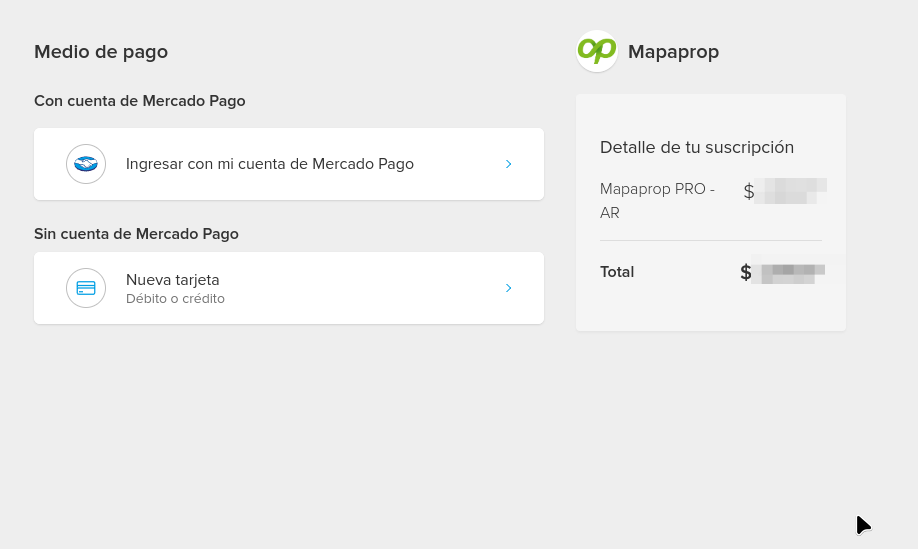
Select the option to sign in with your Mercadopago account, so you can later manage the subscription from Mercadopago. Press confirm to complete the subscription.
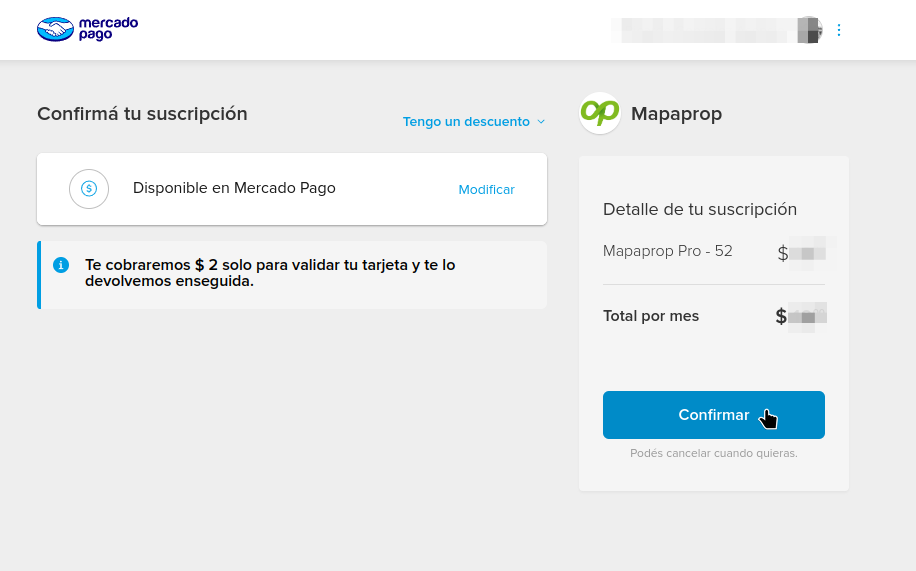
Upon confirming the automatic debit, MercadoPago will approve the transaction.
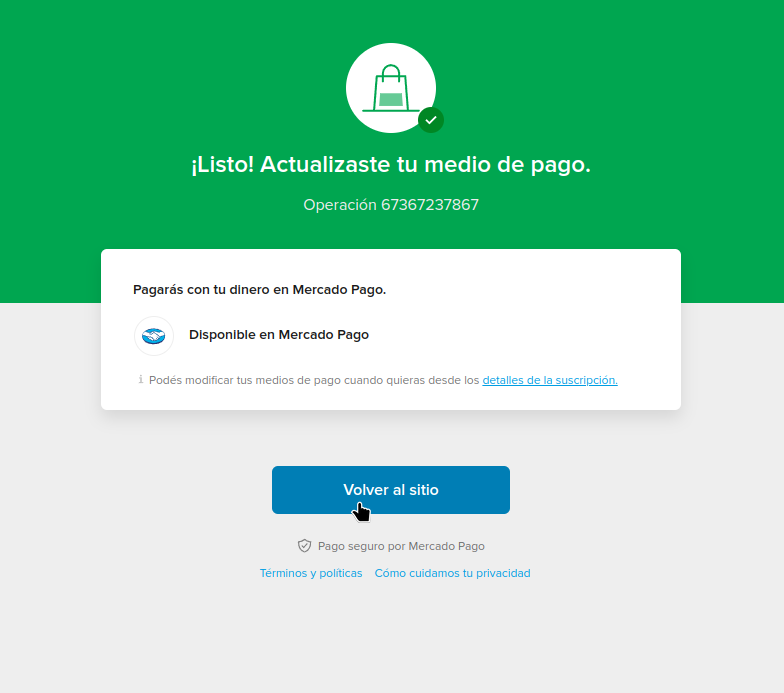
If you subscribed with your Mercadopago account, regardless of the payment method chosen, you'll be able to see the subscription in your Mercadopago account > Subscriptions
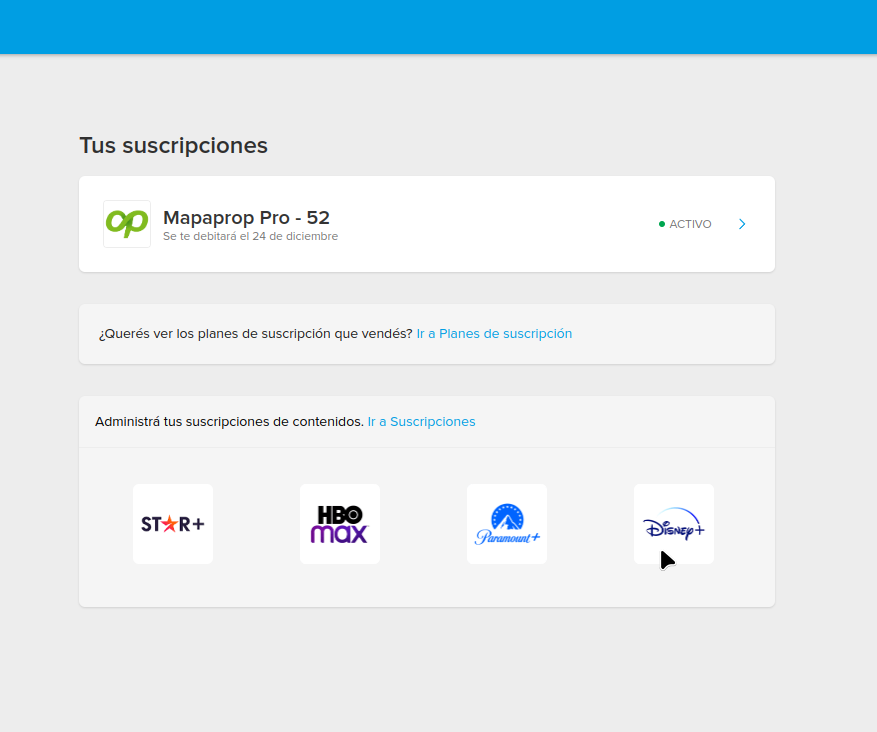
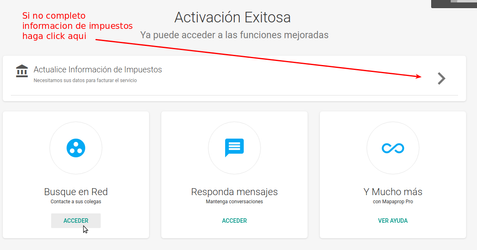
You'll also receive at least two emails. One from Mercadopago and one from Mapaprop, confirming the purchase. Press the continue button to finish. You'll be redirected to Mapaprop, where you can start using the service:
Mercadopago will send you an email with the terms of the subscription. For example
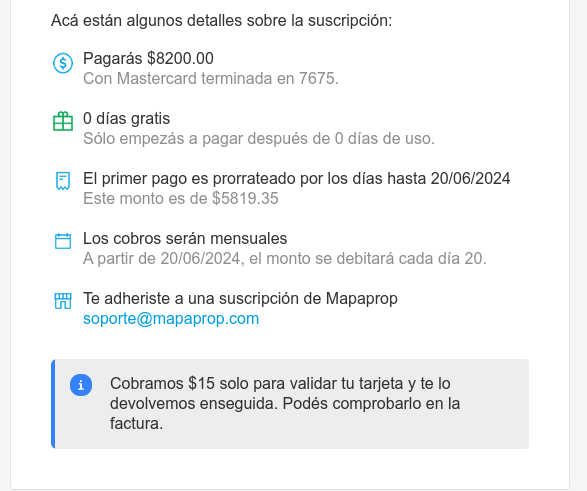
Some things to keep in mind.
- The subscription generates a monthly charge to your credit/debit card according to the product you have contracted.\
- If you have a Mercadopago account, use that email so you can manage the subscription.
- The charge is billed in advance: you pay to use the service for one month.
- The subscription is monthly; once the period ends, it renews automatically with the debit of your card.
- Canceling an automatic debit subscription. is very simple. Do it whenever you want from the Manage Plan section
- Cancellation is instant, also deleting all configurations related to the service.
- All actions (subscribing, monthly charges or canceling) generate email alerts to the My Company email.
- If you want to change the subscription's payment method, go to your Mercadopago > Subscriptions account and modify the subscription. This is the Mercadopago help article
- If your credit/debit card is declined, the service self-cancels, with no blocking.
- Don't forget to read the Payment, due date and cancellation policy.
If a rejection occurs during the automatic debit attempt, the Mercadopago system will make a total of 4 (four) attempts until the charge is successfully debited. If the debit is not achieved, Mapaprop will generate a manual charge to your Mapaprop account. You can cancel this service whenever you want.