
Note: You can click on the images at any time to view them enlarged
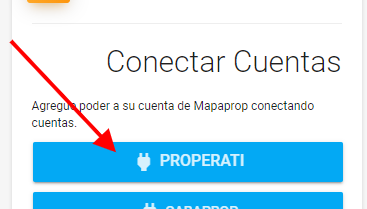
Start the connection.
To connect, just click the Connect Properati account button
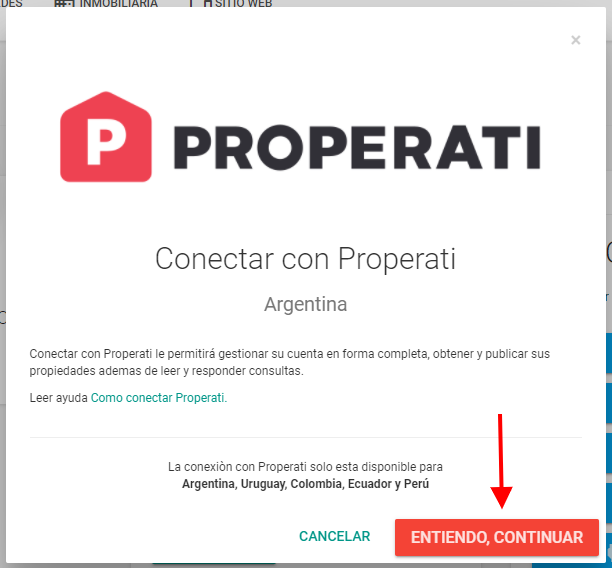
We now recommend reading the information, and then continue
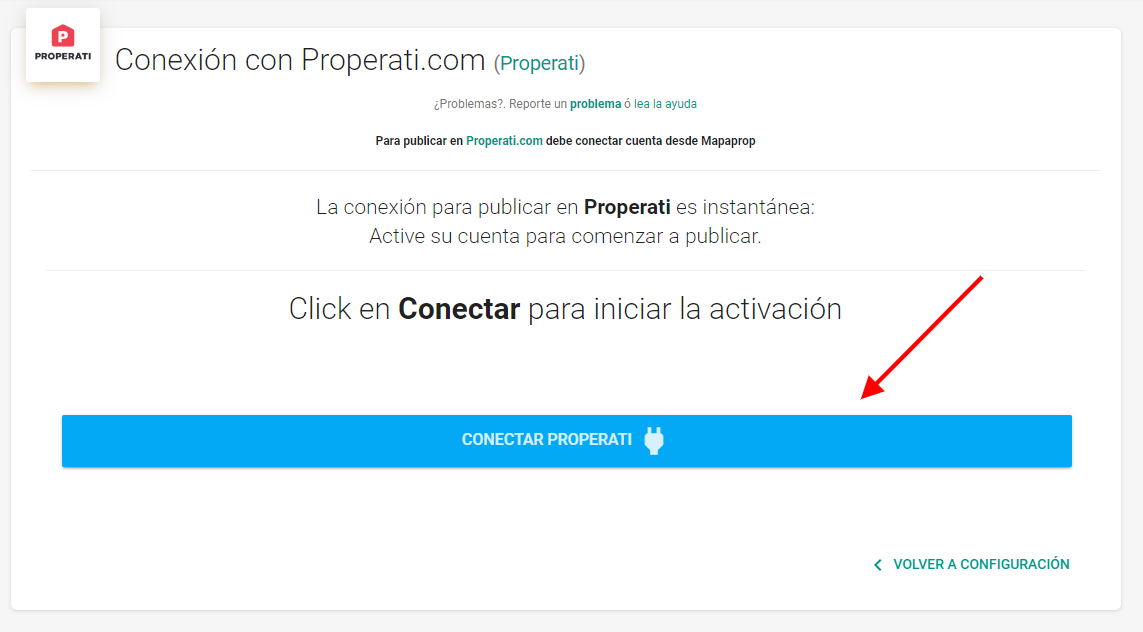
The process is very simple; Mapaprop will guide you to a screen to complete the connection with Properati
Success. The connection was approved, and the system will guide you to the Properati Settings screen.
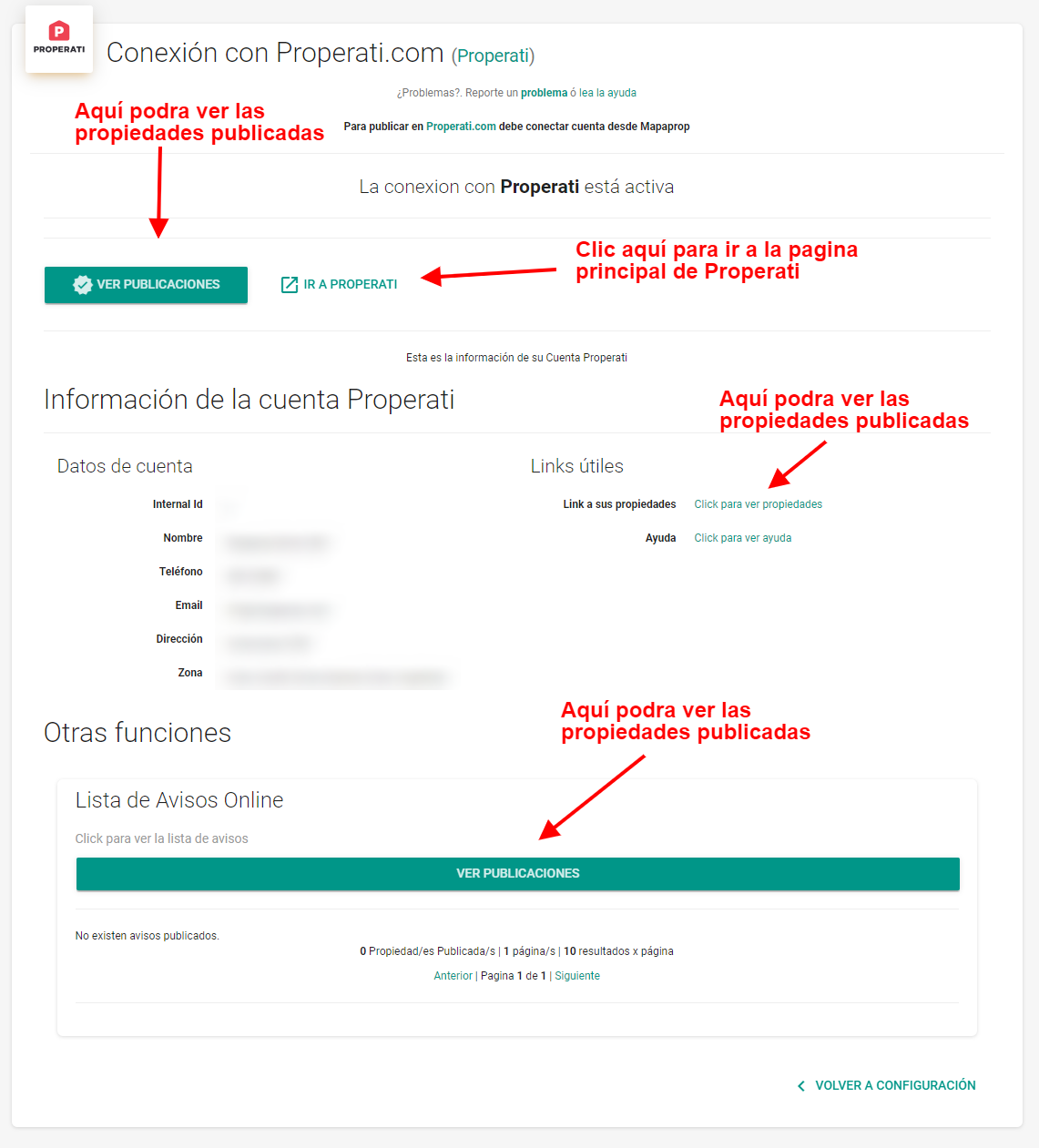
Clicking the View listings button will show the following.
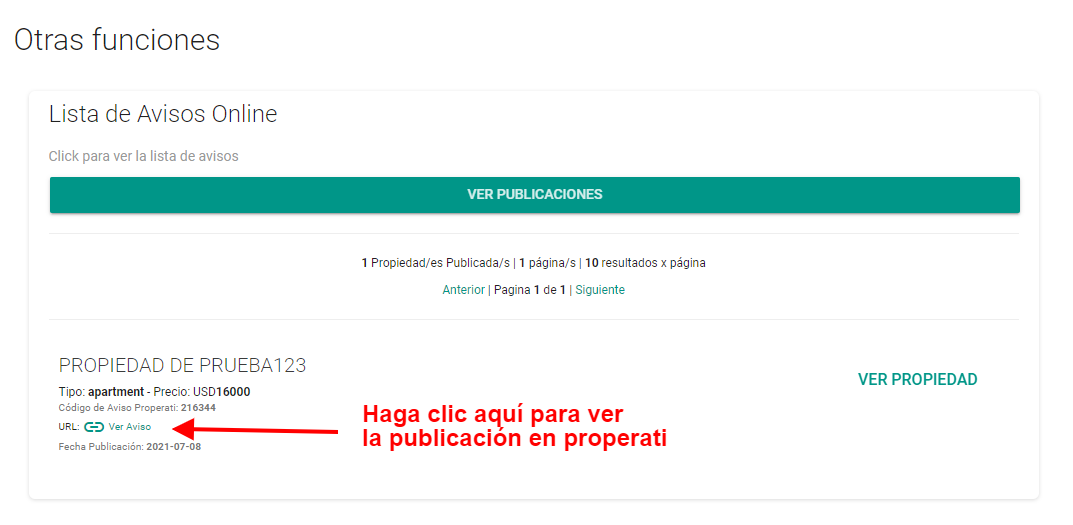
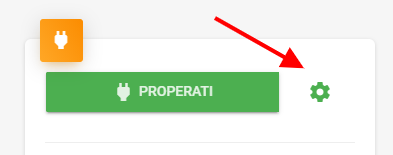
Also, whenever you want, you can access that screen from Real estate agency > Settings > Properati
To learn how to publish on Properati, see the Properati help article
Support
If you're having trouble with this help article, you can report an issue by clicking here