
This help article gives you more information about your connection with MercadoLibre.
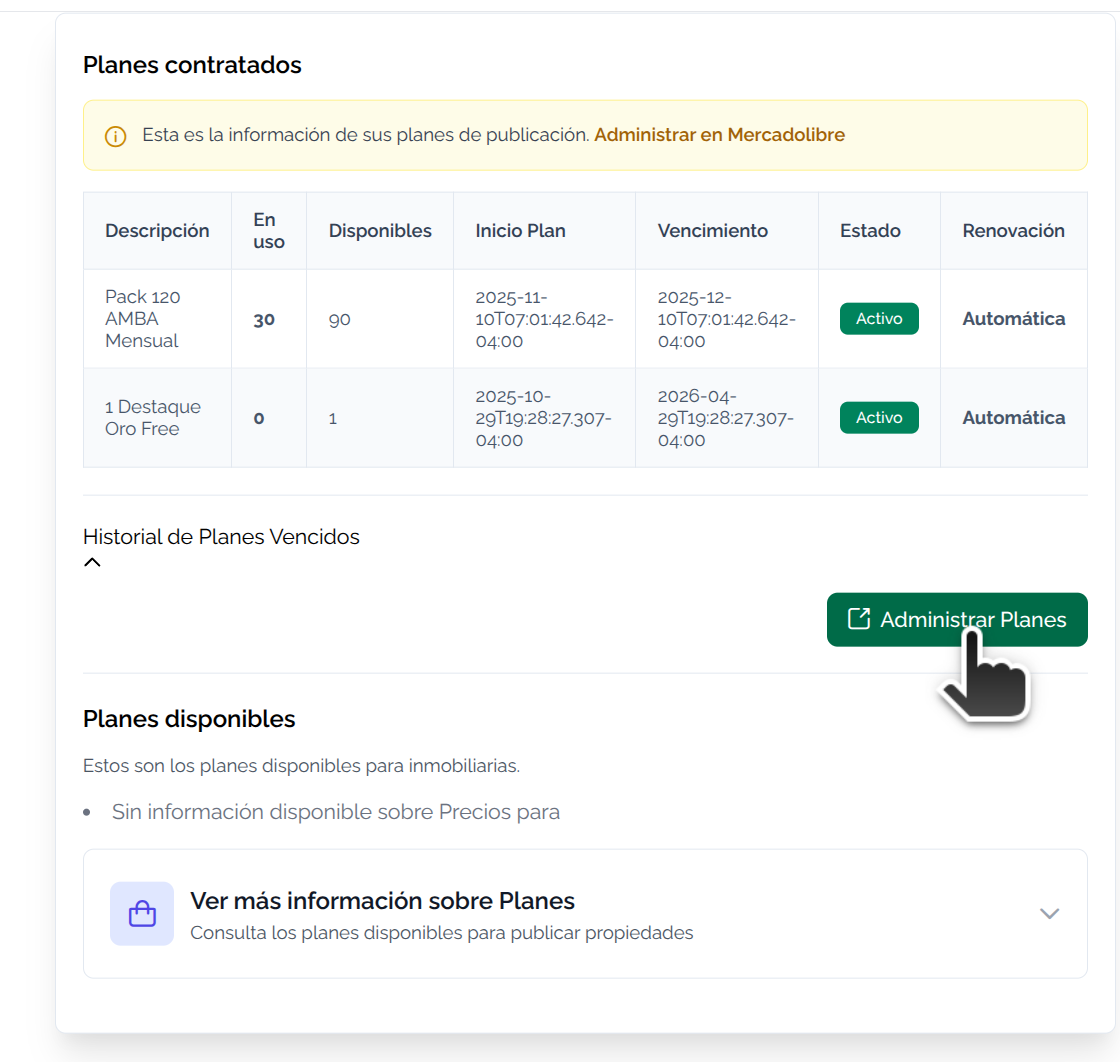
List of Features:
- Publication, depending on your contracted plan.
- Publishes directly with Mapaprop's publish button
- Unpublishes directly with Mapaprop's unpublish button
- Smart zone mapping: each Mapaprop zone is mapped to a MercadoLibre zone, so Mapaprop always ensures publication.
How does it work?
To publish from Mapaprop to MercadoLibre, you first need to have a Real Estate Agency account on MercadoLibre.
To register a Real Estate Agency account, you can click on one of the following links:
- Real Estate Agency Registration for MercadoLibre Argentina - Click to register
- Real Estate Agency Registration for MercadoLibre Chile - Click to register
- Real Estate Agency Registration for MercadoLibre Uruguay - Click to register
- Real Estate Agency Registration for MercadoLibre Colombia
- Real Estate Agency Registration for MercadoLibre Mexico
Connect account
To connect your Mapaprop account with your MercadoLibre account, click Connect with MercadoLibre
Disconnect account
When you disconnect your MercadoLibre account, you also revoke the permissions you gave to Mapaprop, so we will no longer be able to access your information. If you want to grant permission again, you must start the Connect with MercadoLibre process again.
Disconnecting your MercadoLibre account will not delete your property data. If you cancel our Subscription plans and later decide to subscribe again, you will keep all previously loaded information.
Publish on MercadoLibre