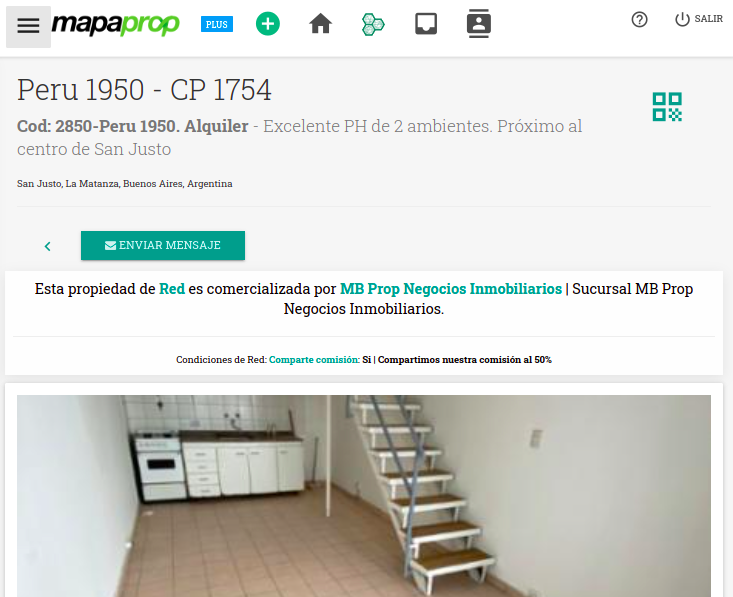
This help article will show you about the Network Record for the property
Network Record for the Property
Network properties can be accessed by other Mapaprop network members if they have ever received a message in the Message Inbox / Leads about a Network property. Even if they are not published, or if the Operation status is set to any value (sold, reserved, rented, suspended)
From Properties, when you Search Networks, results appear in a listing as shown in the following image. Click View details to access the property record
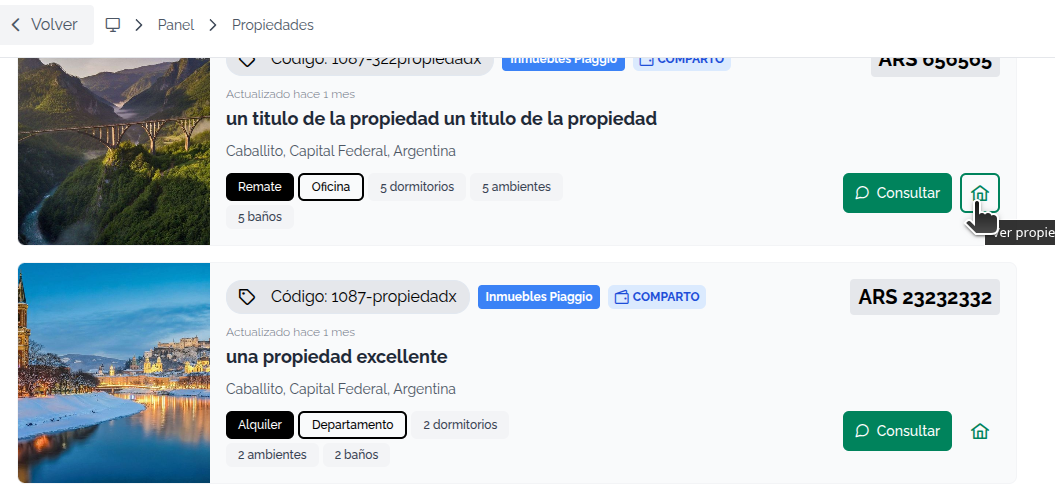
By clicking Record, you access the Network record, which contains all the public information your Mapaprop colleague has added for that property.
From the property record, you can see all the information about it, including the details of the listing agent. You also have the option to send them messages. Click Send Message to start a conversation.
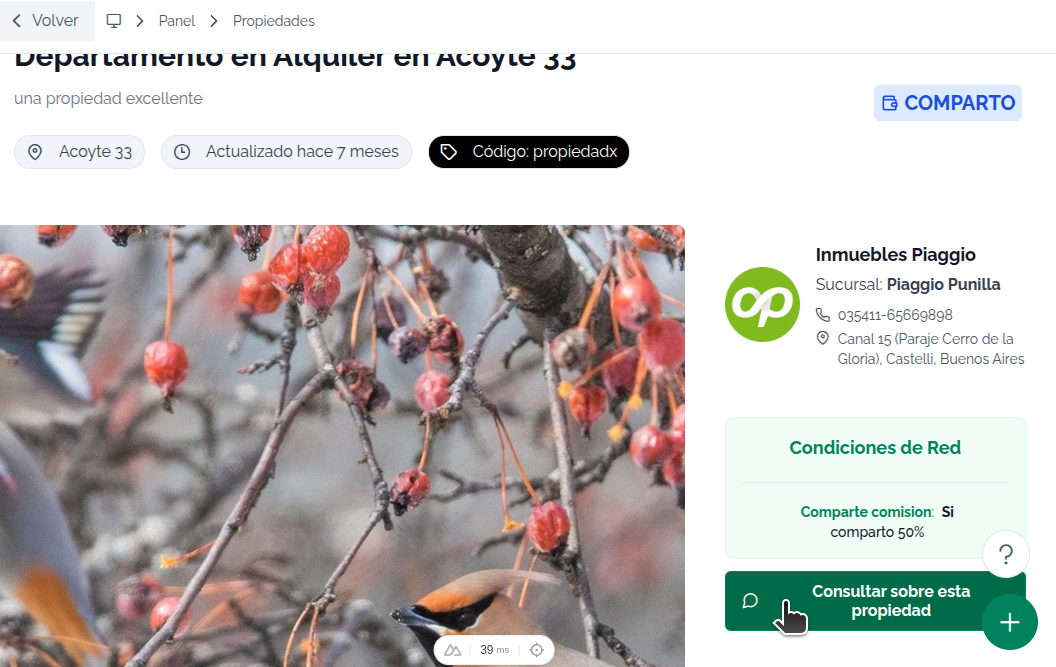
Communicating Shared Commission
In some cases, your colleagues configure the option to share commission in their Configuration. In those cases, the record will show a message similar to the one in the following image
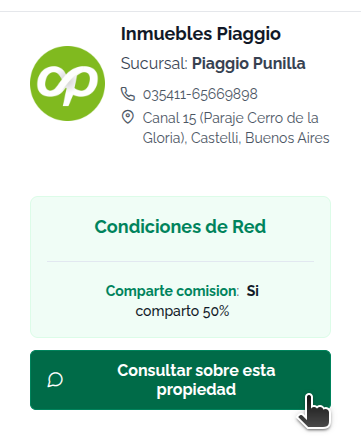
Sending Mapaprop Network messages
When you click send message, the Message Inbox / Leads send dialog will appear. Write your message to start your inquiry.
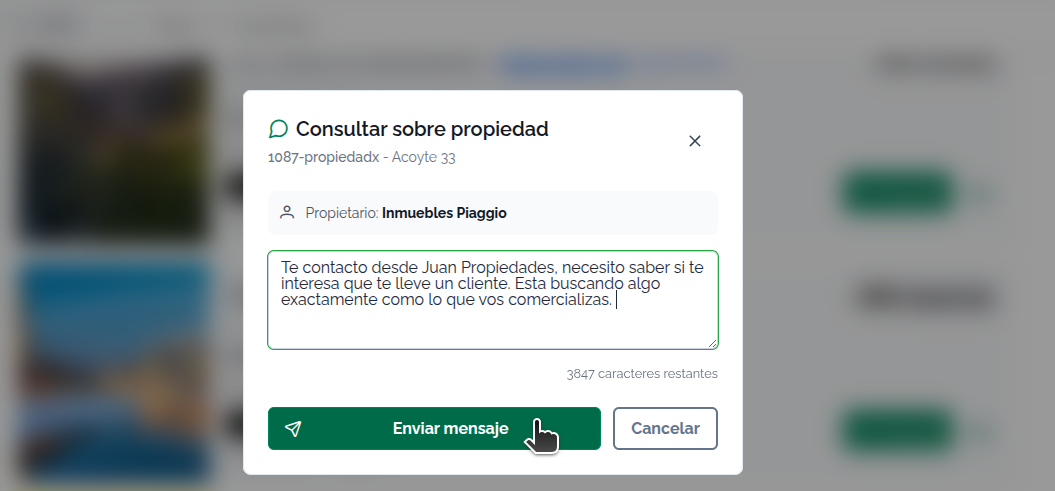
Messages are sent instantly and your colleague also receives an instant email alert. When your colleague replies, you'll be able to start a conversation from the Message Inbox / Leads
QR Code
Clients with a Subscription of the type
Will generally have access to some kind of Real Estate Networks / MLS that allows Networks > Publishing on websites. The networks that allow this are:
In these cases, the Network Property will provide the option to get the QR code