Activate a website
If you meet the Subscription requirements, website activation will be enabled. Website activation consists of three steps.
- Activate website
- Configure Internet domain
- Edit website design (colors, images)
1. Activate
Go to Website Console. From there you can start the activation with this button
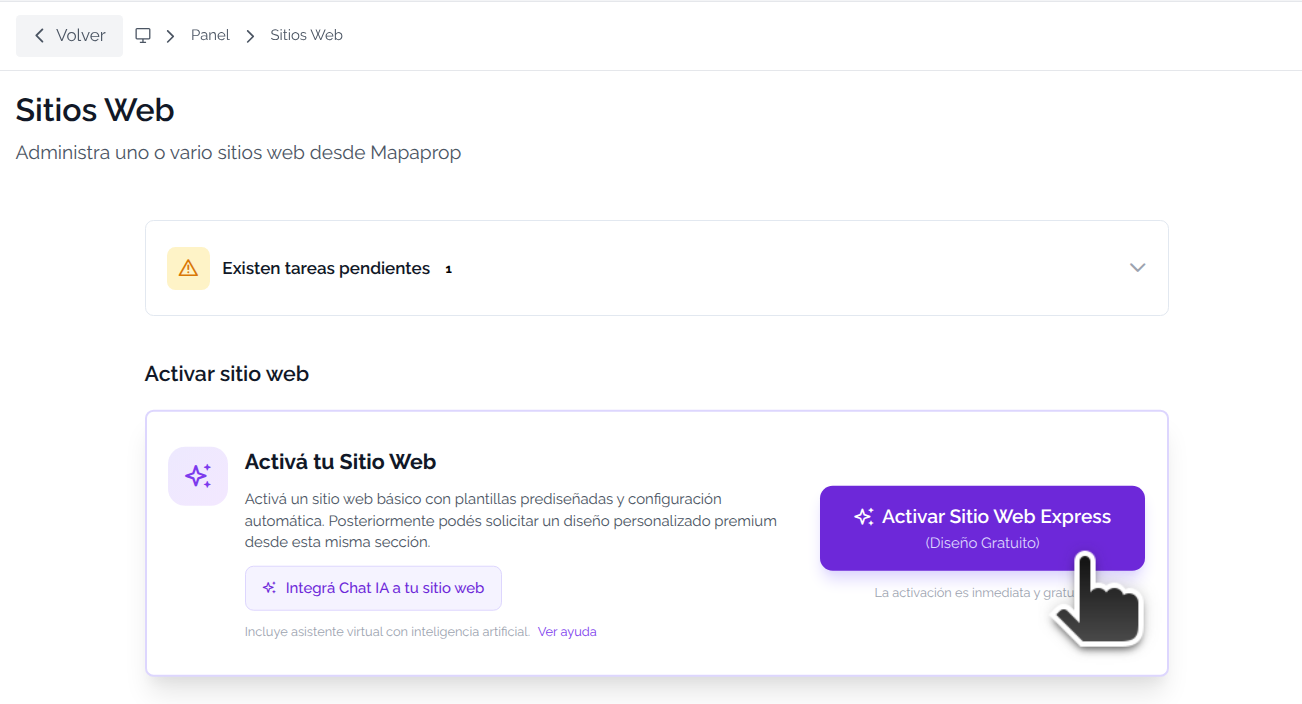
A confirmation message appears, confirm to activate.

The website is activated and the following screen is shown
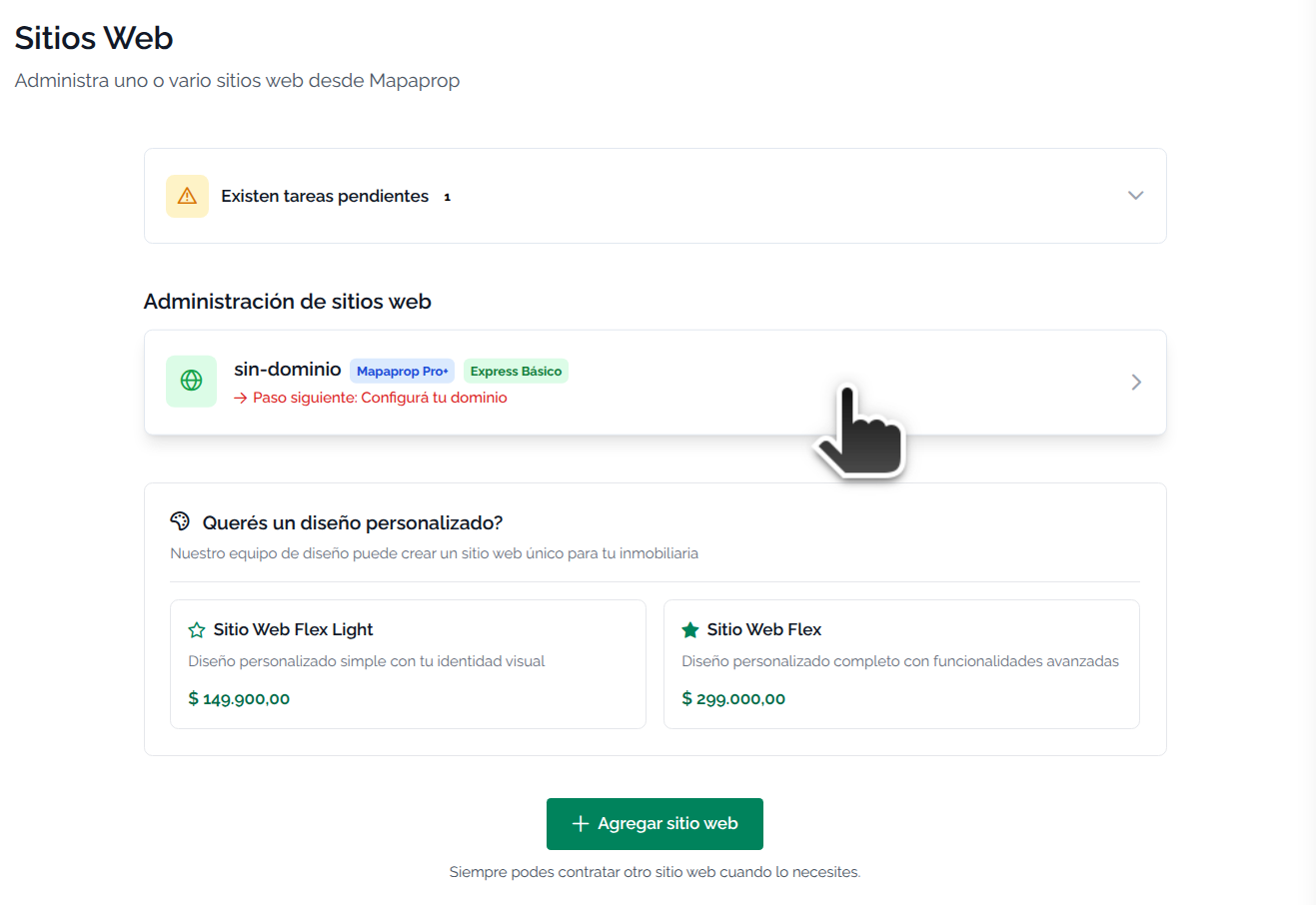
The options are:
- Click on Website to Manage Websites
- Request a custom design (a message will be sent and someone will contact you)
- Add another website to your account with the Multiple websites option
2. Configure Internet Domain
Go to Website to Manage Websites to configure the Internet domain
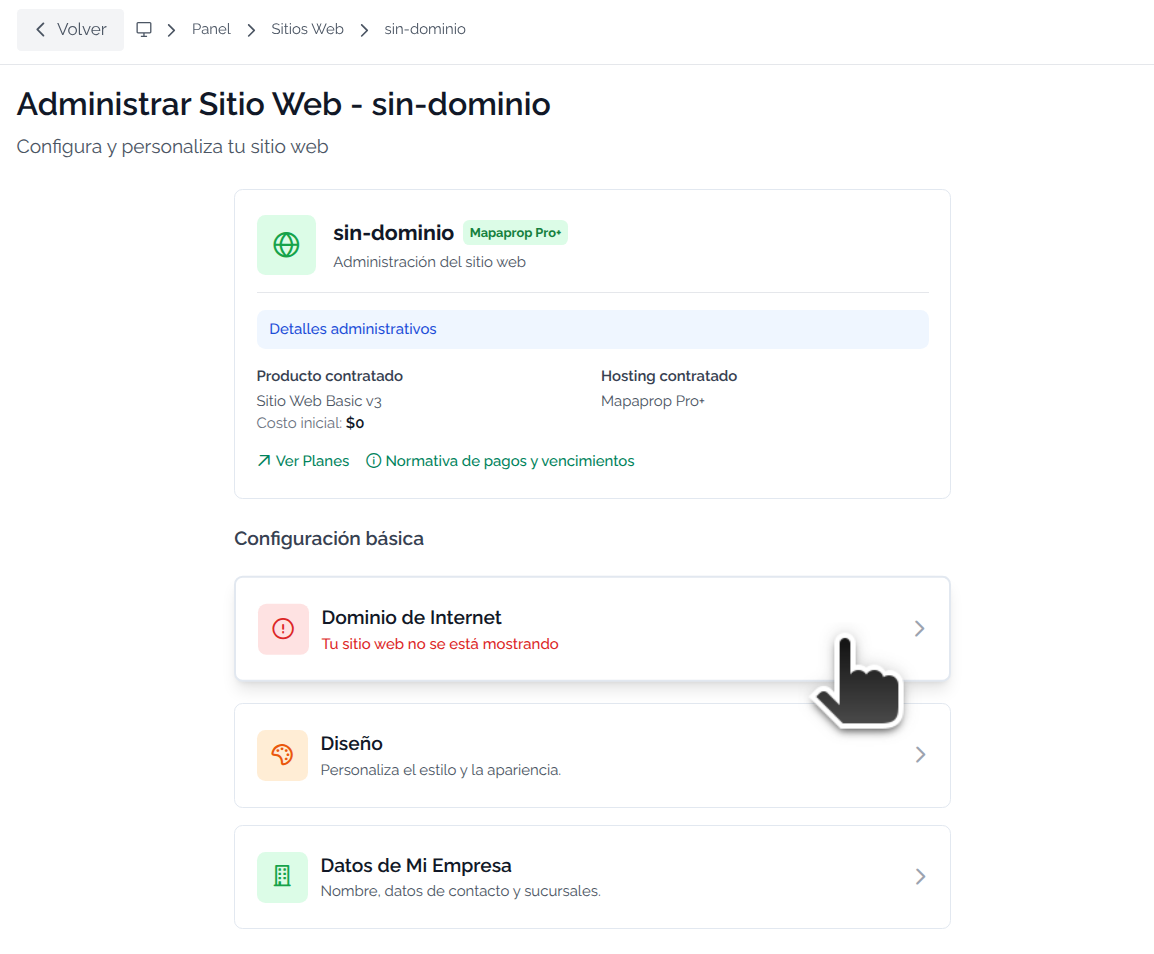
Keep in mind that in order to add your Internet domain, you must first carry out the Domain delegation to Mapaprop.
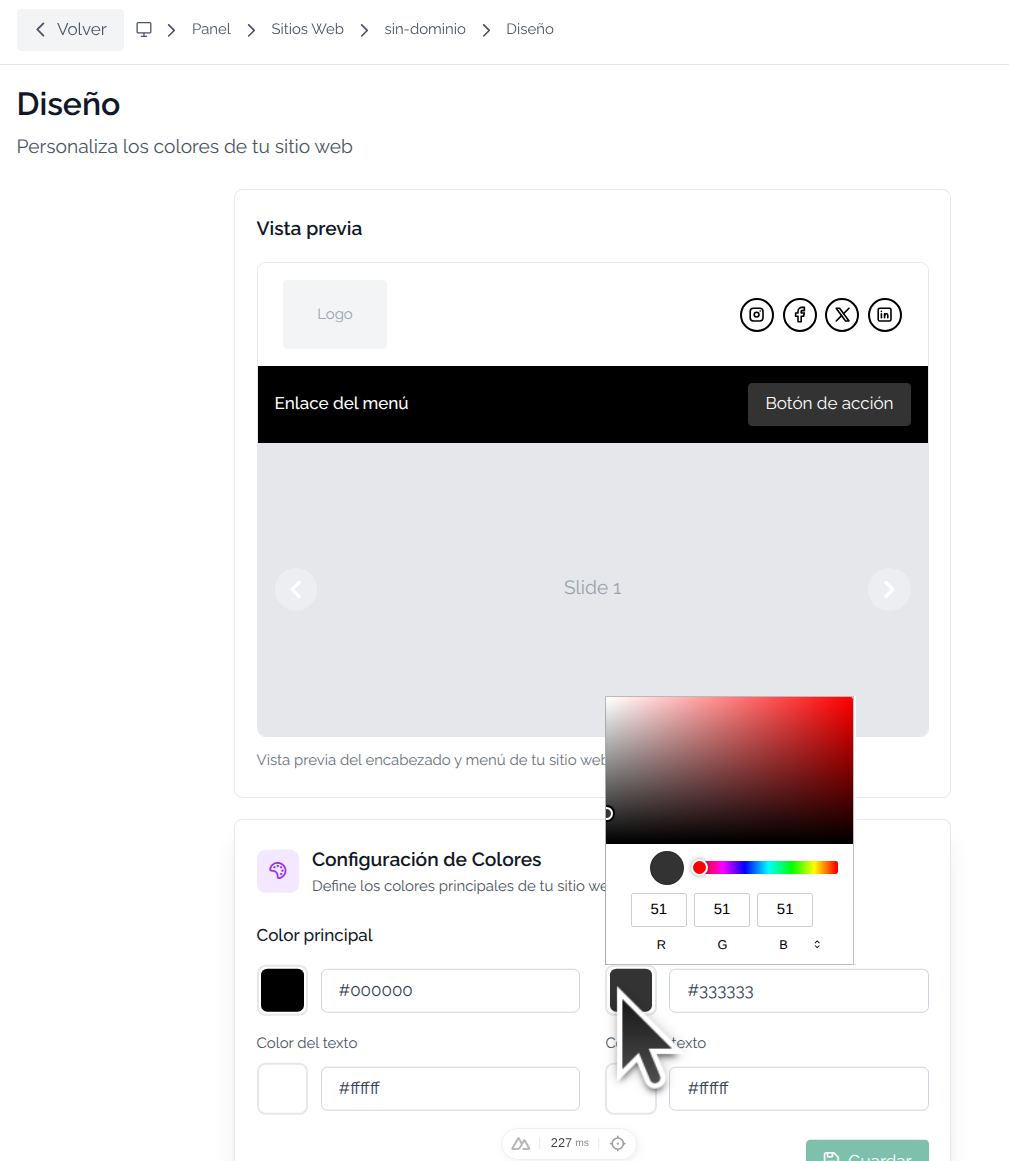
For your website to represent your corporate brand, you must edit the logo, colors and images on the home page.
Go to Manage Websites, and then to the Edit website design (colors, images) section