

Publishing on http://Cabaprop.com.ar ****is exclusive to Mapaprop Plus customers
General functionality
The Connect and publish functionality on Cabaprop lets you publish properties directly from Mapaprop. The process consists of an initial Connection, and then an option to publish and unpublish in a single click. Some things to keep in mind are:
- When you publish a property from Mapaprop on Cabaprop, the listing will be published instantly on your Cabaprop account and on the http://Cabaprop.com.ar portal
- If you cancel Mapaprop Pro, the ability to keep publishing gets blocked,
Connect Account
- Log in to Cabaprop with your Administrator user
- Create a new key to get the API key.
- Return to Mapaprop with the API key to be able to connect.
1. Log in to Cabaprop
Go to https://cabaprop.com.ar/admin/ingresar , log in to your session with your username and password.
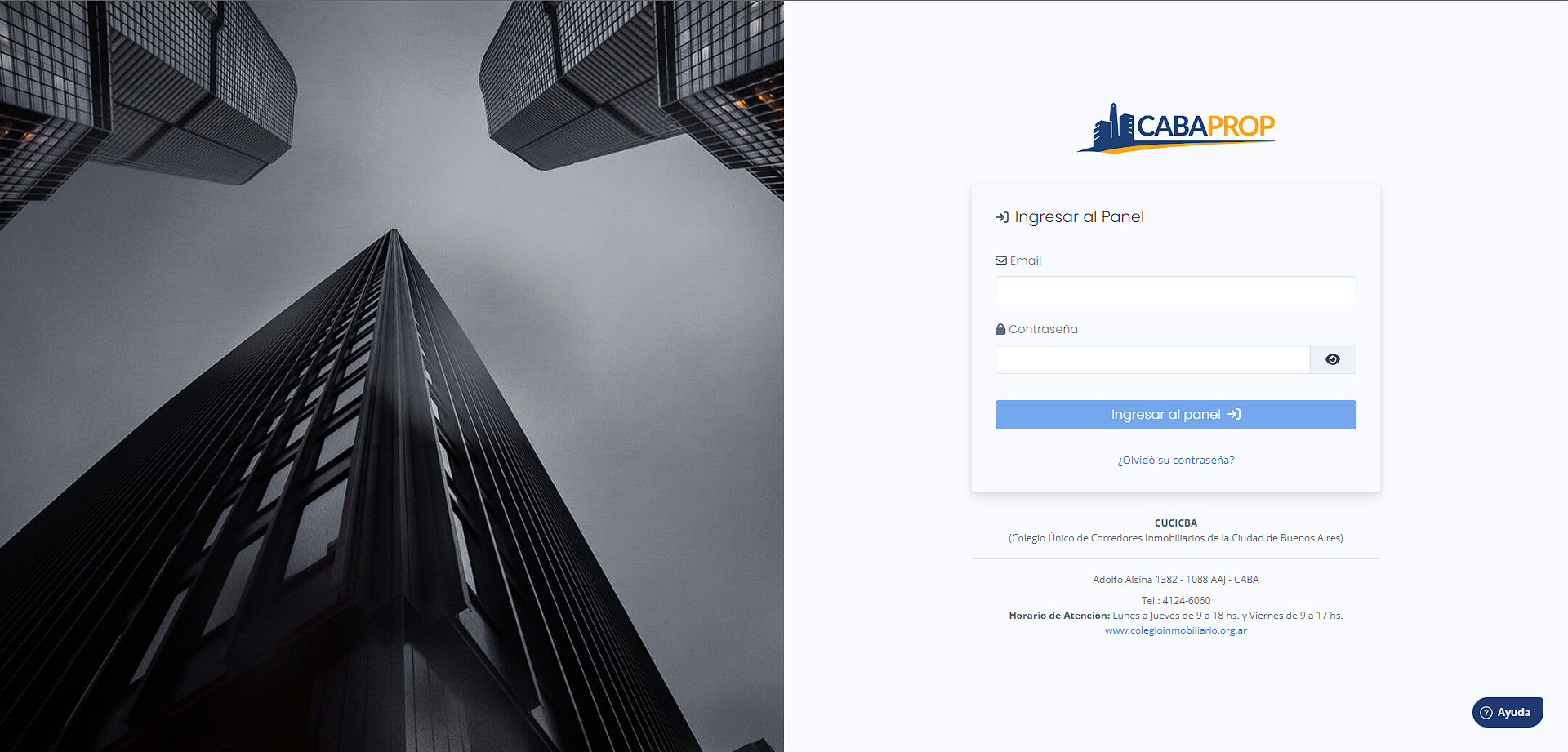
2. Create a new key to get the API key
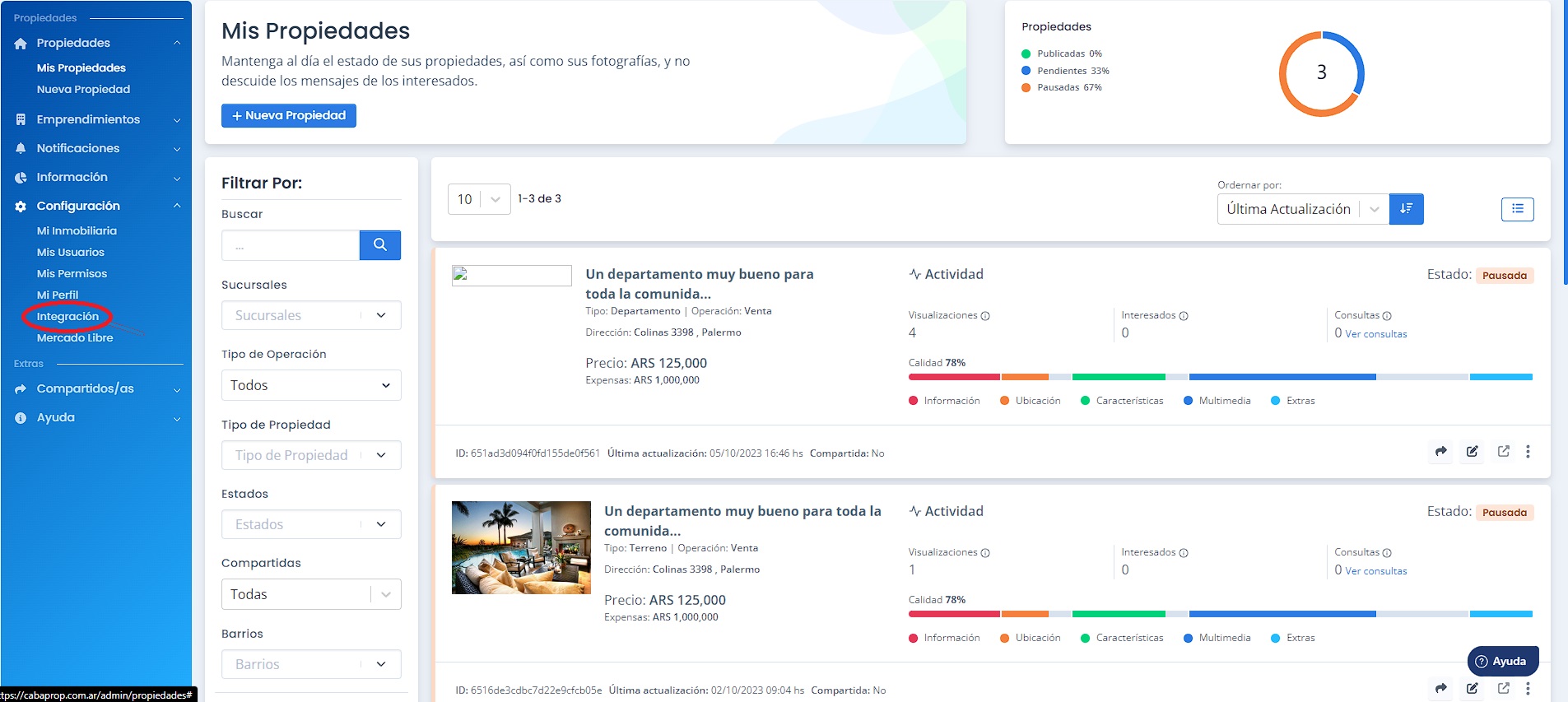
Once logged in, go to the left menu Menu → Configuration → Integration.
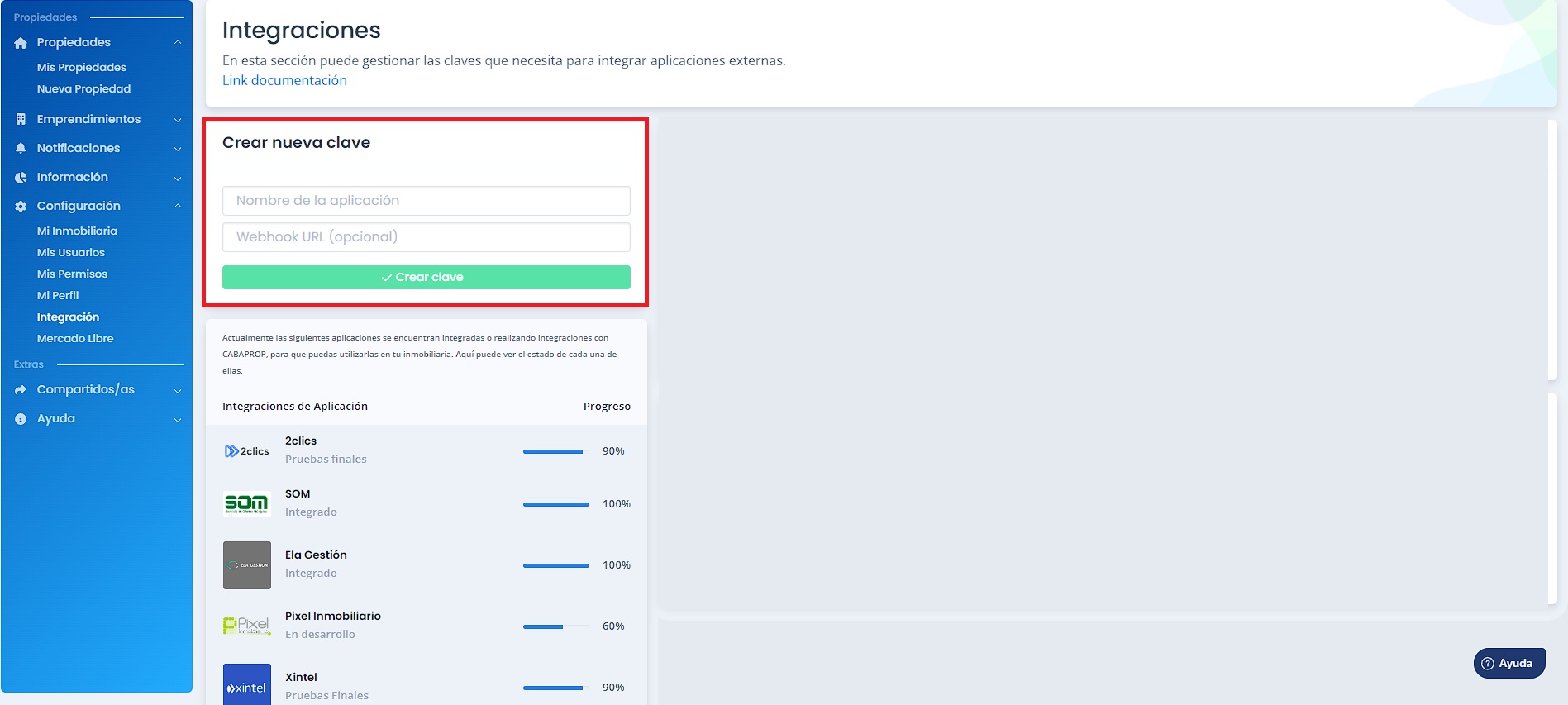
Then create the API key by entering the name of your real estate agency and a reference URL if you have one, the latter being optional.
As the application name enter Mapaprop and press create key.
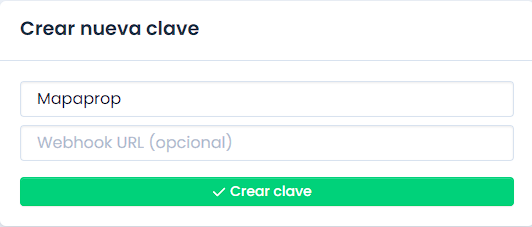
With this you've created a new connection within your Cabaprop account called Mapaprop; once created, copy the API key value.
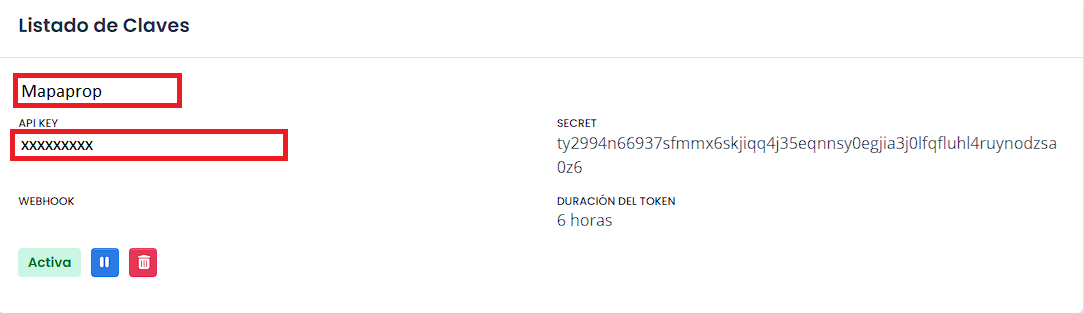
3. Return to Mapaprop with the API key to be able to connect.
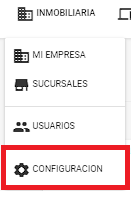
Log in to your Mapaprop account, go to Real Estate Agency.

Then select Configuration
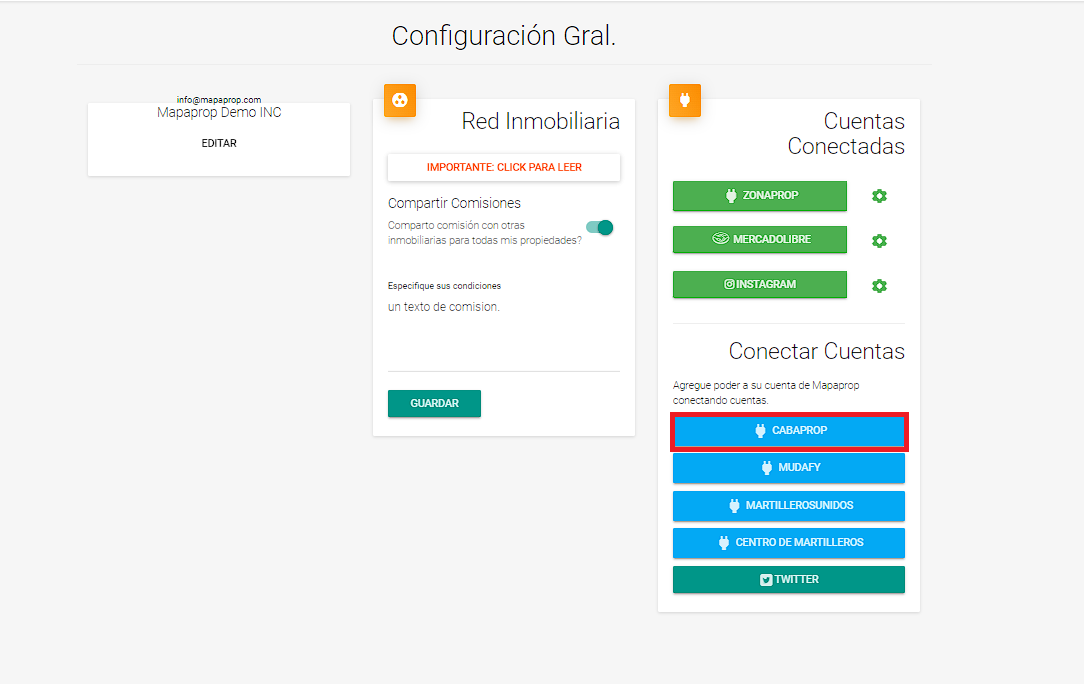
Once in Configuration, select Cabaprop under Connect Accounts.
Continue by pressing the following button:
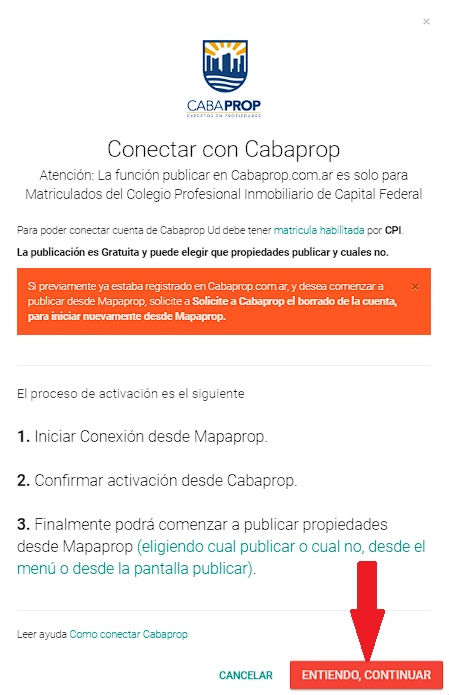
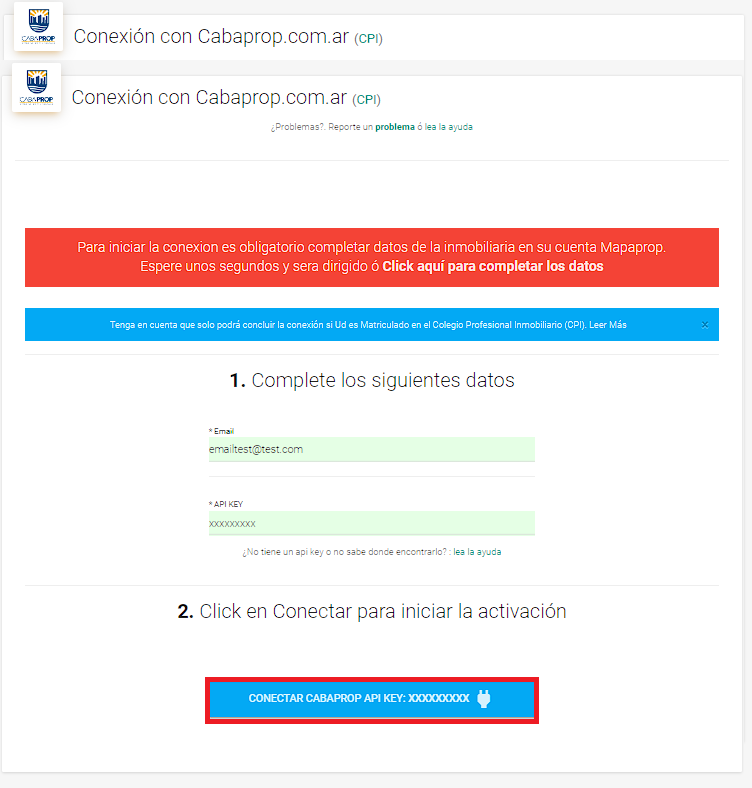
To connect your Mapaprop account with Cabaprop, enter the email of your Cabaprop account and then paste the previously copied API key into the indicated field. Then press the Connect Cabaprop… button
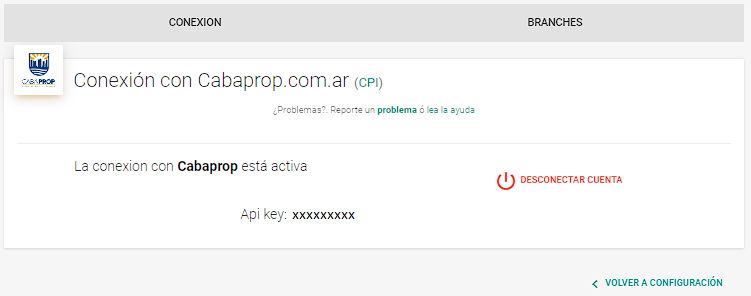
With this action you've successfully completed the connection. The screen will show a successful connection and the option to view your Cabaprop account information as well as disconnect the account.
You'll also receive a confirmation email to the address you entered.
Attention: Properties must have at least 3 images to be published on Cabaprop.
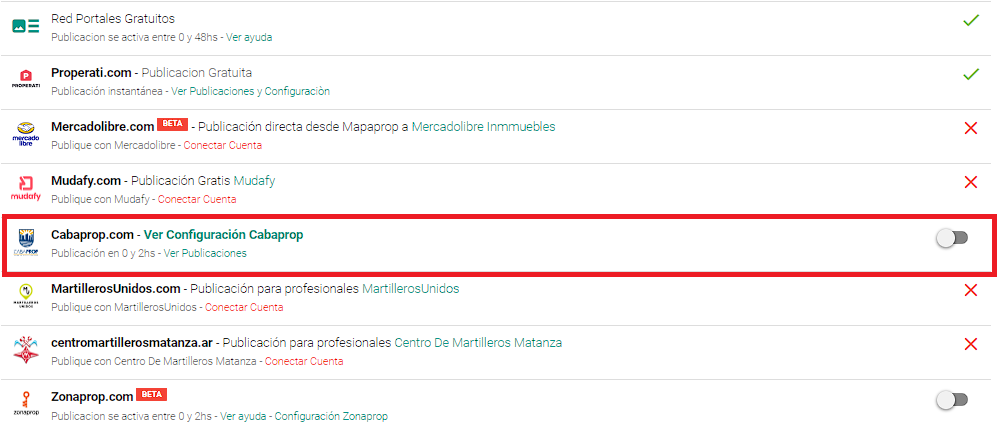
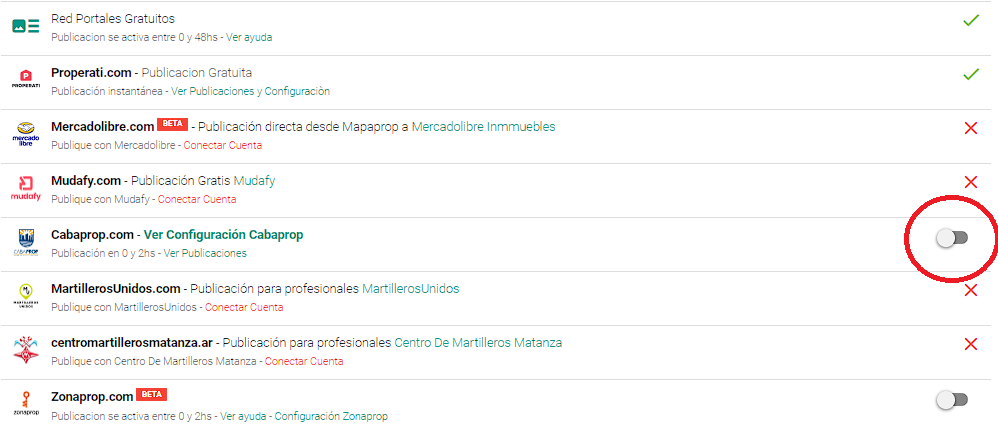
Then press the button on the right
The following notice will appear; press Accept.
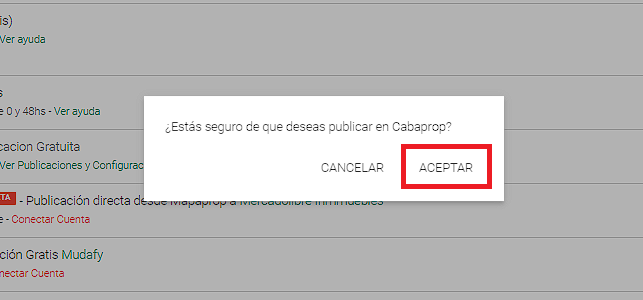
Then the publishing operation will start; we must wait a while for the operation to finish, which will depend on the number of images the property has.

Once the operation is finished, you'll see a confirmation message at the bottom left of the screen.
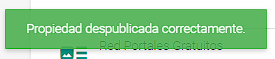
Unpublish on Cabaprop
If you want to unpublish a property on Cabaprop, go to the property's Publication section, at the bottom of the screen, in the Cabaprop section.

Press the button to unpublish; it will then appear in this state:

Then select Accept
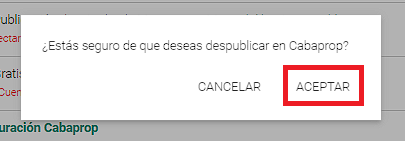
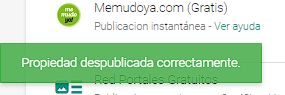
Finally, the Operation in progress screen will appear, ending with an unpublish confirmation message.
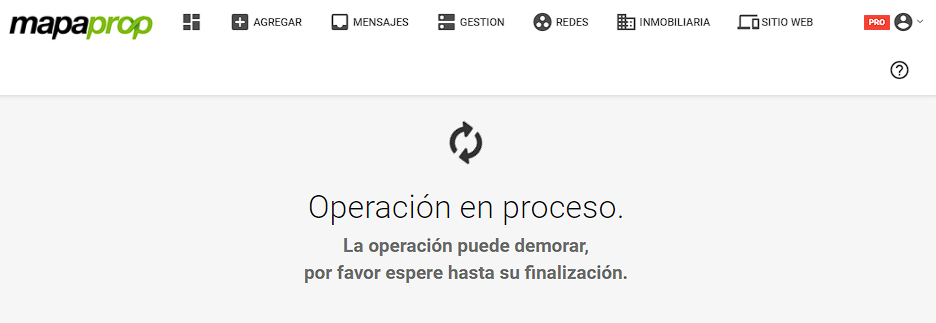
Update publications
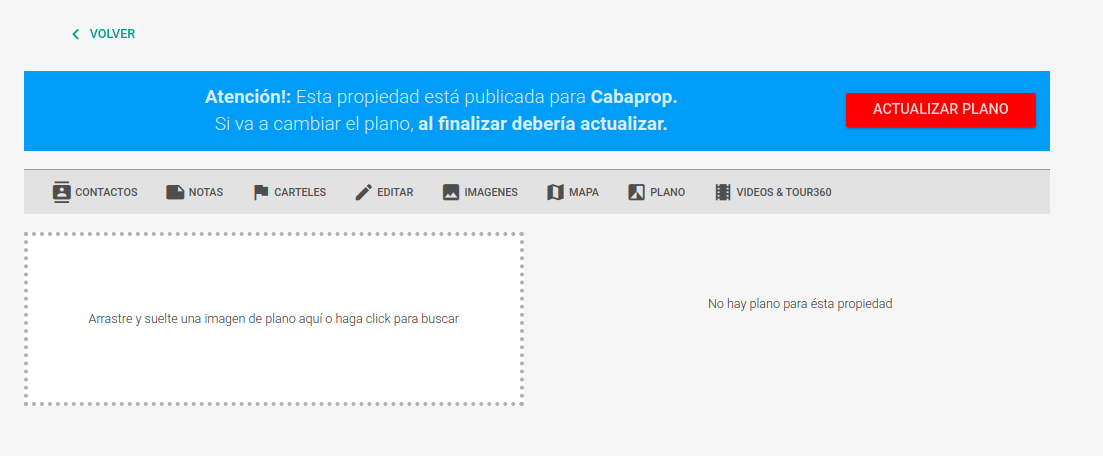
The method implemented for Cabaprop involves an automatic update of properties published on Cabaprop, as long as the property remains published.
This means that if, after publishing a property on Cabaprop, you decide to…
- Edit property
- modify Prices
- modify Map
- modify Images
- modify Floor plan
- modify Videos & 360 Tours
In any of these cases, the system will let you know that it will update automatically on Cabaprop, or will show you a button so you can update the publication on Cabaprop.
Search publications
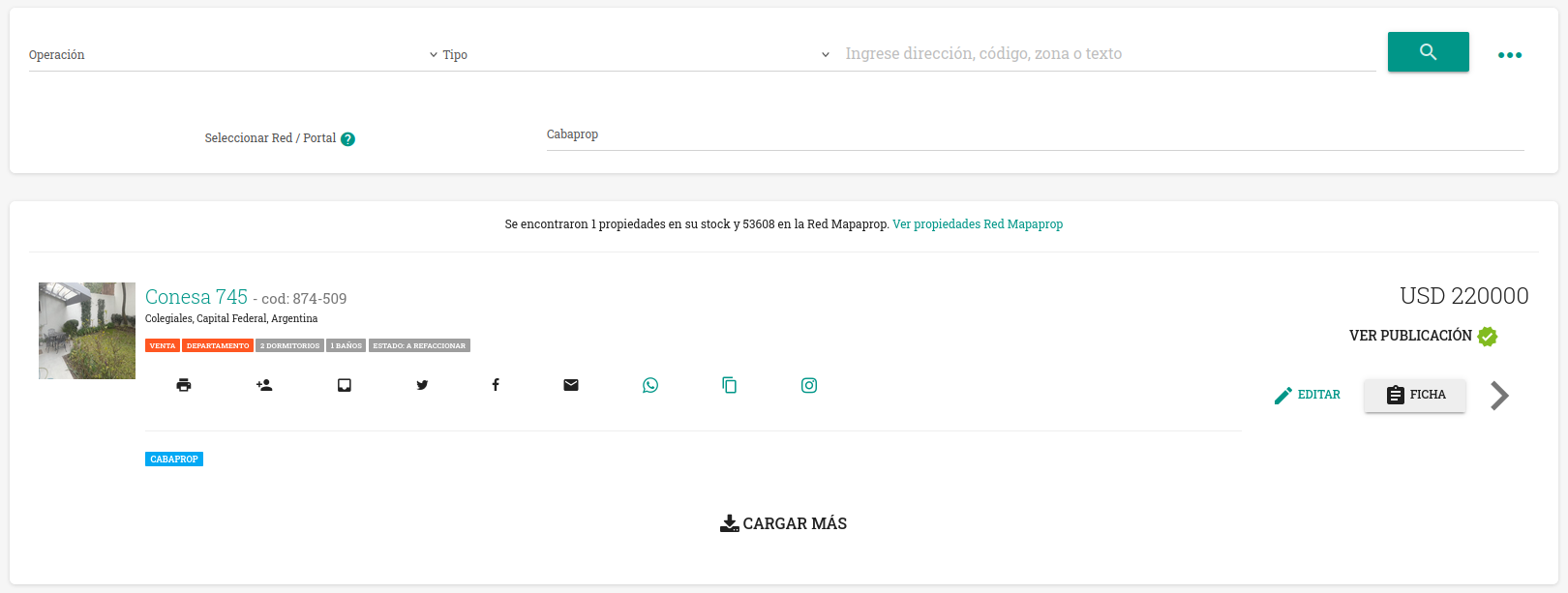
Since June 25, 2024 you can Search for the Properties published on Cabaprop. To do so, use the available filter in Search, which will list all properties published on the portal.
Information from CUCICBA: About the new Cabaprop
Information directly from Cabaprop
Hello everyone!
—
We are very happy with the launch of the New CABAPROP. That's why we're sending you these instructions so you can operate on the new platform.
Current users.
Registered agents who had been working on the old Cabaprop will do so with the same username and password they were using on the previous portal. Properties that were published on the old Cabaprop have been migrated to the New Cabaprop. We recommend checking your listings to update and/or modify them.
New users.
Registered agents who did not publish on the old Cabaprop must contact (+54 9 11) 4064 2434 and request "User Registration." They will then receive at their email registered with the Association the new username and new password to be able to operate on the New Cabaprop.
User Manuals.
We're sending you the "User Manual" in this same email. It's so you can publish and operate on the New CABAPROP.
» Manual for logging into the system
» Manual for Additional Users and Roles
» Manual for viewing Agency and User Data
» Manual for creating a property listing
» Manual for creating a development listing
Cabaprop Support
Cabaprop support can only help you with issues related to the Cabaprop platform. For issues when publishing from Mapaprop, contact Mapaprop
We've enabled a "Support and Help" line for all registered agents. It's very important that you save the number (+54 9 11) 4064 2434 to your phones and then send a message with just the word "SUSCRIPTO". Only that way will you receive all the features and updates that get added to the New Cabaprop. You can also do so by phone at (11) 4124-6059.
IMPORTANT: SUPPORT AND HELP VIA WHATSAPP IS FOR CLARIFYING DOUBTS REGARDING OPERATION AND USE. FOR TECHNICAL ISSUES YOU MUST USE THE HELP BUTTON AT THE BOTTOM RIGHT OF THE SCREEN THAT APPEARS IN THE ADMIN PANEL AND SUBMIT THE CORRESPONDING TICKET. IN BOTH CASES, SUPPORT HOURS ARE FROM 10 AM TO 5 PM.