
This help will teach you how to add a floor plan for the property
Add a floor plan to the property
From the Property screen you can access the Edit Floor Plan function.
Floor plans are only accepted as images, in jpg, jpeg, jfif, gif or png formats. The upload requirements are the same as for Images
Drag and drop a floor plan image into the green area or click to search for the image on your device.
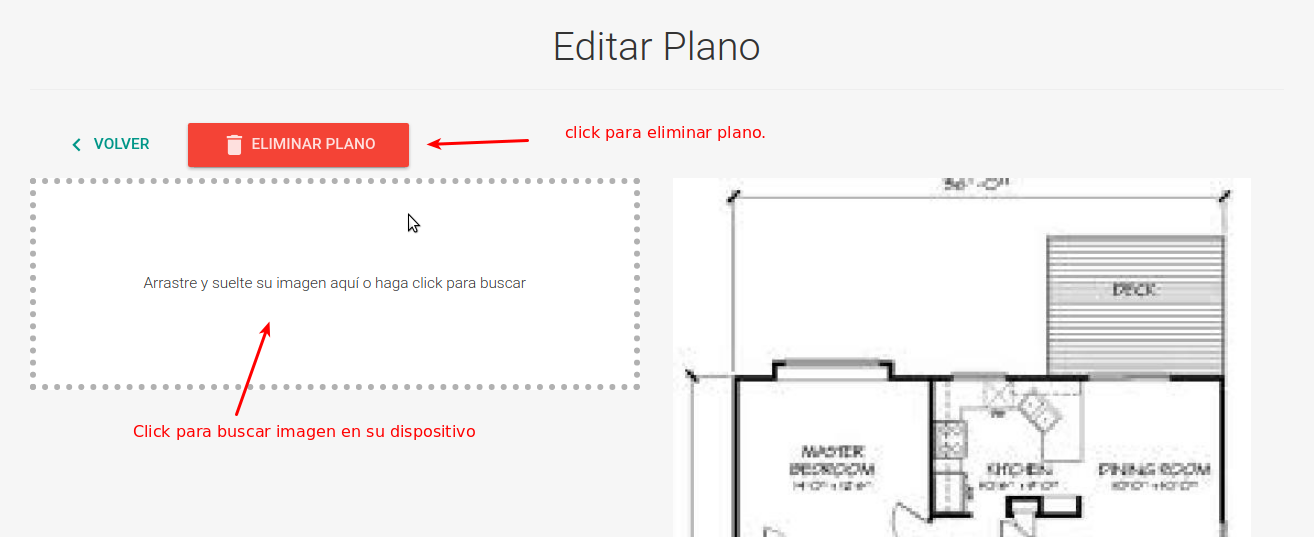
The floor plan can be deleted with the delete floor plan button
Please note that only one floor plan image can exist per property. The maximum size for each image is 7 MB. !WARNING If you have difficulties with this help, you can report a problem by clicking here