
Many changes that Mapaprop makes continuously are visible with the different versions of the system. If you don't log into the system for a long time, the changes may be significant and the application may not display correctly.
The simplest solution is to press F5 several times to REFRESH the website you're viewing. You can also press CTRL + F5 to fully refresh the cache of the active website.
Finally, you can clear your web browser's cache. Each web browser has its own method; see this link to search Google for how to do it
One way you can check whether the system is actually working is to try logging in through another web browser you've never used with Mapaprop, or from your mobile device.
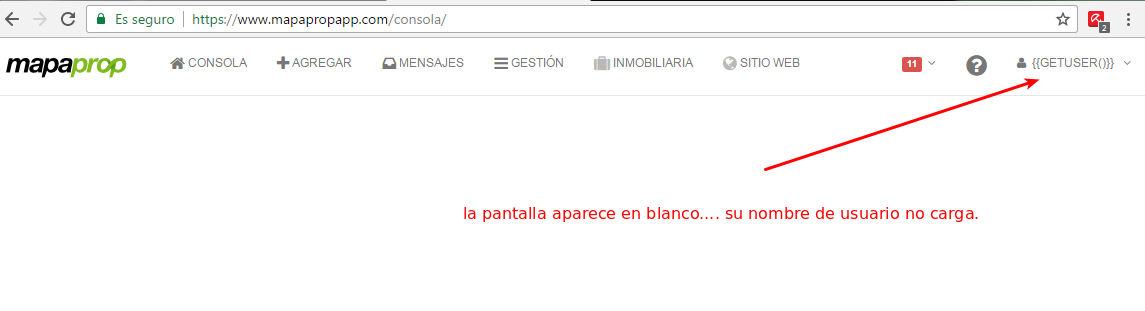
This is a clear indication that the system did not load correctly. You can do the following:
- Press CTRL + F5 4 or 5 times to refresh the browser, or just F5
- Click the user icon and select LOG OUT to fully close your user session. Then log back in.
- If the problem continues, try browsing Mapaprop in an incognito tab
- If the problem still persists, you can clear your web browser's cache
- If the problem still exists, log into Mapaprop from your mobile device or another browser you've never used with Mapaprop before
Support
⚠ If you have trouble with this help article, you can report a problem by clicking here
Mapaprop.com | All rights reserved | Follow us on Twitter