
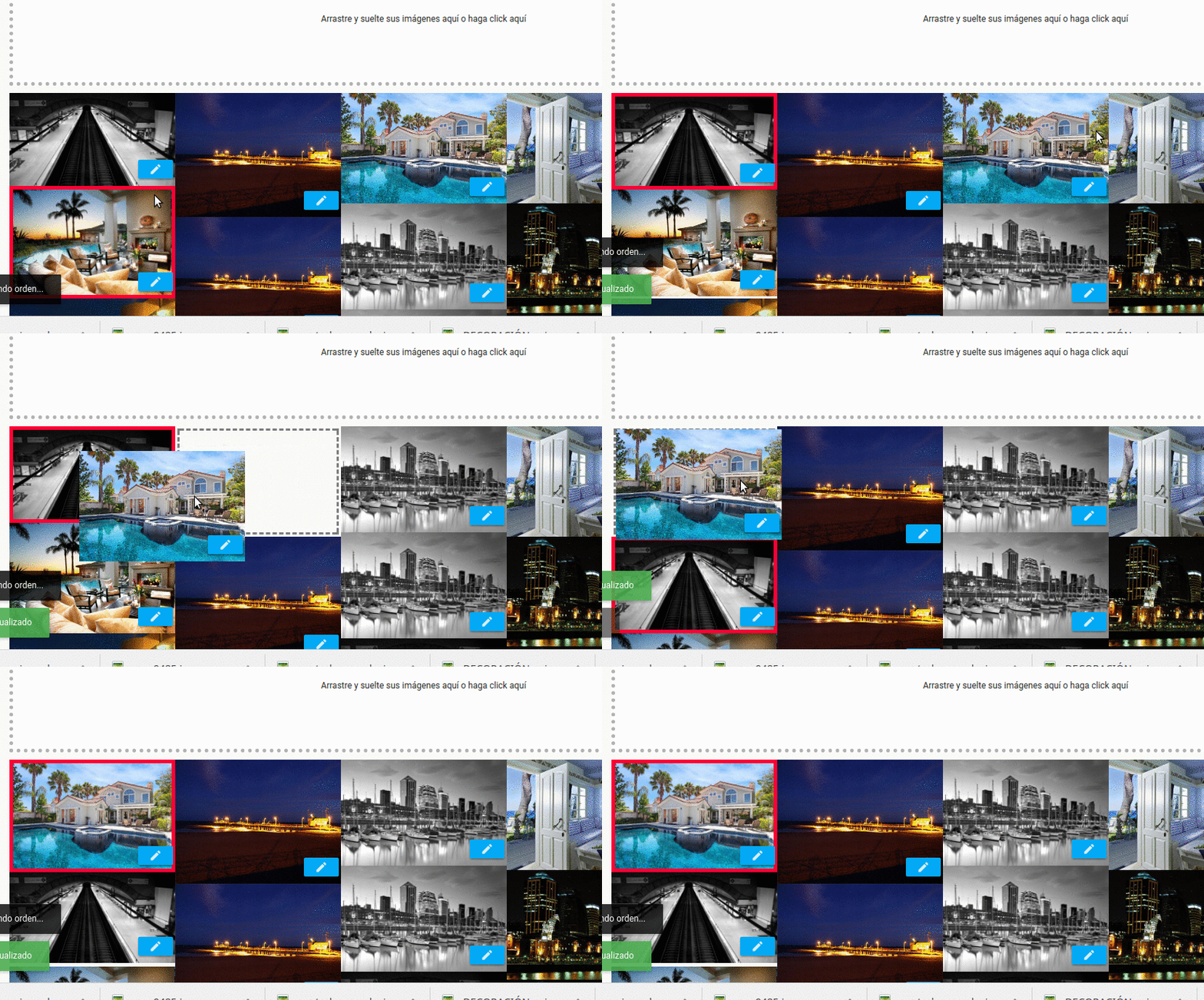
Unpaid users cannot order images. The method
Image ordering method for non-subscriber users
If you upload images in bulk, using drag and drop, the system orders them by upload order. If an image that you think should go last has a smaller file size in KB/MB, it will probably upload before an earlier image with a larger size. As a result, the images will get out of order.
To keep the order, you must upload images one at a time.
When uploading more than 9 images, the order gets altered, since the images are recreated with a natural numbering type.
The natural numbering order system for images means that image number 10 that you upload will end up after image number 1 previously uploaded, image 20 will be after image 2, image 3 will be after image 30, and so on
Support
⚠ If you have trouble with this help article, you can report a problem by clicking here
Mapaprop.com | All rights reserved | Follow us on Twitter