
This help article will teach you how to create links to other websites
Create links to external websites
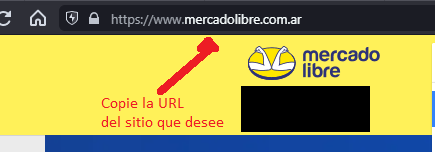
To create a link to an external website you must first copy the URL of that website.
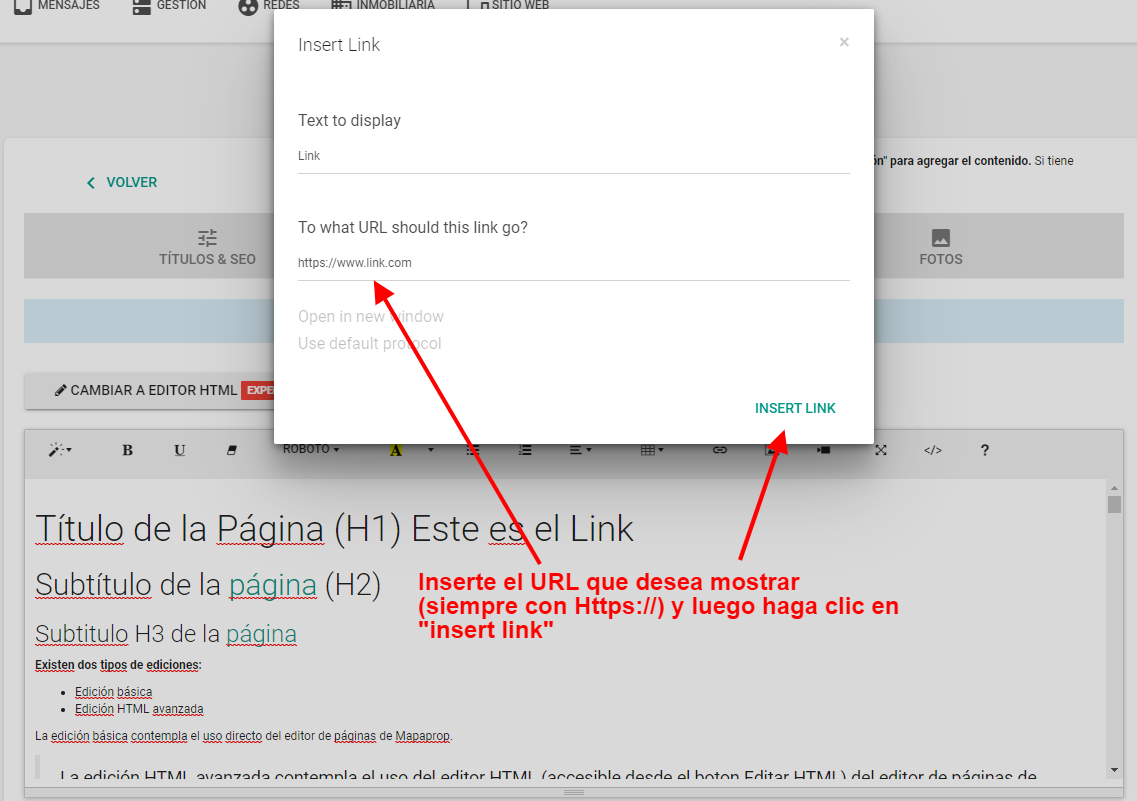
Then you can insert the link by selecting text in the edit view of the page where you want that link to appear.
Now paste the URL you copied and click "Open in new window" to complete the operation.
Press the save button to save the changes.
For creating advanced links, see HTML Editing