This help article will show you how to multiply an existing property.
Copy a property into several new ones (Multiply)
The Multiply Property feature lets you copy a property completely into as many new ones as you decide, with the exception of certain related data such as contacts, security guards, and signs.
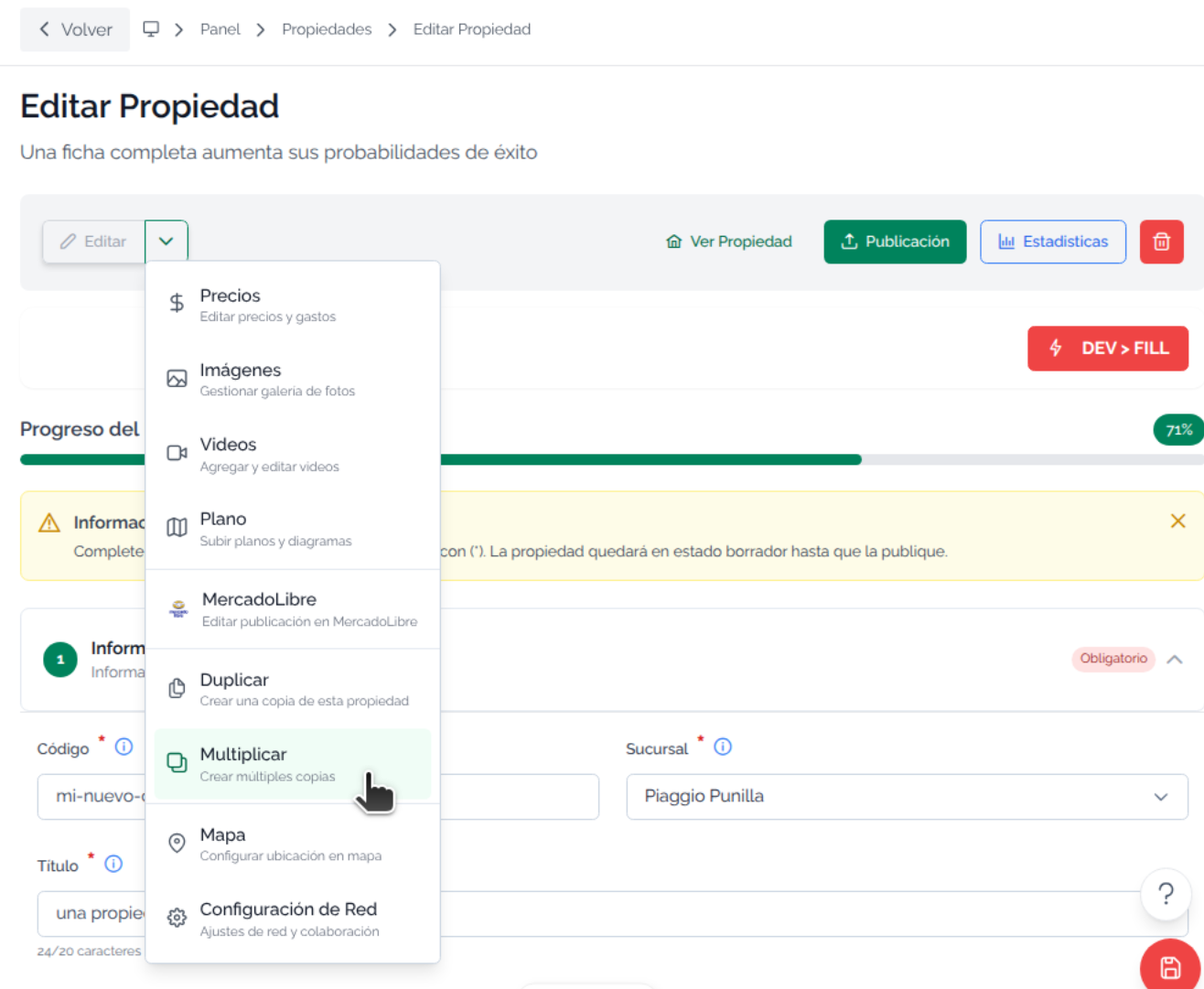
Go to Property > Edit button > Multiply
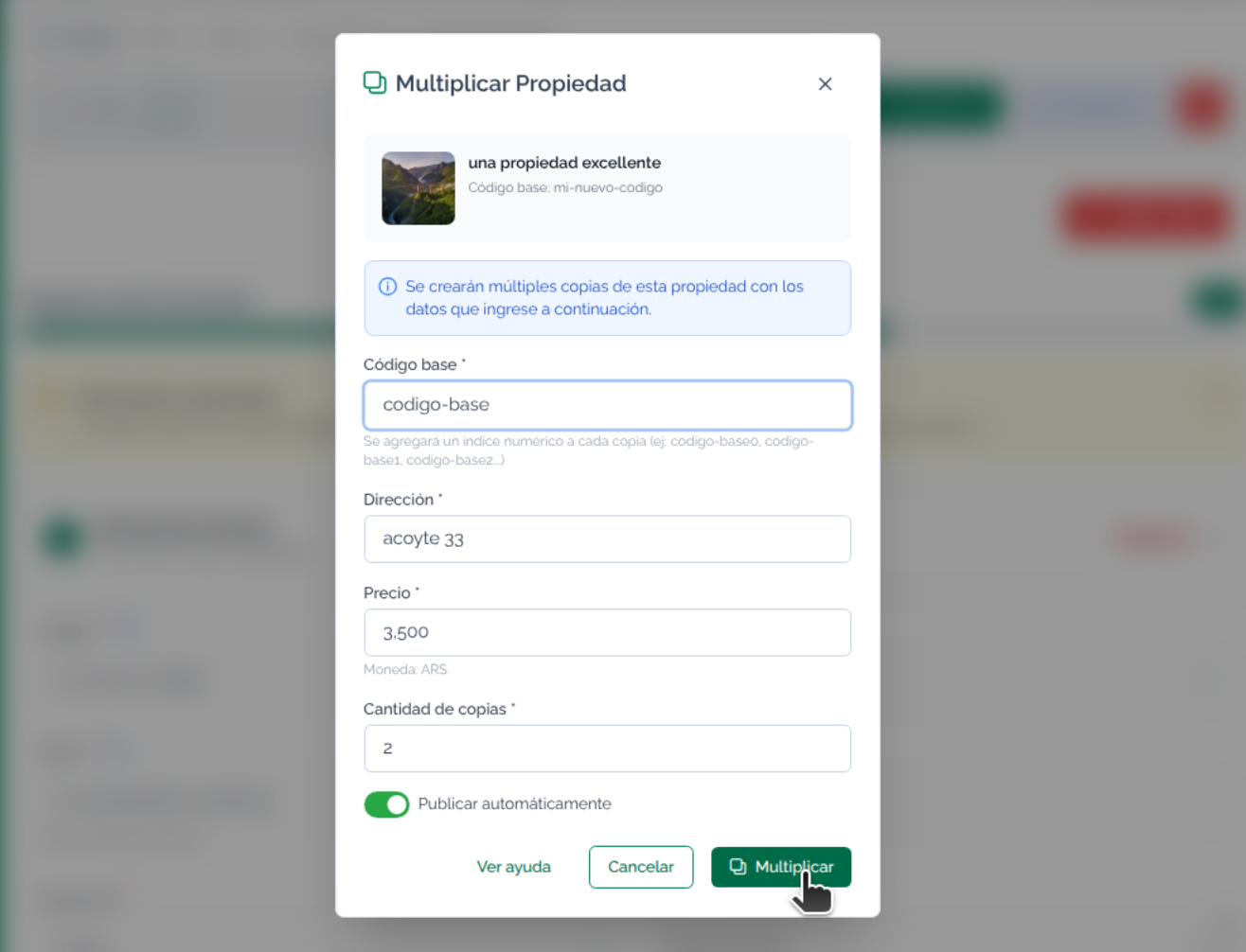
A menu will open with options for you to enter a base code, to which incremental numbers will then be added so you can generate a set number of copies of the property, and, if needed, write a new address and price. You can also choose to publish immediately.
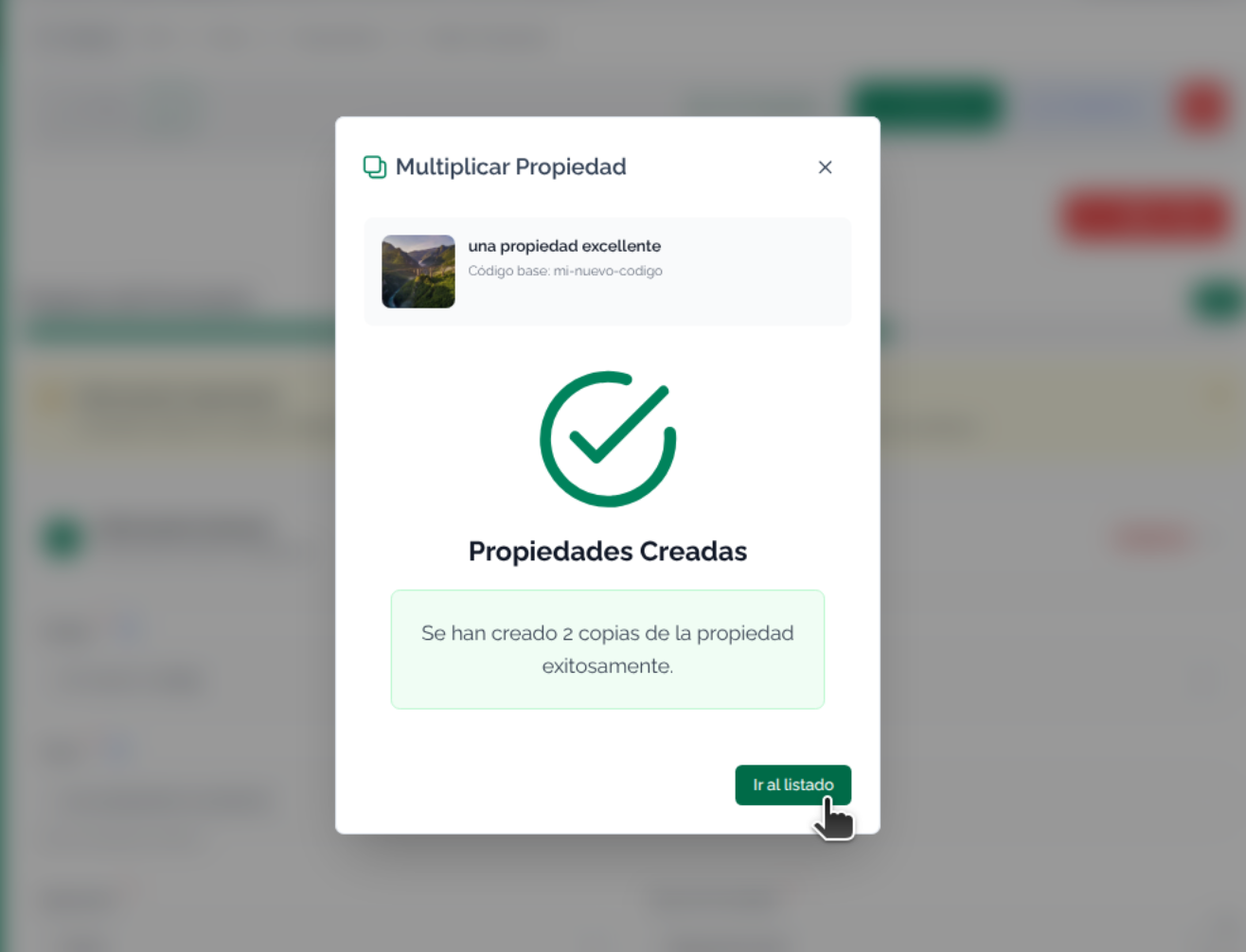
When you click Multiply, you will be taken to the Properties screen, where you can continue working
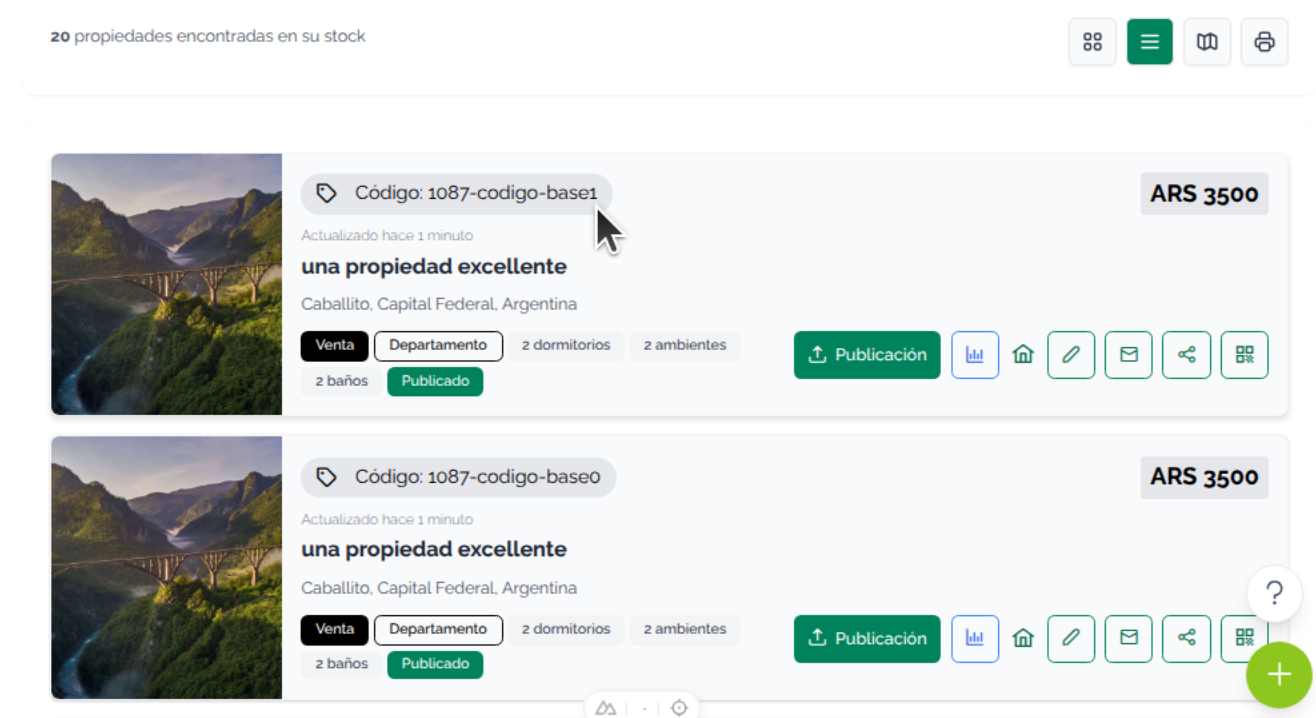
In the listing you will see that the new properties have a code with an incremental numeric ending.