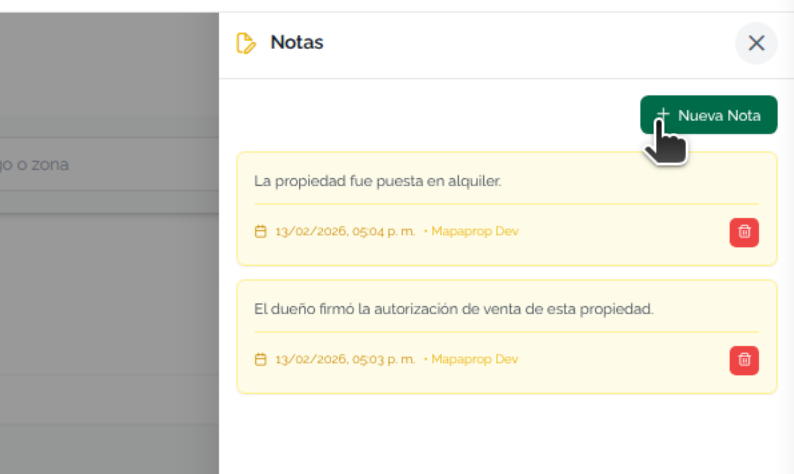
This help article will teach you to create and manage notes for the property
Since February 16, 2024 it's only possible to create new notes if you have a Subscription of any type.
You can access Notes from the Properties screen
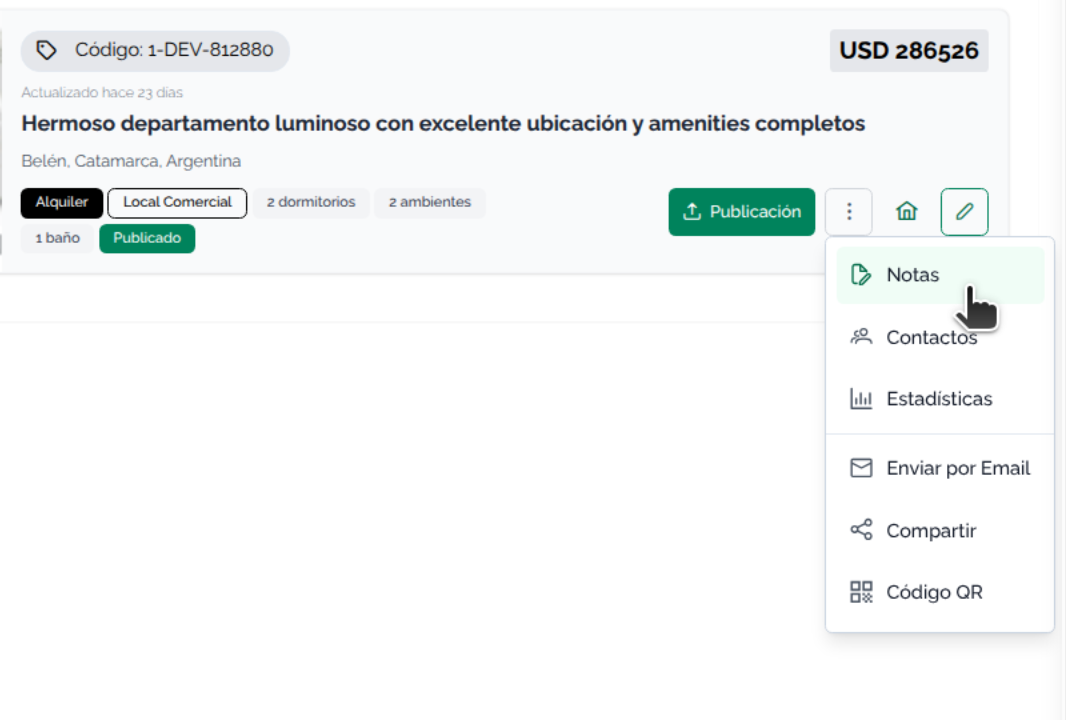
Or from the Property card
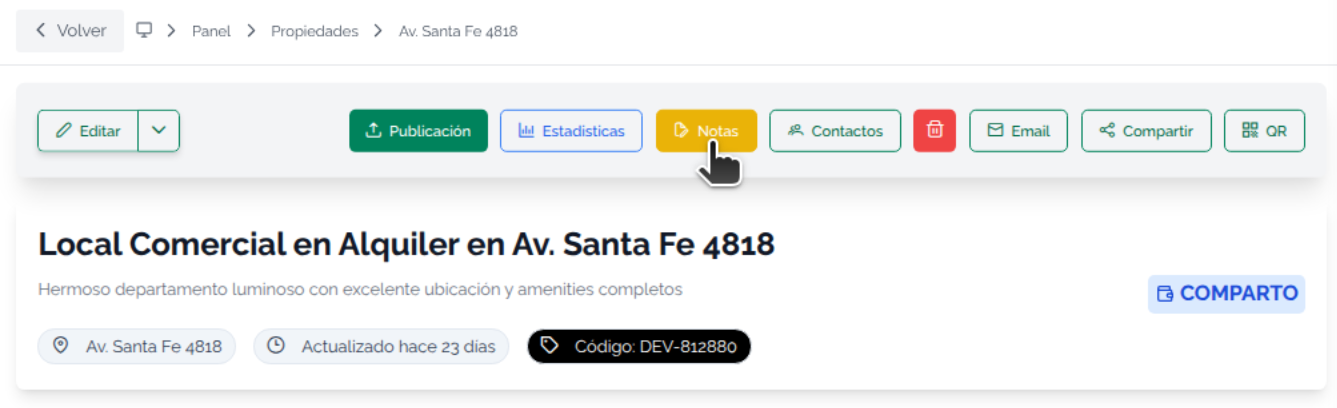
The property card lets you access a note-adding feature. Notes have no limit and are private. This means there's no way to share the information about them outside the system.
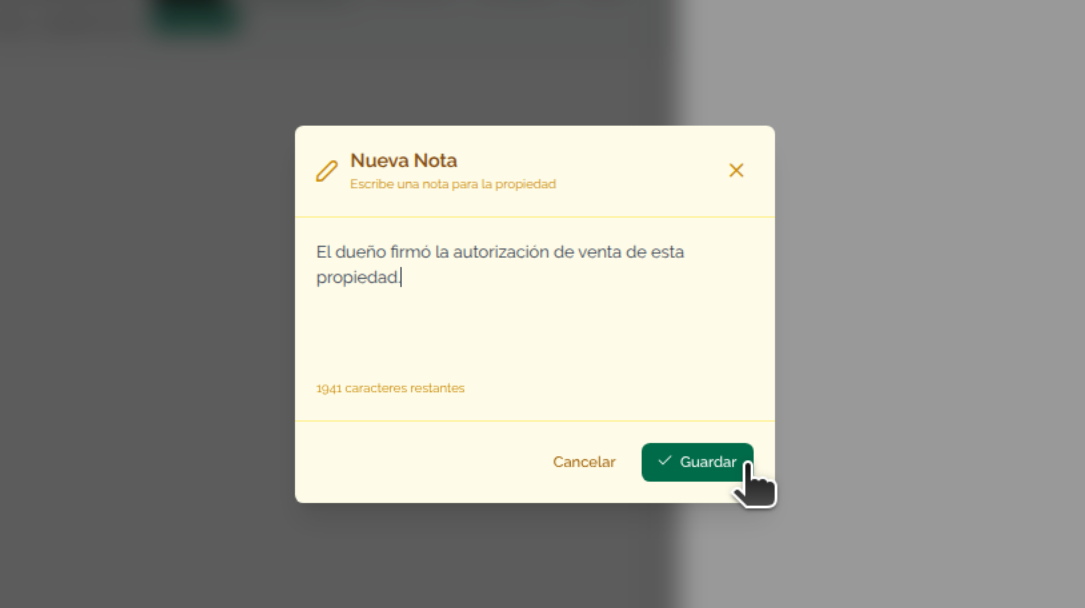
To add a note, press the Add button
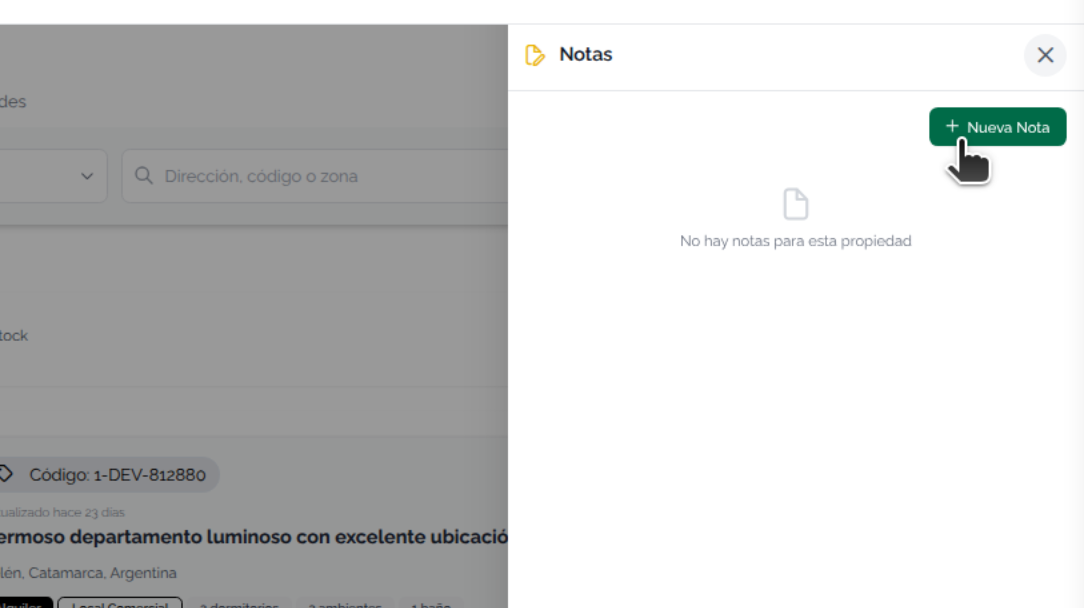
The next screen will let you add the note's content. Press Save to record it in the system
Now the Notes panel will show a sorted list, with the most recently added one first.
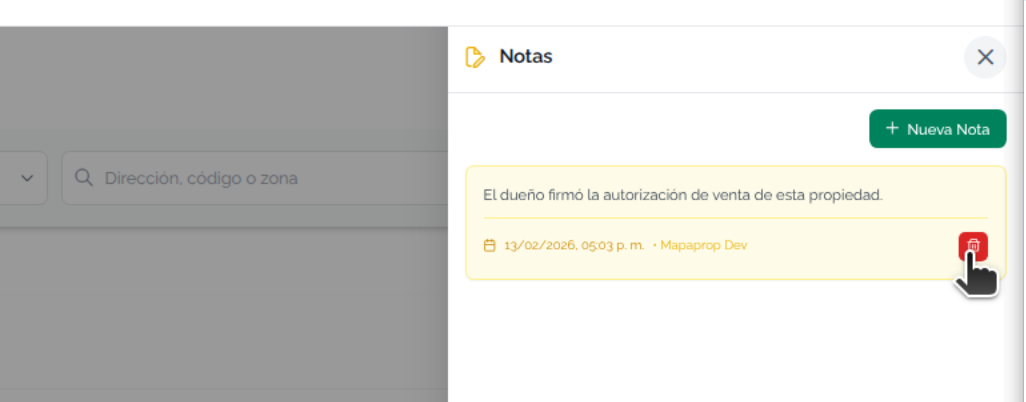
Notes contain the date, time, and author information. Notes accumulate, with the newest always on top