
Notice: You can click on any image at any time to view it in an enlarged format
Publish Property
The Publication Task is accessible from the Publication button either from Property or from Properties
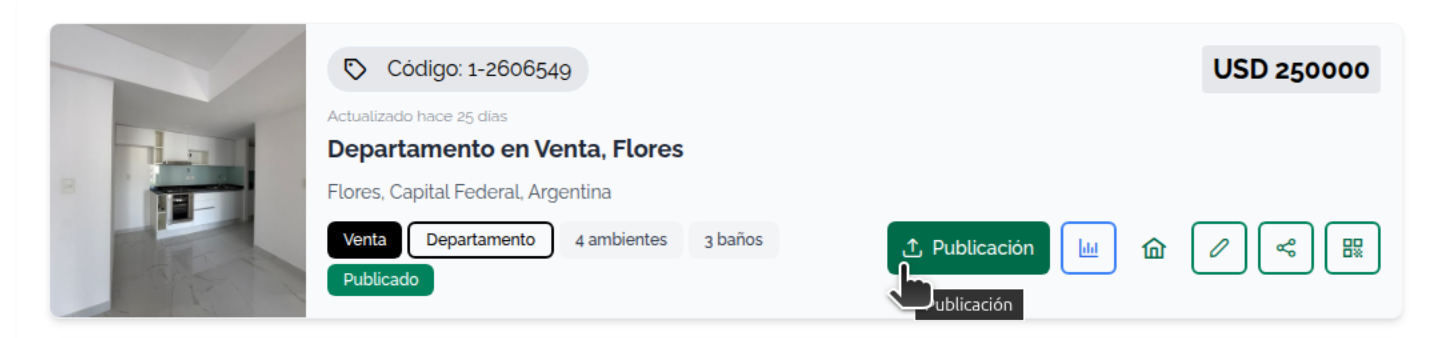
The Properties listings display tags for certain Publication systems
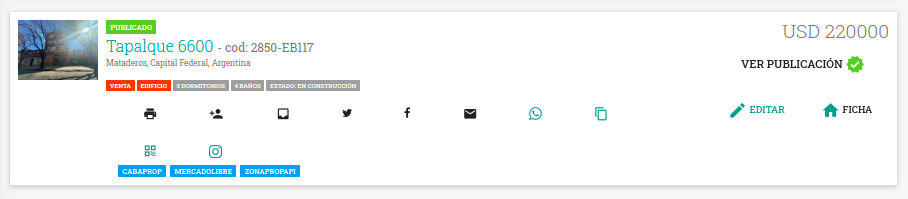
By clicking the Publication button from Properties, Property, the Publication Tasks Panel is displayed
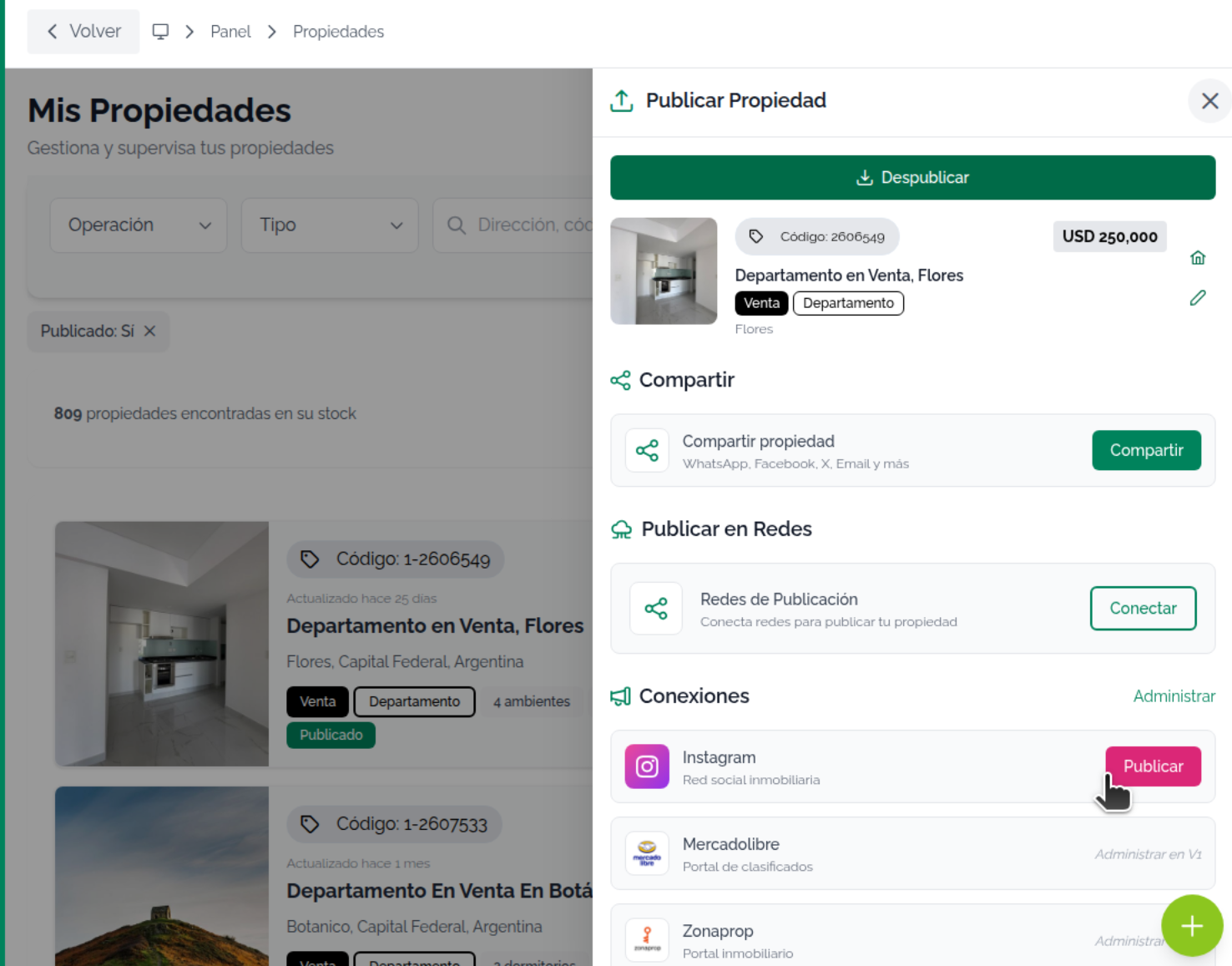
Publication Panel
The panel contains all available Publication channels.
The publication options are:
- Get QR Code
- Website (optional)
- Featured properties on Website
- Share Properties
- Mapaprop Network
- Real Estate Networks
- Memudoya.com
- Free Publication Portals
- Zonaprop (only if you have previously Connected with Zonaprop)
- Mercadolibre (only if you have previously Connected with Mercadolibre)
- Cabaprop (Argentina only)