
Activate the maps on your Mapaprop real estate website
The website maps must be activated with a key, which you must generate yourself on Mapbox.com. The process is very simple and will take you less than two minutes.
To learn how to do it, you can see this tutorial on Activating Maps on your Mapaprop website
Why do I have to activate maps?
In July 2018, Mapaprop made major changes to the Maps interface for the websites it provides. These changes were driven by Google's new pricing and limits for professionals and businesses using the Maps, Places, and Street View services.
In this link you can see Google's new service method and costs
To put it simply: every time a Google map is loaded, there's a minimal cost, but with the accumulation of thousands of calls to the maps, it can become a significant cost. What Google does is give away credit to use. Once this credit runs out, you have to pay. The costs are high and in dollars. The adoption of the CREDIT system is a likely step before the final method: it won't be possible to avoid a cost for using Google Maps for businesses.
Traffic to real estate websites is variable, and a large number of our clients would quickly run out of this credit. As a result, they would have to pay to use maps.
To avoid complicating the solution or creating a patch that would later need to be patched again due to future changes Google will keep making, we decided to change map providers.
We analyzed and looked for a long-term solution, simple and that keeps a zero cost for your website.
The new map solution for your website is OpenStreetMaps, the world's most important open collaborative map platform, which must be activated through Mapbox.com
Mapbox.com is a system that lets you connect maps with businesses. It's free with no credit and has a higher call limit. This means you won't have to pay for your maps' traffic.
For the maps on your website to work again, you need to activate an account on Mapbox.com, then get a key and enter it into your Mapaprop account. The process is very simple, and it's detailed in this Activate Maps on your Mapaprop website
How do I activate the maps?
See full tutorial: Activate Maps on your Mapaprop website
- Create an account on Mapbox.com
- Copy the access token
- Paste the access token into the Mapbox Code field, in Website Branch Configuration and save.
- Done, your maps will now be active
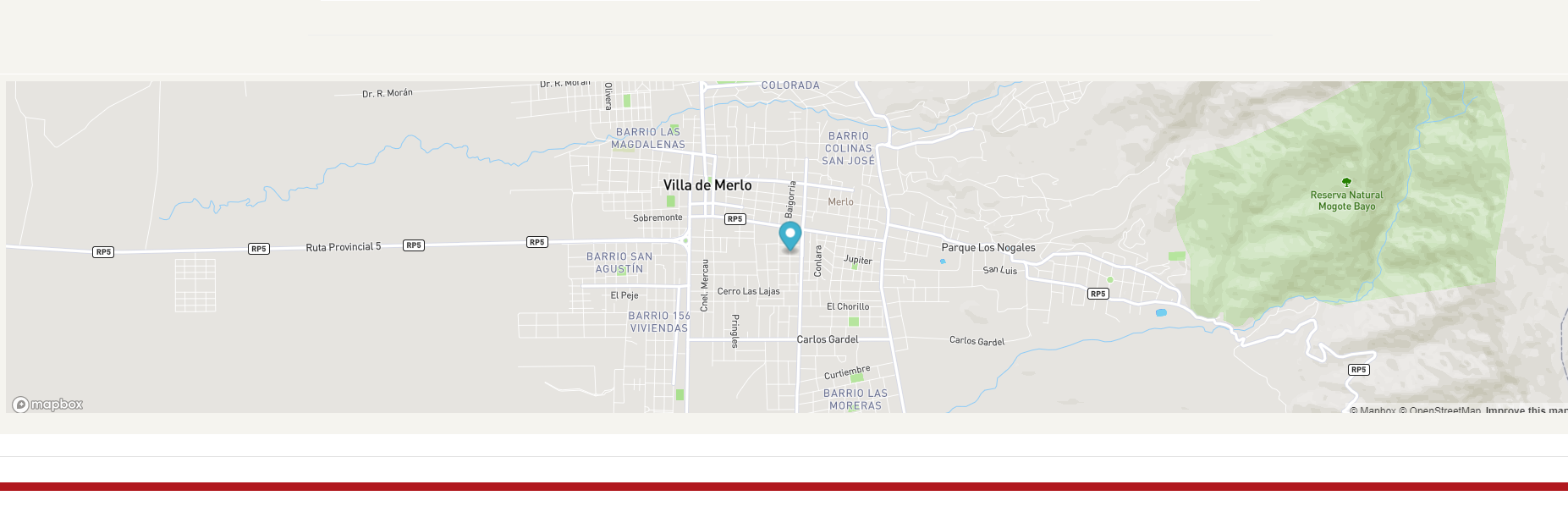
We recommend saving your username and password or sending them to websites@mapaprop.com so we can keep them for you.
Frequently asked questions
You may have a few questions. We've written them below.
?Why do you need to activate a Mapbox account?
To avoid a significant price increase in the Website Hosting service
?Why doesn't Mapaprop solve this directly?
If Mapaprop absorbed this cost, it would have to significantly raise its prices in dollars.
?Is the process easy?
It's very easy. You just create an account in a single step, copy a key called access token, and paste it into the Website Branch Configuration section of your Mapaprop account
?Can I ask for help to have it done for me?
We can't register your account on your behalf, although we can load your key. You can send it to websites@mapaprop.com indicating your internet domain.
?How do I ask for help?
You can report a problem from your Mapaprop account.
Support
⚠ If you have any difficulties with this help article, you can report a problem by clicking here
Mapaprop.com | All rights reserved | Follow us on Twitter